Gaming Keyboards with Built-In Screens and Displays
6 March 2026
Let’s admit it—gaming gear has come a long way. From basic rubber dome keyboards to sleek, mechanical ones with RGB lighting that practically scream “gamer,” we’ve seen it all. But now, there’s a new sheriff in town: gaming keyboards with built-in screens and displays. Yeah, you heard that right. Keyboards that aren’t just for typing or gaming—they show stats, stream data, even Discord messages. Sounds cool? That’s because it is.
So, if you’re the kind of gamer who wants full control without switching tabs, or if you just like shiny, techy stuff that makes your setup look next-level, buckle up. We’re diving deep into this futuristic piece of gaming hardware.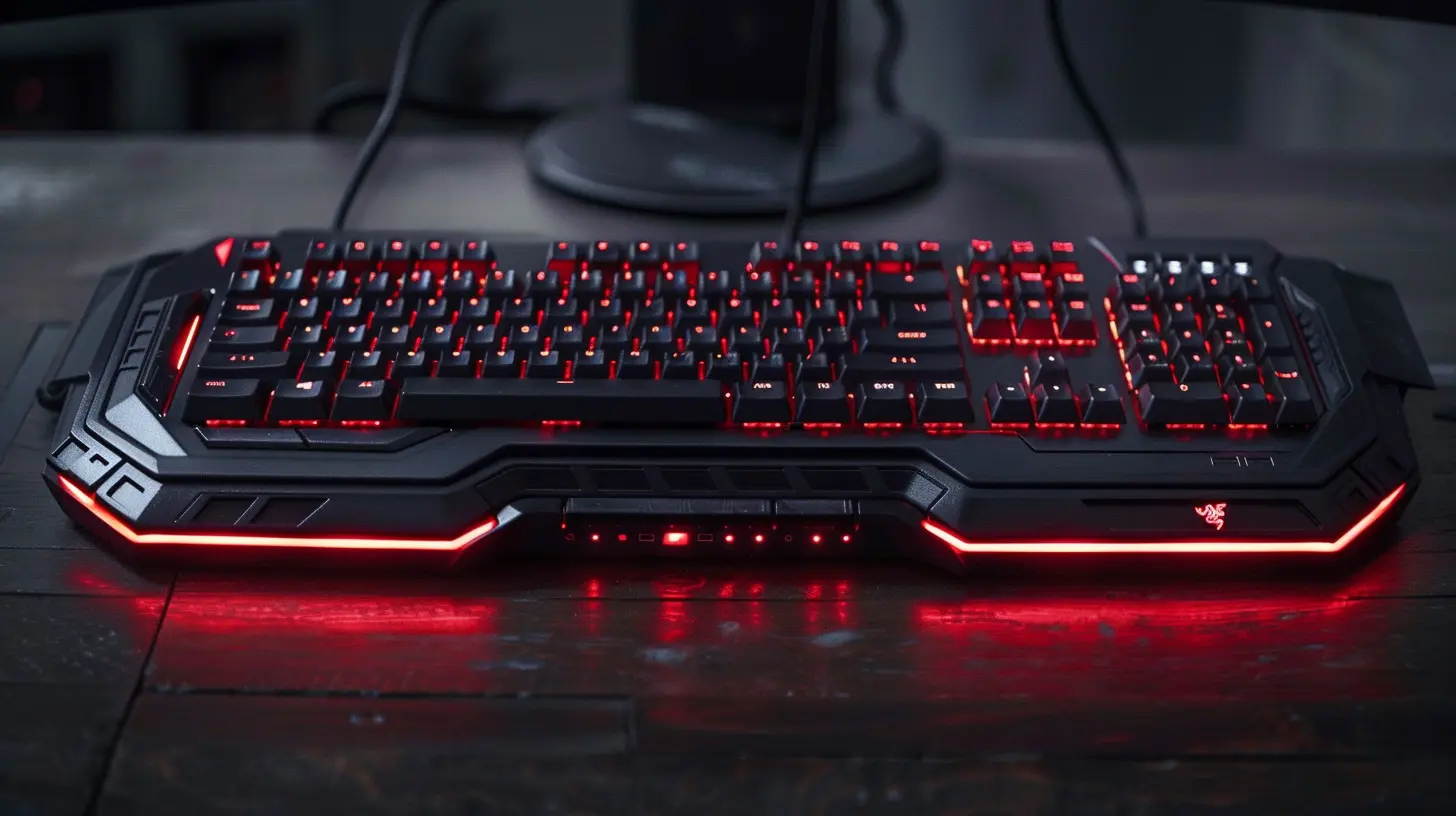
What Are Gaming Keyboards with Built-In Screens?
At first glance, these look like regular (albeit high-end) gaming keyboards. But boom—right there, above the function keys or embedded into the top right corner, is a sleek display screen. These little panels aren’t just for show. They're functional, and they can do a ton of cool things:- Display system stats like CPU and GPU usage.
- Show in-game information like ammo count or radar (depending on the game support).
- Act as a mini media controller.
- Show chat apps like Discord.
- Even play GIFs or mini videos (because why not?).
What’s the point, you ask? Convenience and immersion. It's like adding a heads-up display (HUD) to your real-world gaming rig.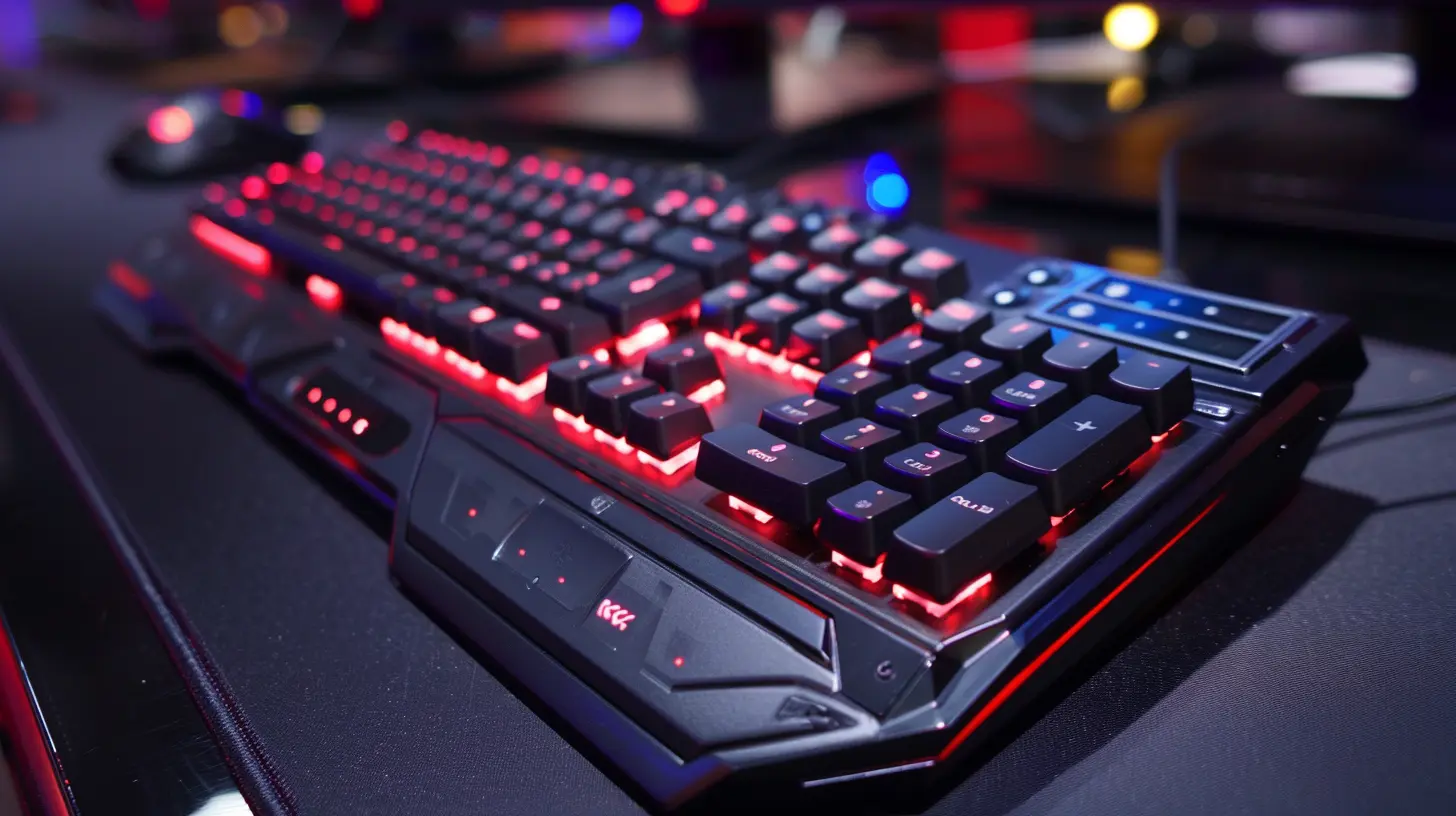
Why Should You Care?
Okay, you might be wondering—do I really need a keyboard with a screen? Well, let’s look at it this way. Gaming is about immersion and performance. A built-in screen on your keyboard gives you real-time info right where your hands are. No need to alt-tab to check Discord, your CPU temps, or what song is playing. It’s all right there.Think of it like a car dashboard. Would you drive a car without being able to see your speed or fuel gauge? Exactly. It’s not essential to move, but it’s essential to make the experience smooth, informed, and way cooler.
Top Features and Benefits
Let’s break it down. What exactly can these fancy keyboards do? Here's a rundown of the most awesome features that make them more than just eye candy.1. Real-Time System Monitoring
Ever wondered if your PC was overheating while you’re in the middle of a gaming session? With a built-in screen, you can glance down and see your CPU and GPU temps, usage stats, fan speeds, you name it. No more guesswork. No more third-party overlays cluttering your screen.2. Media Controls and Notifications
Many of these screens double as advanced media centers. You can adjust volume, skip tracks, or mute—all from your keyboard. Plus, some are smart enough to show who just messaged you on Discord or even pop up stream notifications.3. Game-Specific UI Elements
For supported games, the screen can act like a mini sidekick. Imagine seeing a real-time mini-map, skill cooldowns, or ammo counts on your keyboard screen. It feels like having your own in-game assistant.4. Profile Switching and Macros
If you love custom key binds and macros (and who doesn’t?), these keyboards can display your current profile and let you switch without fuss. Some even show the macro names for complex setups—super handy during MMO raids or strategy games.5. Just Plain Cool
And let’s not overlook the obvious—it looks badass. If you’re investing in a premium setup, a keyboard with a built-in screen is like the cherry on your RGB sundae.
Best Gaming Keyboards with Built-In Screens Right Now
Alright, let’s not just talk theory. Here are some top-tier keyboards that come with built-in displays and what makes them stand out.1. SteelSeries Apex Pro
Let’s start with a crowd favorite. The Apex Pro is known for its brilliant OLED smart display. It’s customizable, supports Discord integration, shows in-game data, and even allows app-specific notifications. Plus, it has some of the best adjustable mechanical switches in the game.What We Love:
- Crisp OLED screen.
- Real-time stat tracking.
- Sleek and durable build.
2. Asus ROG Strix Flare II Animate
This one’s for the show-offs (and we mean that in the best way). It features a unique AniMe Matrix LED display that you can personalize with animations, logos, and text. Sure, it’s more about looks, but it’s customizable and makes your rig look like something out of a sci-fi movie.What We Love:
- Crazy cool LED matrix display.
- Hardcore ROG styling.
- Great mechanical switches.
3. Mountain Everest Max
Modular. Customizable. High-end. The Everest Max is like a Swiss Army knife for gamers. And yep, it comes with a detachable media dock that has a lovely little display screen. You can monitor CPU usage, audio levels, or even set timers—all from your keyboard’s mini dashboard.What We Love:
- Modular design.
- Display dock is practical and slick.
- Hot-swappable switches.
4. Razer DeathStalker V2 Pro
Alright, this one doesn’t have a full screen per se, but it deserves a mention because of its smart use of function keys and a unique media roller with a built-in mini display. It’s futuristic, wireless, and ridiculously fast.What We Love:
- Modern aesthetics.
- Great wireless tech.
- Premium typing feel.
Are These Screens Just Gimmicks?
Good question. Here’s the thing: yes and no.If you’re only using your PC for casual gaming or typing out essays, you probably don’t need a screen on your keyboard. But if you’re serious about gaming—or streaming, or content creation—it’s not just flash. It’s functionality.
It's like buying a smartwatch. At first, you think, “Why would I need this on my wrist?” And then, a few weeks in, you’re checking texts, weather, and workouts without touching your phone. Same energy.
Ideal Use Cases
How can these keyboards fit into different setups and scenarios? Let’s lay it out:- Streamers: Keep an eye on alerts, chat, and performance stats while staying in-game.
- Pro Gamers: Monitor hardware performance without overlay distractions.
- Multitaskers: See incoming emails, messages, or Spotify tracks without switching windows.
- RGB Enthusiasts: It just looks awesome, especially with game-reactive lighting + screen combos.
What to Consider Before Buying
Not every keyboard with a screen is created equal. Here are a few things to think about before throwing your money at one.Screen Type and Quality
OLED? LED matrix? Touchscreen? Some are all about high-res displays, others more minimal. Decide if you want functional info or just aesthetic vibes.Software Support
Most of the cool stuff is only possible with software support. Make sure the keyboard comes with decent software like SteelSeries Engine, Razer Synapse, or similar. Bonus if it integrates with Twitch, Discord, or Spotify.Customization Options
Can you upload your own GIFs? Create widgets? Change what's displayed in real-time? The more customizable, the better.Budget
These aren’t your $40 office keyboards. Expect to spend anywhere from $150 to $300+ for the high-end stuff. But hey, quality and coolness rarely come cheap.The Future of Gaming Keyboards
What’s next? Honestly, it’s probably going to get even crazier. Imagine full touchscreens, secondary displays that act like stream decks, or AI-integrated keyboards that adapt to your playstyle. We’re already seeing modular designs and swappable panels—so the possibilities are huge.Eventually, keyboards might become as customizable and core to gaming setups as graphics cards or monitors.
Final Thoughts: Is It Worth It?
So, is a gaming keyboard with a built-in screen worth it? If you’re a hardcore gamer, content creator, or someone who just loves pushing the boundaries of tech—absolutely. It’s a mix of flair and function, and once you get used to having that extra layer of info at your fingertips, it’s tough to go back.Sure, it’s not a must-have for everyone. But if you’ve got the budget and the desire to elevate your setup, why not go all in?
After all, gaming isn’t just about playing—it’s about experiencing.
all images in this post were generated using AI tools
Category:
Gaming KeyboardsAuthor:

Whitman Adams
Discussion
rate this article
2 comments
Fennec Davis
Imagine a gaming keyboard that doesn’t just respond to your commands, but also reveals hidden secrets. With built-in screens, each keystroke could unlock an entirely new layer of gameplay. Are we merely tapping keys, or are we stepping into a digital realm beyond our control?
March 10, 2026 at 3:36 AM
Whitman Adams
That sounds intriguing! A keyboard that adds layers to gameplay could redefine how we interact with games, blending hardware and narrative in exciting ways.
James Kim
Keyboards with screens—because who needs a monitor when your fingers can surf the web faster than a caffeinated squirrel? Let’s see those pixelated fish swim while I frag noobs!
March 6, 2026 at 6:05 PM
Whitman Adams
Innovative idea! Built-in screens on keyboards could definitely enhance the gaming experience. Imagine the possibilities for multitasking and real-time stats!