Gaming Keyboards with the Best Software Support
21 May 2026
Let’s be real—gaming hardware is about more than just flashy lights and clicky keys. If you’re serious about your gameplay and crave out-of-the-box customization, then your keyboard software plays a much bigger role than you might think. That’s right, behind every great gaming keyboard is an even greater software suite pulling the strings.
In this guide, we're diving deep into the best gaming keyboards that offer next-level software support. We’re not just talking about macro recording or key remapping—we're getting into profiles, lighting syncs, per-game customizations, integration with other hardware, and sometimes, even custom scripting. Let’s cut the fluff and get straight to what matters: which keyboards let you tweak every tiny detail to your liking, and which ones fall short?
Why Software Support Matters in a Gaming Keyboard
Before we jump into the list, let’s lay down some basics—what actually makes software support "good" in the context of a gaming keyboard?Here’s what great software support usually includes:
- Intuitive Interface: You shouldn’t need a PhD to set up your macros.
- Macro Recording and Remapping: Essential for MMOs or intense RTS games.
- Per-Key RGB Customization: Flex those lighting muscles.
- Game Profiles: Switch settings automatically depending on the game you launch.
- Integration: Play nice with your mouse, headset, and other peripherals.
- Cloud Storage: Save profiles so they follow you, even to another PC.
Alright, now that we have the blueprint, let’s look at the keyboards that go beyond the basics and let you really take control.
1. Razer Huntsman Elite – Powered by Synapse 3
If you’ve ever used a Razer product, then you know Synapse 3 is a beast. It’s arguably the most powerful gaming hardware software out there, and the Huntsman Elite is the perfect showcase.What makes it shine?
- Advanced Macro Support: You can create macros down to the millisecond, assign them to any key, and save them per game.
- Chroma RGB Integration: It syncs with other Razer gear and even Philips Hue smart lighting.
- Hypershift Mode: Temporarily remap all keys with the press of a single button.
- Cloud & Onboard Memory: Save settings in the cloud or locally—your choice.
It's like having a command center right on your desktop. Whether you’re diving into Apex Legends or managing your digital army in Age of Empires, Synapse gives you tools to tune your setup perfectly.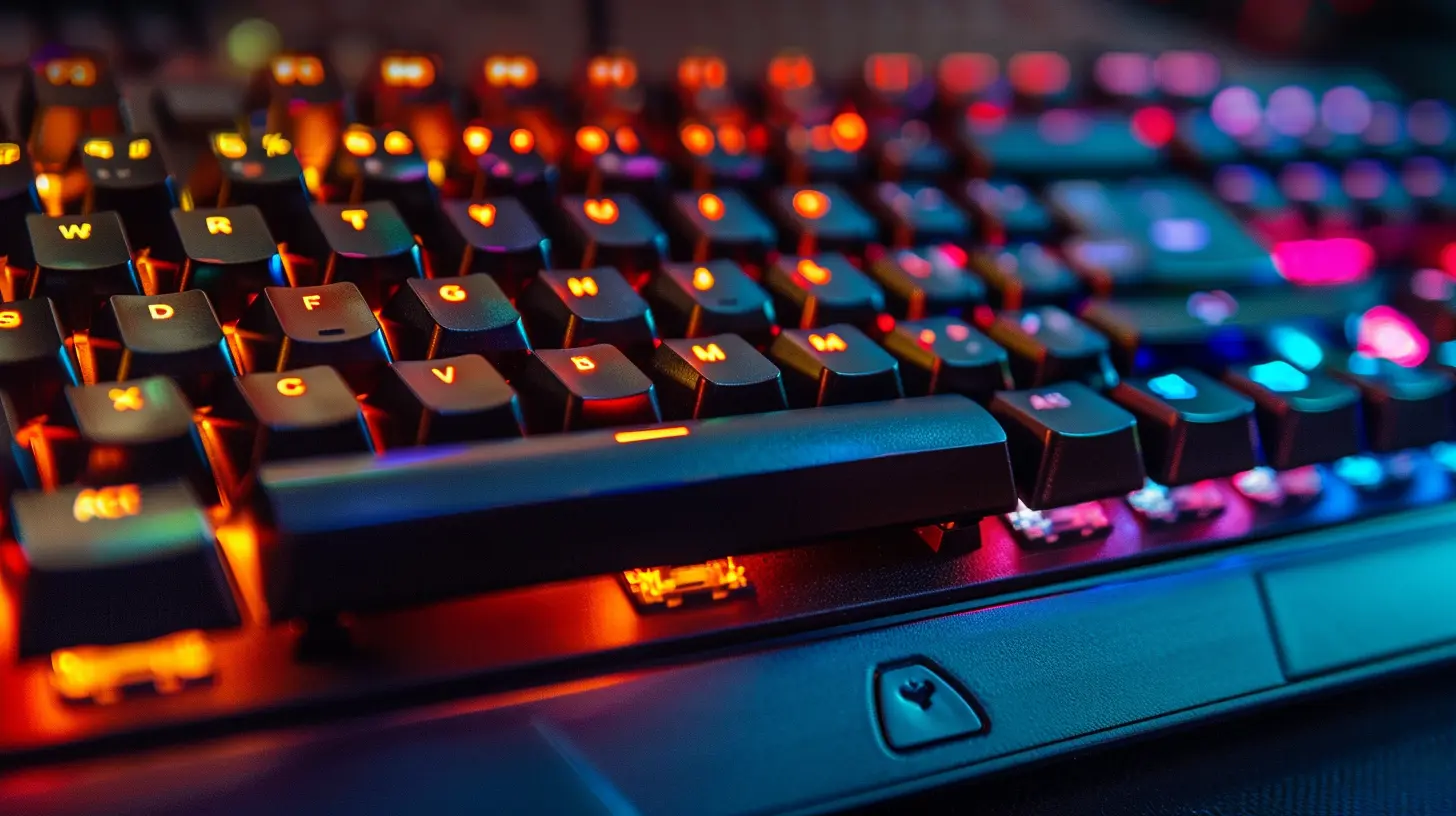
2. Corsair K100 RGB – iCUE Software Brilliance
Corsair’s iCUE software is like a digital Swiss Army knife. The K100 RGB is their flagship keyboard, and its partnership with iCUE makes it one of the most reconfigurable gaming keyboards on the planet.Here’s the software magic:
- AXON Hyper-Processing Technology: Ultra-low latency and high polling rates.
- Complex Macro Editor: Where things get nerdy—in a good way.
- Full System Lighting Sync: Sync RGB across all compatible Corsair gear.
- Elgato Stream Deck Support: Yep, you can trigger OBS scenes straight from your keyboard.
Whether you're streaming, speed-running, or just want your keyboard to flash when you get low HP, iCUE has your back.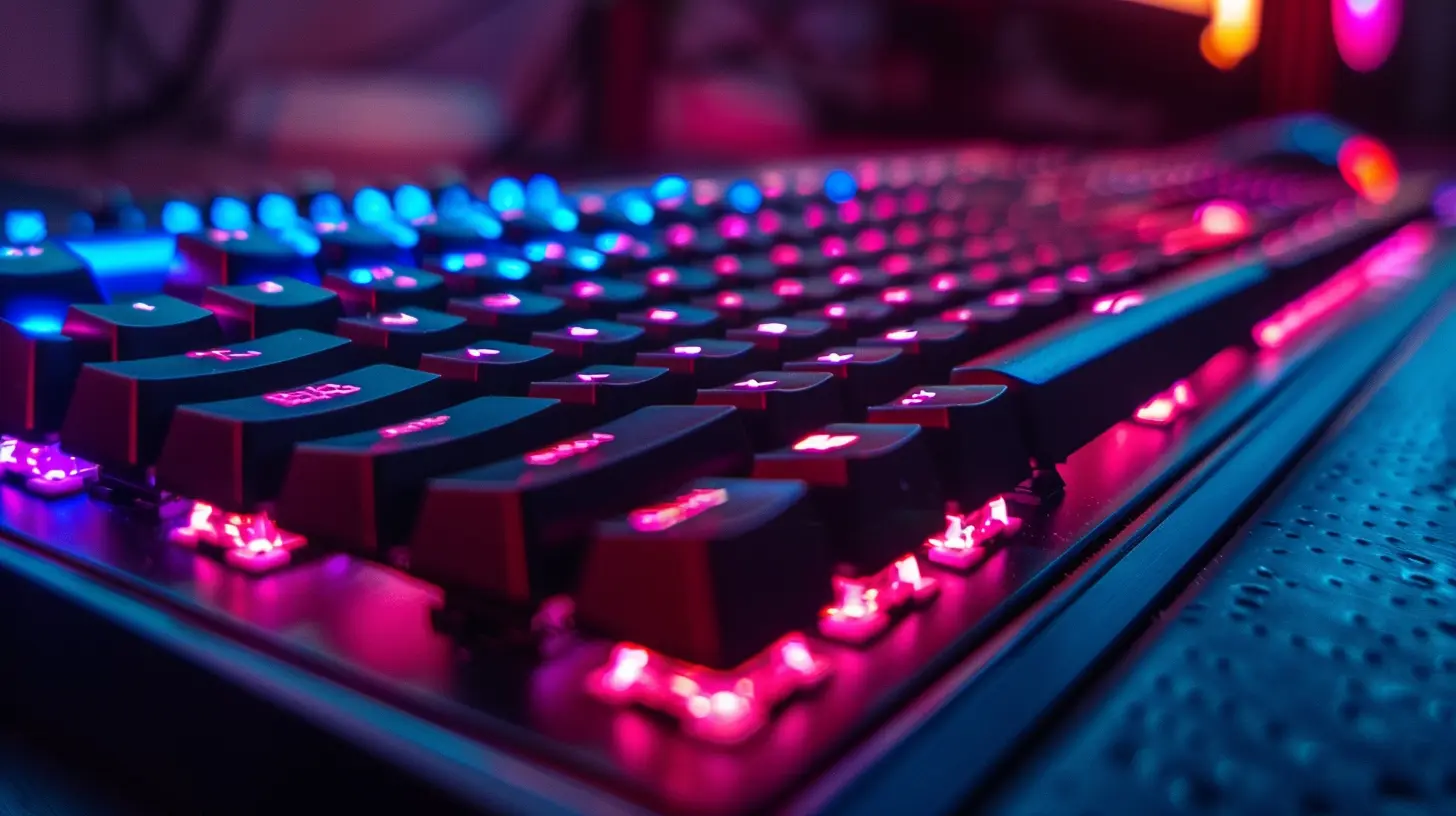
3. SteelSeries Apex Pro – With Engine 3 Software
SteelSeries takes things in a slightly different direction with their customization. The Apex Pro features adjustable actuation switches (seriously) and a killer software suite in SteelSeries Engine 3.Why it's a heavy hitter:
- OmniPoint Switch Settings: You can literally fine-tune how deep each key needs to be pressed before it activates.
- Per-Game Configurations: Auto-switch between keymaps depending on what you’re playing.
- Real-time Display on OLED Screen: Yep, a tiny display on the board for CPU stats or Discord messages.
- Integration with Third-Party Apps: Like Spotify, Discord, and even games like CS:GO.
It feels like cheating (but it’s not). You’re just customizing every single detail to match how you play—because why not?
4. Logitech G915 TKL – Controlled via G HUB
Don’t let the low-profile design fool you. The Logitech G915 TKL is a wireless mechanical marvel that’s paired with one of the cleanest and most user-friendly software tools around—Logitech G HUB.Why G HUB deserves your attention:
- Drag-and-Drop Macro and Binding System: Super intuitive.
- Game Integration: Native support for tons of popular titles.
- Onboard Profiles: Store up to 3 profiles on the board.
- Low-Latency LIGHTSPEED Wireless: Performance is never compromised.
G HUB is sleek where others are bloated. It may not be as deep as Synapse or iCUE, but it’s far more approachable—especially for newer gamers just dipping their toes into customization.
5. ASUS ROG Strix Scope RX – Armoury Crate Support
ASUS’s Armoury Crate software might not have the same brand recognition as Synapse or iCUE, but it's come a long way. The ROG Strix Scope RX shows off what Armoury Crate is capable of.What makes it special:
- Aura Sync RGB Control: Full system lighting sync with other ASUS components.
- Macro Recording and Profile Management: Straightforward and effective.
- Game Profile Linking: Auto-swap between profiles by game.
While the UI could use some polish, it does the job and plays well with your ASUS motherboard, GPU, and even fans. If you’re deep into the Republic of Gamers ecosystem, it’s the smartest pick.
6. Cooler Master MK850 – Portal Software and Aimpad Support
Cooler Master may not be the first name that pops into your head when you think of peripherals, but the MK850 is nothing short of innovative. It’s one of the very few boards that include analog input, thanks to Aimpad tech.Where the software rocks:
- Analog Control: Gradual input like a joystick—this is huge for racing games.
- Fully Customizable Macros and Layers: Great for MMO players or content creators.
- Dedicated Performance Modes: Toggle analog and digital input modes on the fly.
The Portal software may not win UI awards, but it delivers where it counts. I'd say it’s a hidden gem for people who like to experiment and push boundaries.
What Makes Software “Bad” on a Gaming Keyboard?
Let’s flip the coin for a sec. Not all software is created equal. Here’s what makes software support feel like a chore rather than a feature:- Overcomplicated UI: Too many tabs, not enough organization.
- Buggy Performance: Random crashes or failed profile saves? Big nope.
- Lack of Updates: If devs aren’t pushing updates, it gets outdated fast.
- Limited Customization: What’s the point if you can’t tweak it your way?
Avoid keyboards that look good on paper but are a nightmare to set up. Aesthetics mean nothing if you can’t program the keys the way you want.
Honorable Mentions (Worth a Look)
We couldn’t squeeze every worthy keyboard into the main list, but these deserve a nod if you’re digging around for options:- HyperX Alloy Origins – NGenuity Software: Basic but clean interface.
- EVGA Z20 – UNLEASH RGB Software: Surprisingly deep customization.
- Roccat Vulcan 121 AIMO – Swarm: Unique lighting and solid profile handling.
They might not lead the pack in software magic, but they won’t disappoint either.
Final Thoughts: Customization is King
At the end of the day, the best gaming keyboard isn’t just about how fast or quiet it types—it’s about how much control you have. That’s where dynamic, well-maintained, and feature-rich software makes all the difference. Whether you’re a pro-level gamer or a casual who loves to tinker, investing in a keyboard with top-tier software support can change the way you play.So, which one’s the best? That’s up to your needs and playstyle. Need wireless convenience with easy setup? Go for the G915. Wanna go full nerd-mode with macros and RGB galore? Grab the K100 or Huntsman Elite. The beauty is—you’ve got options.
Just don’t settle for a keyboard with a fancy shell and empty software. You deserve more.
all images in this post were generated using AI tools
Category:
Gaming KeyboardsAuthor:

Whitman Adams
Discussion
rate this article
1 comments
Madison Stewart
If your keyboard's software isn't top-notch, you might as well be gaming on a potato!
May 22, 2026 at 4:31 AM
Whitman Adams
True! Good software makes all the difference in performance and customization. A great keyboard isn't just about hardware.