How to Choose the Right Gaming Keyboard for Your Setup
14 August 2026
Alright, gamer — let’s talk about one of the most underrated weapons in your battlestation arsenal: your gaming keyboard. Yep, that clicky glorified typewriter you mash while fragging noobs or speedrunning through quests? It matters. A lot.
If you've ever wondered why your squadmate always seems to pull off those lightning-fast headshots or macro-heavy combos like a wizard on Red Bull, chances are, they’ve got the right gear. And that starts with a keyboard that doesn’t just light up like a rave but actually works for your playstyle.
So, buckle up — we’re diving fingers-first into the glorious world of gaming keyboards. I’ll guide you through everything you need to know about making the right choice without frying your brain with jargon. Just good ol’ gamer-speak, sass included.
Mechanical vs. Membrane Keyboards: The OG Showdown
Before we even talk RGB and macros, you’ve gotta pick your team. Mechanical or membrane? Sounds fancy, but here’s the lowdown:? Mechanical Keyboards: The Tank
Mechanical keyboards are the beefcakes of the keyboard world. Every key has its own switch underneath. That means faster responses, tactile feedback (click-clack heaven!), and serious durability.Pros:
- ? Super responsive (great for FPS games)
- ? Satisfying key feel (you’ll know when you press it)
- ? Long lifespan (we're talking millions of keystrokes)
Cons:
- ? Not the quietest (your roommates will hate you)
- ? Can be pricey
? Membrane Keyboards: The Softie
Membrane keyboards are the cheaper, quieter cousins. They use pressure pads and electrical contacts. Think gentle keystrokes, less noise, and affordability.Pros:
- ? Budget-friendly
- ? Quiet
- ? Slim and lightweight
Cons:
- ? Slower key response
- ?♂️ Mushy key feel
- ? Not so durable
Bottom Line: If you're a serious gamer or just love your senses tickled every time you press a key, mechanical’s the way to go. Otherwise, membrane can still handle casual gaming without gutting your wallet.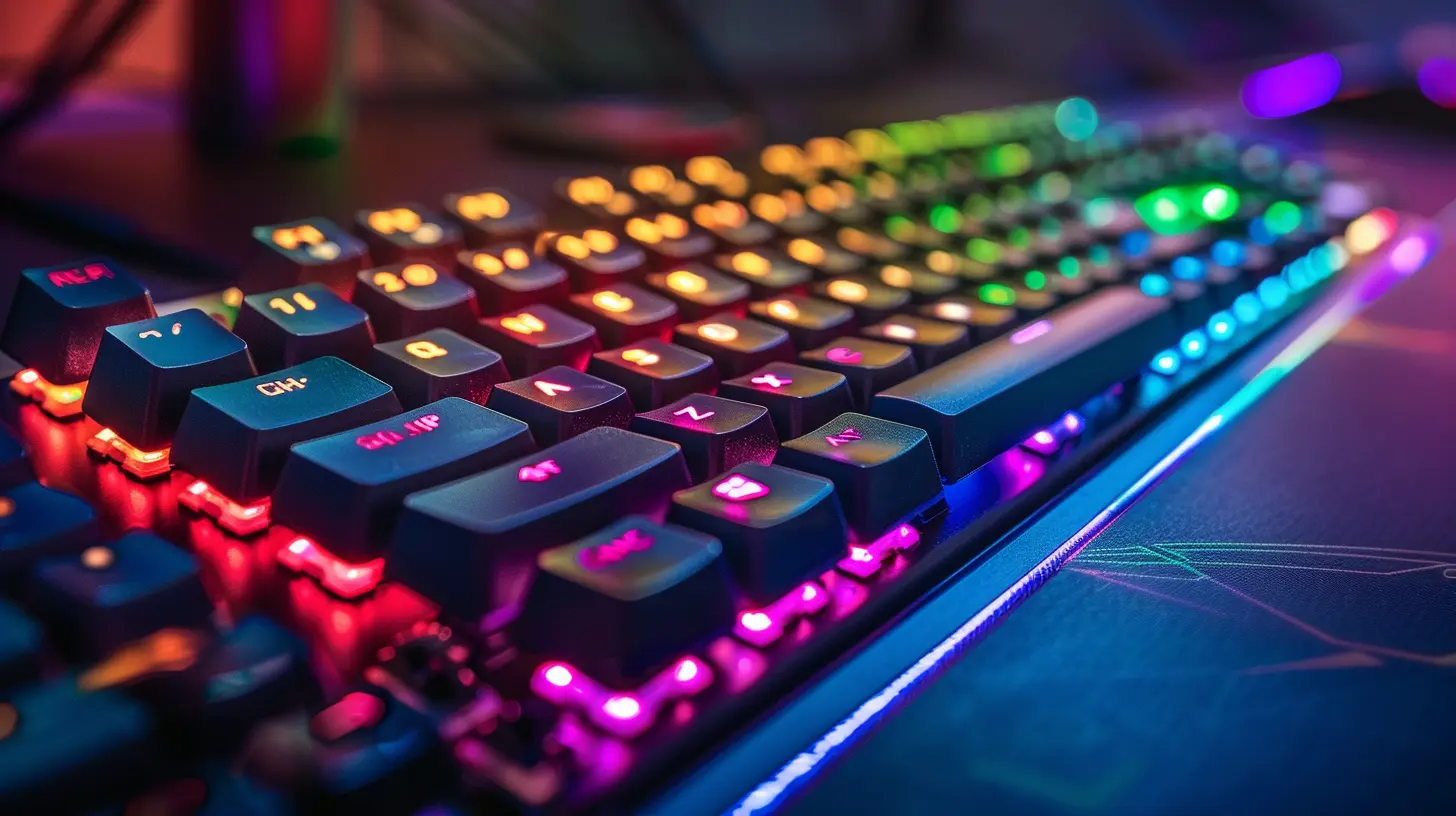
Switch It Up: Understanding Mechanical Switch Types
Okay, if you’ve chosen mechanical (good call, legend), you’re about to face the keyboard version of Hogwarts house sorting: choosing your switch type.Not all switches are created equal — some are loud and clicky, some are smooth and silent. Let’s break down the big three:
? Blue Switches – The Clicky Kings
- Clicky with a tactile bump- Loud AF (seriously)
- Great for typing and casual gaming
Ideal for: Gamers who love audible feedback. Just don’t bring it to the office. Ever.
? Red Switches – The Smooth Operators
- Linear and quiet- No tactile bump, just smooth travel
- Great for fast-paced gaming
Ideal for: Competitive FPS players and anyone who wants lightning-fast response.
? Brown Switches – The Middle Ground
- Slight tactile bump, but quieter than blue- The best of both worlds
- Good for typing and gaming alike
Ideal for: All-rounders who want versatility.
Want to really level up? Look into optical or hot-swappable switches. But hey, we’re keeping it beginner-friendly here.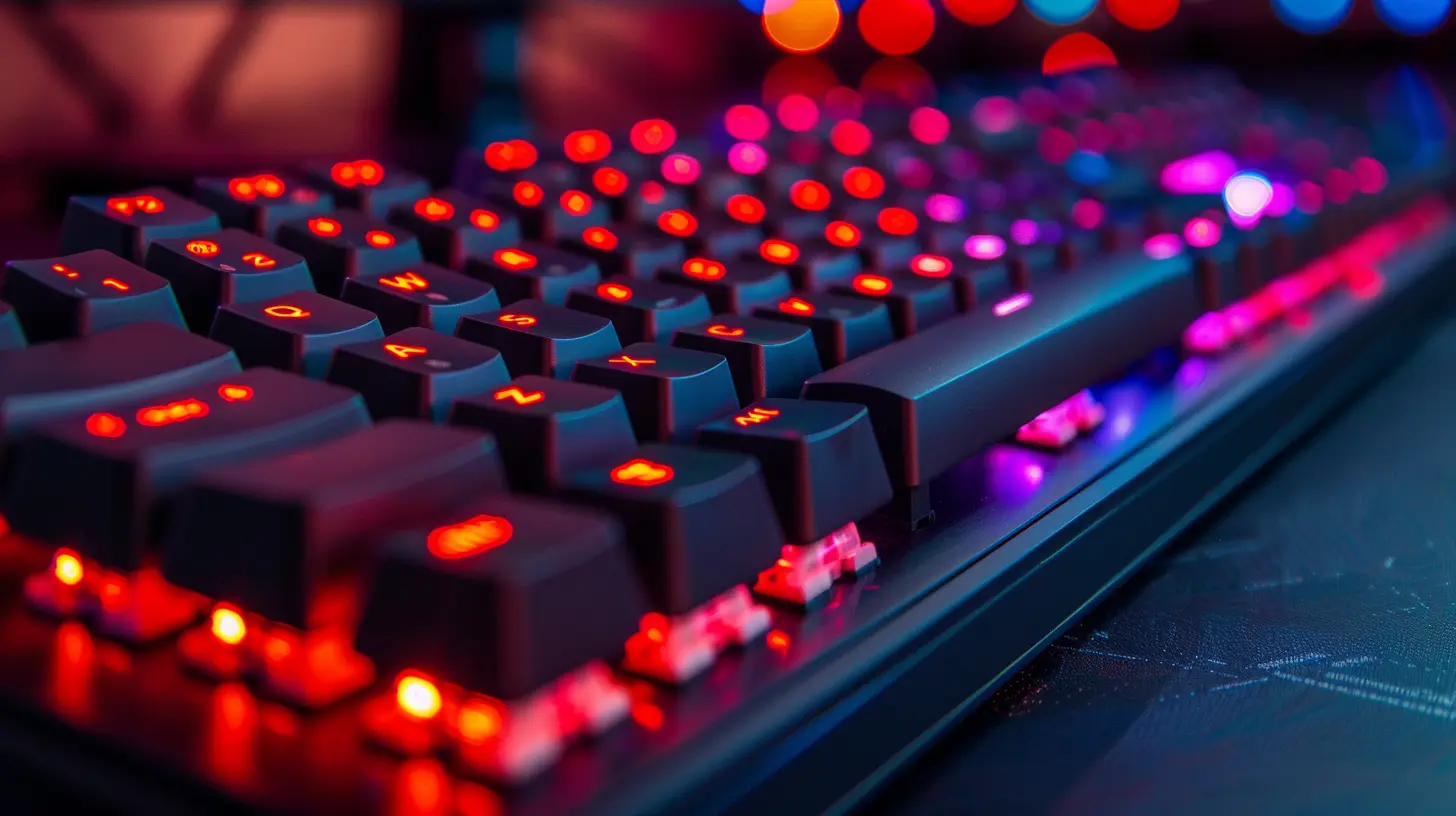
Size Matters: Full, Tenkeyless, or 60%?
Yeah, size does matter—and don't let anyone tell you otherwise. The size of your keyboard affects your desk space, mobility, and even how comfortable your hands feel during long sessions.? Full-Size Keyboards
- Has number pad, function keys, and arrow keys- Best for MMO, RPG, and productivity
Downside: Eats up desk space like a snack.
? Tenkeyless (TKL)
- No number pad, but keeps function and arrow keys- Compact and still practical
Sweet spot for most gamers — you get what you need, minus the extra bulk.
? 60% or 65%
- Super compact- No function row, no number pad, sometimes no arrows
For the pros or minimalists: Great for FPS or if you want space for nasty mouse flicks.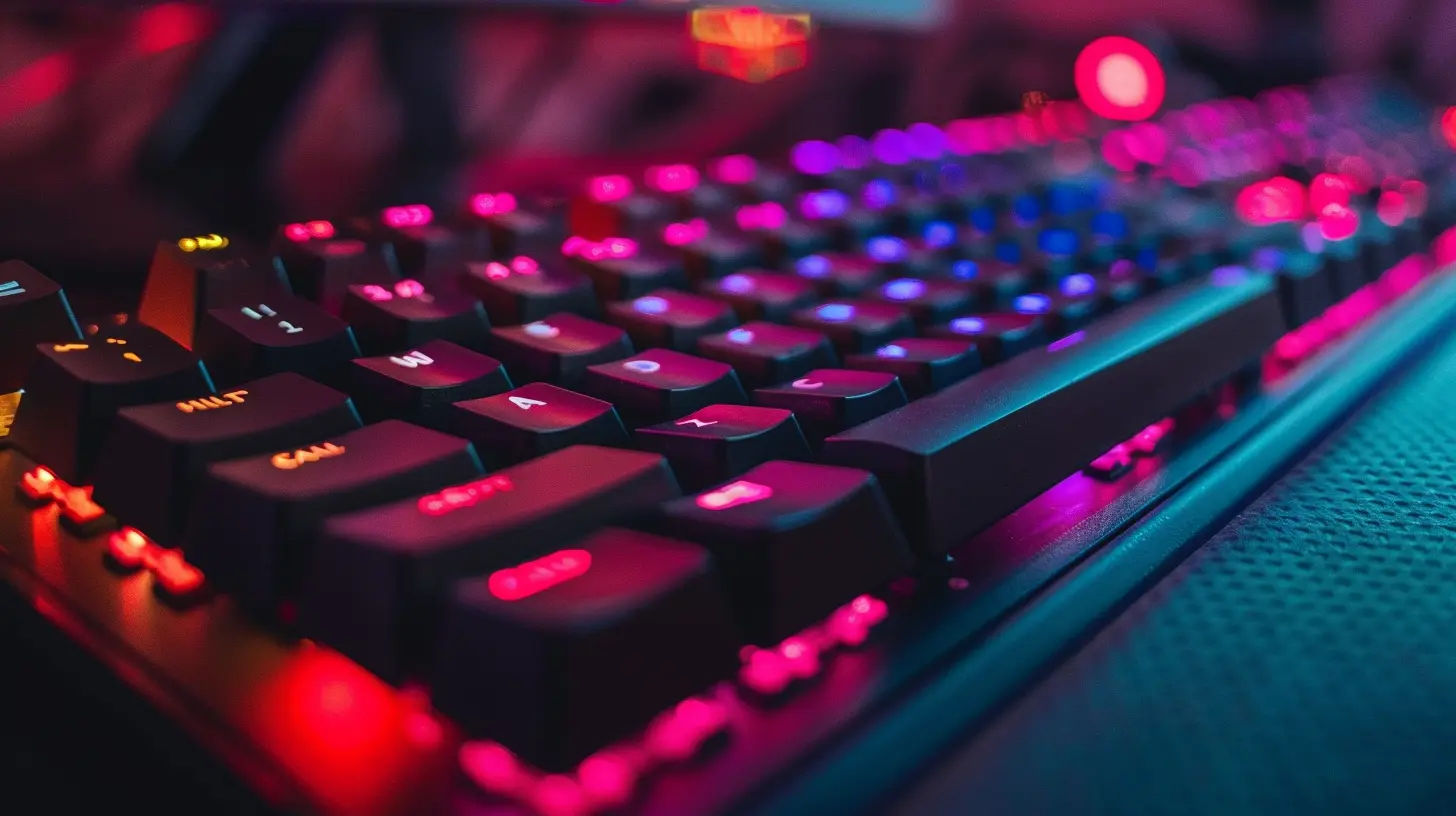
RGB: Pure Hype or Pure Gold?
Okay, real talk: RGB might not make you game better... but it feels like it does. And let’s be honest, a sick rainbow wave effect while you’re clutching a 5v1? Chef’s kiss.But there’s more to it than pretty lights.
Why RGB Might Actually Matter:
- ? Helps in low-light setups- ⚙️ Custom lighting profiles can highlight keybinds
- ? Just looks darn cool
Some keyboards come with basic lighting (single color or zone lighting), while premium ones offer full per-key RGB customization synced with your game. Want your keyboard to bleed red when you’re low on health? You can do that.
Back to Basics: Wired vs. Wireless
Here’s a debate hotter than the League of Legends subreddit: wired or wireless?? Wired Keyboards
- No input lag- No charging required
- Reliable AF
If you're going competitive, don't even look at wireless. Wired is rock solid.
? Wireless Keyboards
- Clean setup aesthetic- More mobility
- Improving tech (but still, slight lag in budget models)
Look, if you’re a casual gamer or hate cable clutter, go wireless. Just don’t forget to charge... mid-battle battery deaths are tragic.
Bonus Features That’ll Make You Drool
Let’s sprinkle some sugar on top. These are the extra features that separate basic boards from the elite class.? Dedicated Macro Keys
Customize combos, build loadouts, or spam emotes faster than ever. A must-have for MMO players.? USB Passthrough
Plug your headset, mouse, or even your phone charger right into your keyboard. Super convenient.? Detachable Wrist Rest
Your wrists will thank you after a 6-hour raid.? Adjustable Feet or Height
Because comfort is king. Or queen. Or whatever royal entity you prefer.Set Your Budget, But Set It Right
Now, I know what you're thinking: "Do I have to sell a kidney to get a good keyboard?" Nope.Here’s the real deal:
- ?Under $50: Mostly membrane, some entry-level mech boards
- ?$50-$100: Solid mechanical keyboards, decent RGB, good switches
- ?$100-$200: Premium builds, full RGB, lovely features
- ?$200+: You’re in pro territory now, my friend
Spending more doesn’t always mean better performance — it just means more features and flash. Know what you actually need before breaking the piggy bank.
Match it With Your Setup
Sure, you could just plop any old keyboard on your desk and call it a day. But if you’re going full gamer-mode, make sure your keyboard vibes with your setup.? Aesthetic Cohesion
Got a black-and-red rig? Don’t get a neon pink keyboard (unless you’re into that!). Match it up, baby.?️ Desk Real Estate
Small desk? Maybe skip the full-size beast and grab a TKL or 60%.?️ Other Gear Compatibility
Some keyboards play nice with software like Razer Synapse or Logitech G-Hub, syncing your lighting and macros across devices.Brand Shmand – But Also Kinda Important
Brand loyalty isn’t everything, but when it comes to support, warranty, and software upgrades, big names usually deliver.Top Gaming Keyboard Brands (That Don’t Suck):
- Corsair- Logitech
- Razer
- SteelSeries
- Ducky
- ASUS ROG
- HyperX
Pick one that's reputable, well-reviewed, and doesn’t ghost on you (literally or metaphorically).
TL;DR — Your Sassy Keyboard Shopping Checklist
Alright, let’s recap this like a speedrun:✅ Mechanical or membrane?
✅ What switch feel do you love? Clicky, smooth, or tactile?
✅ Full-size, TKL, or 60%?
✅ RGB gotta glow or nah?
✅ Wired for precision, wireless for freedom?
✅ Bonus features—yes please or meh?
✅ What’s your budget?
✅ Does it match your setup?
✅ Is the brand trustworthy?
Nail these questions, and you’ll find your perfect match faster than a no-scope headshot.
Final Thoughts
Choosing the right gaming keyboard isn't rocket science—it’s personal. It’s about comfort, performance, and yes, a good dose of sass and sparkle. You want something that feels like an extension of your fingers, not a clunky obstacle between you and total domination.So whether you're a casual weekend warrior or a full-blown competitive demon, your keyboard should make you feel unstoppable. Choose wisely, and let those keycaps sing under your fingertips.
Now get out there and slay, you glorious keyboard enthusiast.
all images in this post were generated using AI tools
Category:
Gaming KeyboardsAuthor:

Whitman Adams