How to Customize Macros for In-Game Advantage
13 December 2025
Ever felt like your fingers can't keep up with the in-game chaos? You're not alone, gamer. Whether you're trying to pull off a crazy combo in a fighting game or juggle multiple commands in an RTS, your reaction time and muscle memory can only take you so far. That’s where macros come in — a total game-changer when used right.
In this guide, we'll talk about how to customize macros for in-game advantage, in a way that's beginner-friendly but still meaty enough for the seasoned players. So grab your energy drink, kick back, and let's dive in. 🎮
🧠 What Are Macros Anyway?
Let’s break it down.Macros are basically a set of instructions bundled into one command. Instead of pressing five keys in sequence to perform some complex skill combo, you press one key and boom — the game thinks you just performed a high-level action like a boss.
Think of macros like cheat codes you build yourself (but don't panic — they’re legal in most cases, unless you’re playing super-competitive games where rules are tighter than a loot box’s drop rate). 
🎮 Why Use Macros in Games?
Okay, so what's the point?Here’s why macros rock:
- Speed: Execute complex commands faster than your opponents even blink.
- Consistency: No misclicks. No fumbled buttons. Just clean execution.
- Efficiency: Less stress on your hands, especially in games with repetitive actions like MMOs or farming simulators.
- Customization: Tailor them perfectly to your play style.
You don’t have to be a pro to appreciate the edge macros give. Even casual players notice the difference.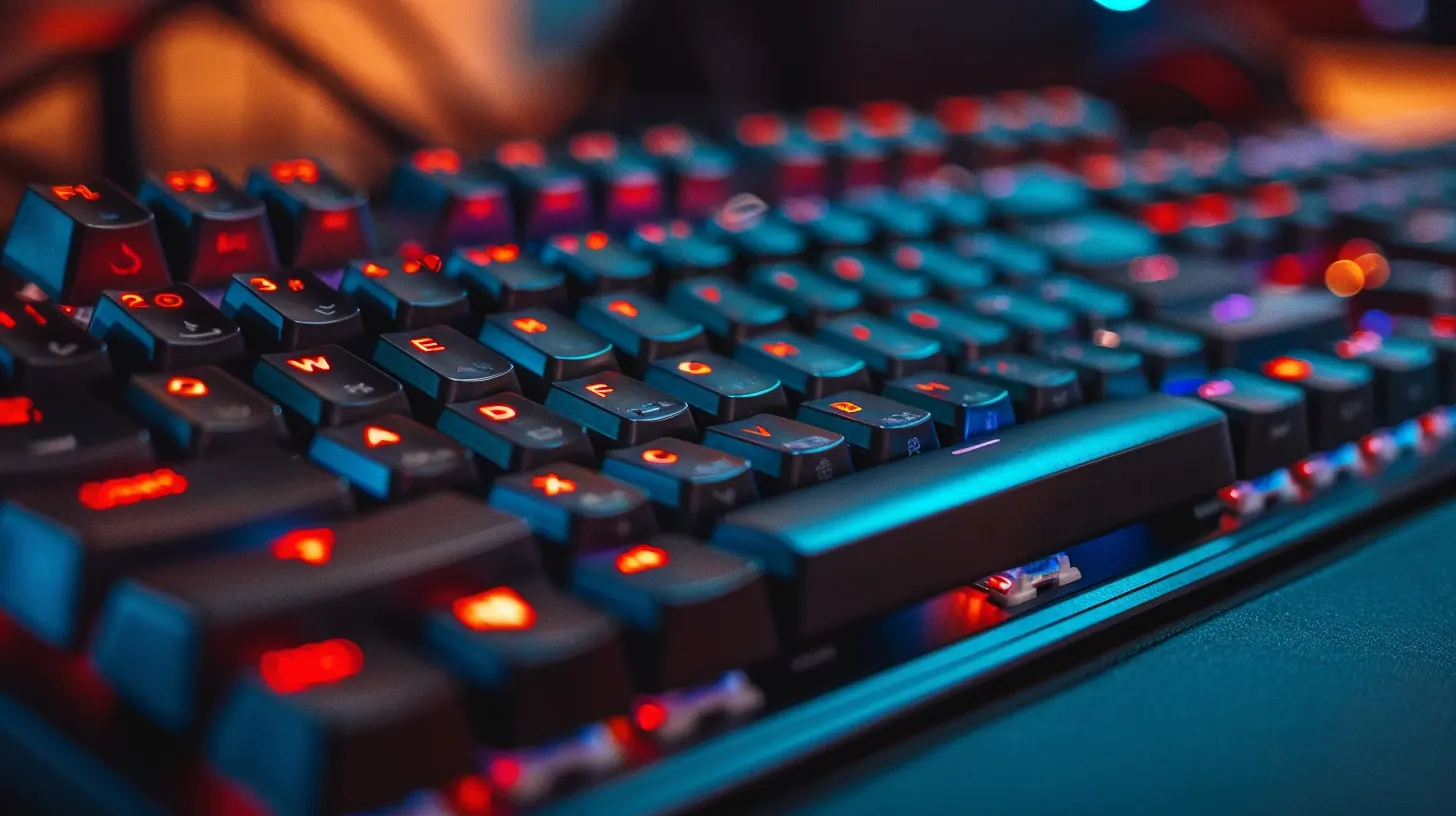
🧰 Tools You’ll Need to Create Macros
Before you get wild with your keyboard shortcuts, you’ll need the right gear and software. Here's your macro toolkit:1. Gaming Mouse or Keyboard with Macro Support
Look for hardware from brands like:- Razer
- Logitech
- Corsair
- SteelSeries
These companies often include macro managers with their gear.
2. Macro Software
If your hardware doesn't come with its own app, try these:- AutoHotKey (Windows) – Super customizable, but more coding-focused.
- Pulover’s Macro Creator – A graphical interface for AutoHotKey.
- TinyTask – Very simple, records your actions.
- Keyboard Maestro (Mac) – Mac user? This one’s fantastic and user-friendly.
🔧 How to Customize Macros: Step-by-Step
All set with your hardware and software? Awesome. Let’s create your first macro and customize it to work like a charm in-game.Step 1: Identify What You Want to Automate
First, pick a task or combo you perform often.Examples:
- A 3-button fighting combo (e.g. punch → kick → special move).
- Crafting routine in an MMORPG.
- Farming sequence in a simulator game.
- Weapon reload + jump for glitch hopping in shooters.
Ask yourself — what kills your timing or bores you to death? That’s your macro target.
Step 2: Open Your Macro Software
Let’s say you’re using Razer Synapse or Logitech G HUB. Here’s the usual flow:- Launch the app.
- Select the device you want to set the macro on.
- Click on the Macros tab.
- Create a new macro.
- Choose to record keystrokes, mouse clicks, or both.
Most programs allow you to insert delays between actions. This is gold when you're trying to mimic real human input and avoid detection (especially in online games where automation rules are strict).
Step 3: Record or Input Commands
You’ve got two options:- Record live: Press record and perform the action. The software logs your keys.
- Manual input: Type in each action and delay manually. More precise, more control.
Add delays strategically! Fast isn't always best. Some games rely on timing, so test and tweak.
Step 4: Assign the Macro to a Key or Button
This is the fun part. Tie your macro to:- A mouse button
- A keyboard key
- A combination (e.g. Shift + Scroll Up)
Test it out and see how it flows in-game. Is it smooth? Too fast? Tweaking is part of the game!
🧠 Pro Tips for Using Macros in Games
Macros can make you feel like a digital ninja, but only if you use them smartly. Avoid these common pitfalls:✅ DO:
- Test thoroughly before using in actual gameplay.- Tweak delays to match game mechanics.
- Assign macros to comfortable buttons (nothing worse than reaching across the keyboard for a crucial command).
- Use macros for quality-of-life improvements, like inventory sorting or quick chat commands.
❌ DON'T:
- Abuse macros in competitive multiplayer if it’s against the game's terms. You risk a ban.- Rely entirely on macros — skill still matters!
- Ignore the game’s anti-cheat rules. Always check if macros are allowed.
🎯 Game Genres Where Macros Shine
Let’s be honest, some games just beg for macros. Here’s where they really flex:🔫 First-Person Shooters (FPS)
Think rapid-fire macros for semi-auto guns, or crouch-jump chains in games like Apex Legends or Valorant. Just make sure they don’t break the rules.🕹 Fighting Games
You can bind multi-button combos to a single key. Perfect for casual play or training.⚔️ MMORPGs
Grinding mobs? Crafting dozens of potions? Macros make your life way easier. Automate those grindy skills with one click.🏗 Simulation & Sandbox Games
Farming, mining, sorting items — automate the boring stuff. Especially in games like Minecraft modpacks or Factorio.🛡 Are Macros Considered Cheating?
Ah, the gray area. The answer? It depends.✔️ Generally allowed:
- Single-player games (you make the rules).- Quality-of-life macros in online games.
- Replaying your own inputs (not bots).
❌ Often against the rules:
- PvP macros in competitive games.- Macros that automate gameplay entirely (AFK farming, auto-aim, etc).
- Anything that mimics bot-like behavior.
Always check a game's Terms of Service or community guidelines. If it feels like you’re gaining an unfair edge, it probably breaks a rule.
Pro tip: If a game has an “anti-cheat” system like VAC or BattleEye, be extra cautious before using macros.
🔄 Examples of Useful Macros You Can Try Today
Here are some simple macros to start with:1. Farming Clicker Macro (For Idle Games or MMORPGs)
- Auto-click every 5 seconds- Wait for animation
- Repeat until turned off
2. Inventory Sorter (Minecraft)
- Shift click items in a row into storage- Wait 0.25 seconds between clicks
3. Crouch-Jump Macro (FPS Games)
- Press crouch + jump at once- Add a 0.15 sec delay
- Repeat for seamless movement jumps
4. Easy Combo Macro (Fighting Games)
- Light punch → heavy punch → special move- Add short delays
- Assign to mouse side button
Confession time: once you’ve tried quality macros, you’ll want them everywhere – even for opening apps or typing your email address.
🧪 Best Practices: Testing & Tuning Your Macros
Don’t just set and forget. Test them!- Try in practice mode or a sandbox environment first.
- Adjust timings if things feel off.
- Save different versions for different playstyles.
- Use toggles or “hold to activate” macros for better control.
🧩 Advanced Macro Tips
Want to go next-level? Here’s how:1. Context-Sensitive Macros
Use software like AutoHotKey to make macros adjust based on what’s happening in-game. For example, use macros only when your health is below a certain point or when a specific window is open.2. Multi-Key Bindings
Combine two or more keys to execute different macros. For example, shift + side mouse for healing, alt + side mouse for buffs.3. Looped Macros
Set up a loop that runs a series of actions until you stop it. Great for auto-mining or fishing in casual games.🧼 Stay Safe: Avoiding Bans with Macros
Macro software is powerful, but it can walk a fine line. Here’s how to stay out of the danger zone:- Never run macros in competitive matches unless it’s explicitly allowed.
- Avoid loops that mimic AFK farming in online games.
- Keep delays human-like. Don’t go full robotic.
- Disable macros when not in use.
When in doubt? Ask around in online forums or subreddits. The community’s got your back.
🚀 Final Thoughts
So, should you use macros in games? Heck yeah — if you use them responsibly and creatively. They're not about cheating your way to the top. They're about enhancing your gaming experience, shortening tedious tasks, and letting you focus on what actually matters: pure, unadulterated fun.Remember: the best macro setup is the one that adapts to YOUR style. Experiment, tweak, fail, try again — that’s the real game.
Happy macro-ing!
all images in this post were generated using AI tools
Category:
Gaming KeyboardsAuthor:

Whitman Adams
Discussion
rate this article
3 comments
Ruby Baxter
Customizing macros can significantly enhance gameplay by streamlining complex actions into a single key press, allowing for quicker responses and improved efficiency. However, players should balance automation with skill, ensuring that mastery of the game remains at the forefront of their gaming experience.
April 22, 2026 at 4:31 PM
Whitman Adams
Absolutely, macros can boost efficiency, but it's crucial to maintain your skills. Finding that balance keeps the game enjoyable and engaging.
Roxie Baker
Customizing macros is a game-changer for enhancing your performance. With the right setup, you can maximize efficiency and gain a crucial edge over your opponents. Don't underestimate the power of personalized macros—invest the time to tailor them for your unique playstyle and dominate the competition!
December 14, 2025 at 4:19 PM
Whitman Adams
Absolutely! Personalized macros can significantly enhance gameplay by streamlining actions and improving efficiency. Taking the time to customize them for your unique style is essential for gaining that competitive edge.
Jillian McCray
Great tips on optimizing macros for enhanced gameplay! Customization can truly elevate your gaming experience.
December 13, 2025 at 5:18 PM
Whitman Adams
Thank you! I'm glad you found the tips helpful. Customizing macros can really make a difference in gameplay!