Mechanical Switch Sounds: A Guide for Gamers
11 May 2026
When it comes to gaming, most of us obsess over things like GPU power, monitor refresh rates, and RGB lighting. But what about your keyboard? More specifically—the sound your keyboard makes when you press a key.
Yeah, we’re talking about mechanical switch sounds. And believe it or not, the sound your keyboard makes can totally impact your gaming experience—either by immersing you deeper into the action or driving you (and everyone around you) insane.
So, let’s pop that keycap off and dive right into the fascinating—and surprisingly satisfying—world of mechanical switch sounds.
? Why Do Mechanical Switch Sounds Even Matter?
Imagine this: You’re deep into an intense game of Call of Duty, making those clutch plays, and all of a sudden... click-clack, click-clack, every keypress is echoing through your headset. Distracted? Probably. Annoyed? Definitely.But wait—what if that sound actually motivates you? What if it gives you tactile feedback that makes your movements feel more precise and deliberate?
That's the power of mechanical switch sounds. They're not just noise—they’re audible feedback loops that can impact your focus, performance, and overall vibe while gaming.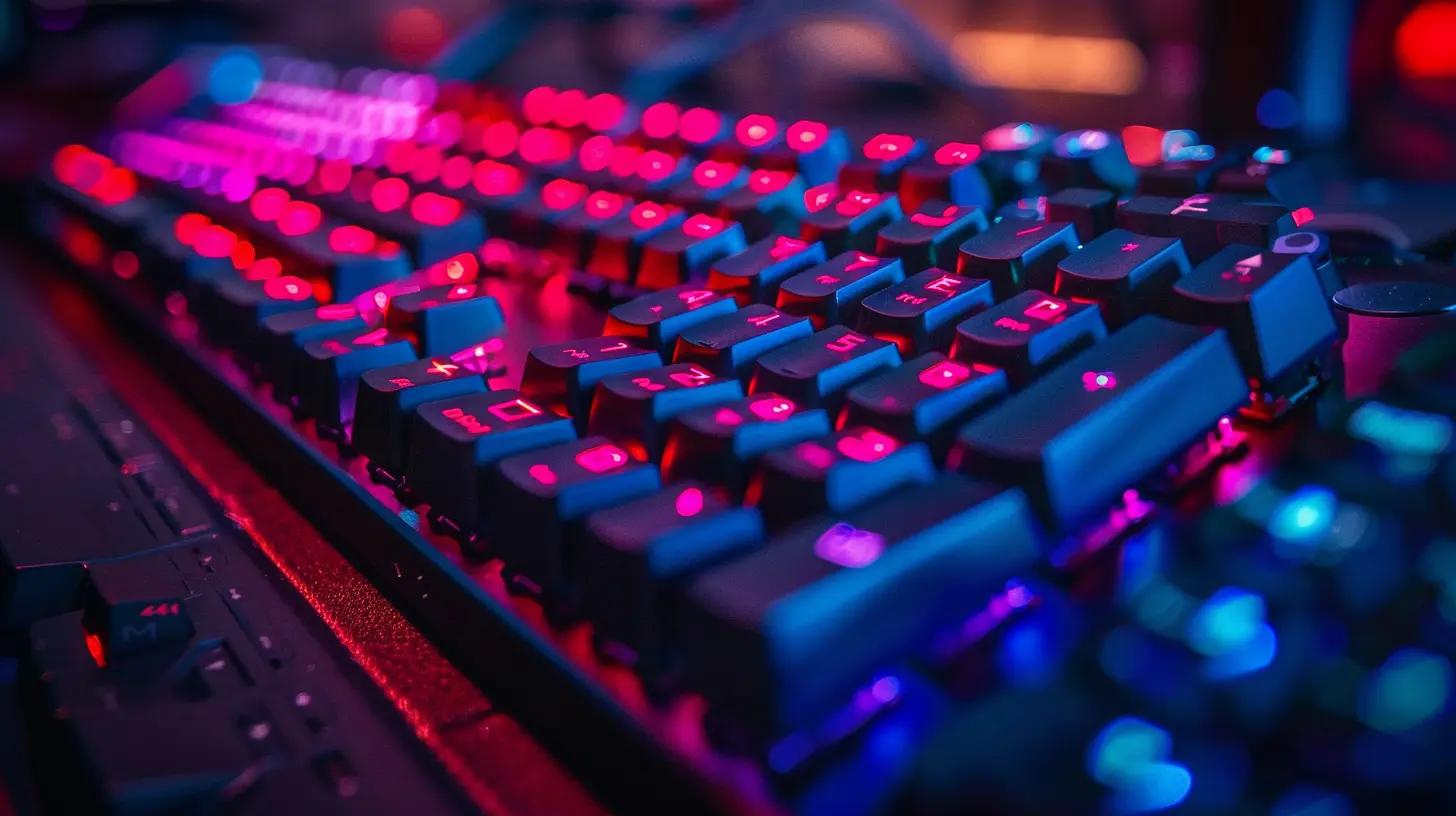
? The Psychology Behind Key Clicks
Ever wonder why some gamers swear by clicky switches like they’re some kind of gaming performance drug? It’s partly psychological.That click sound is a form of feedback. When your brain hears it, it registers that your input was successful. It’s like your keyboard is giving you a high-five every time you press a key. This can actually help with reaction speed, typing accuracy, and your sense of rhythm while gaming.
Plus, there's just something oddly satisfying about hammering away on a keyboard that makes you feel like you're typing the next best-selling novel—even if you're just trash-talking in chat.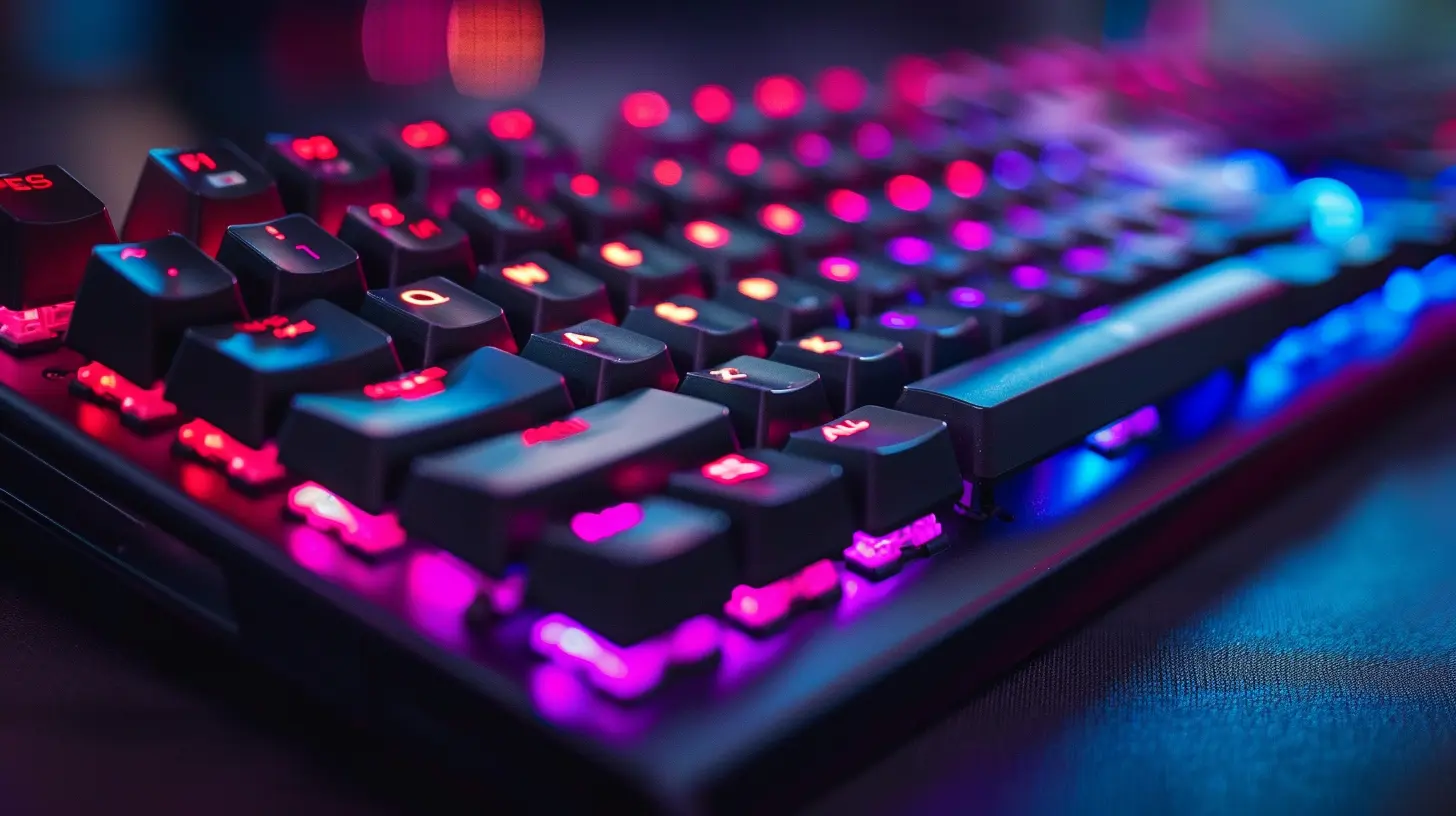
? Breaking Down Mechanical Switch Types by Sound
Alright, let’s get into the nitty-gritty. There are basically three main categories when it comes to mechanical switches, each with its own unique sound profile:1. Clicky Switches (aka The Loud Ones)
- Examples: Cherry MX Blue, Razer Green- Sound: Loud, crisp "click"
- Feel: Tactile bump with audible feedback
These are the diva switches. They're LOUD and proud. If you're someone who gets a kick out of every key press—and doesn't mind announcing each one to your whole Discord server—clicky switches might just be your jam.
They’re great for tactile feedback and typing accuracy, but not so great if your mic picks up every click during a heated Apex Legends match. (Pro tip: Maybe mute yourself between rounds ?)
2. Tactile Switches (The Balanced Middle Ground)
- Examples: Cherry MX Brown, Zealios V2- Sound: Moderate noise level, “bump” sound
- Feel: Tactile bump without the loud click
Tactile switches are like the Goldilocks of mechanical keyboards—not too loud, not too quiet, just right.
You still get that satisfying feedback, but without waking up the whole house. They’re ideal for gamers who need precision but want to keep things more low-key (pun intended).
3. Linear Switches (The Silent Assassins)
- Examples: Cherry MX Red, Gateron Yellow- Sound: Quiet and smooth with no tactile bump
- Feel: Consistent and smooth from top to bottom
Linear switches are the keyboard ninjas. They glide silently across the keys, making the least amount of sound possible.
If you value speed and silence during your gaming sessions, these should be on your radar. Pro gamers love them for fast-paced games like Valorant or CS:GO, where every millisecond matters.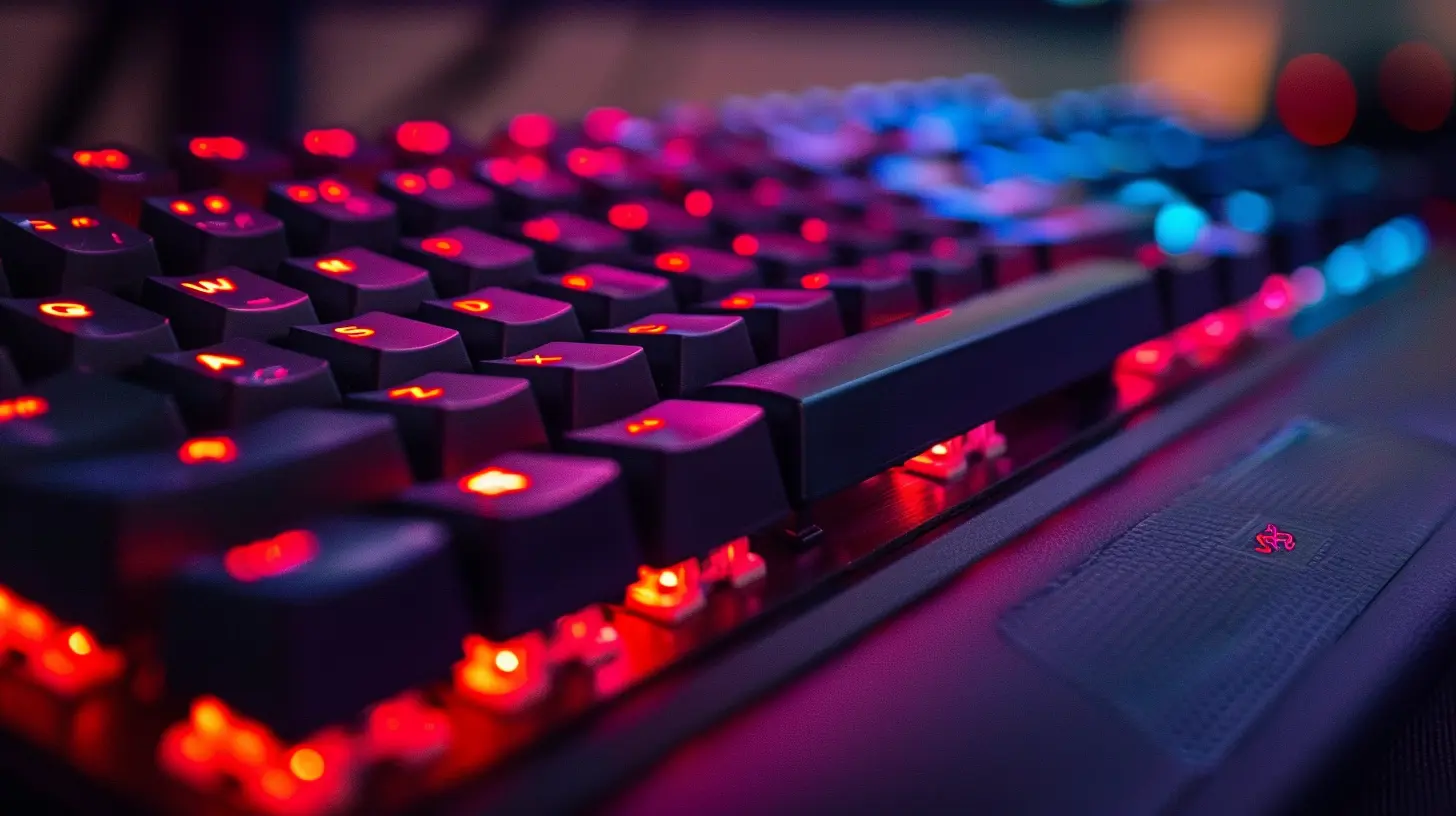
? How Mechanical Switch Sounds Affect Gaming Performance
Alright, let’s get real. Does keyboard sound actually affect how well you game?Let’s break it down:
- Immersion: Loud, clicky switches can really pull you into the action. It's like turning up the volume on your gameplay without touching the speakers.
- Focus: Some people find the rhythm of key clicks improves concentration, especially during repetitive tasks like farming in Minecraft or grinding in MMOs.
- Distraction: On the flip side, if the sound is too loud or sharp, it can break your focus, especially in quiet environments or during late-night sessions.
Basically, it’s all about your personal preference. Some like the click, some like the quiet, and some just want to flex their custom lubed switches that sound like butter on toast.
?️ Can You Customize the Sound?
Heck yes, you can. Welcome to the rabbit hole of keyboard modding.? Lubing Switches
Applying a tiny bit of lubricant to your switches (yes, really) can dramatically change how they sound and feel. Lubing reduces scratchiness and can make them sound smoother and quieter.? O-Rings and Dampeners
Want your keyboard to sound like a whisper? Slip some O-rings around the key stems. They'll soften the bottom-out sound and make your typing nearly silent.? Foam Mods
Adding foam inside your keyboard case is like soundproofing a room. It absorbs echo and makes everything sound deeper and more refined—like switching from a tin can to studio-quality audio.? Switch Swapping
Some hot-swappable keyboards let you pop out your switches and try different ones without needing to solder. This makes testing different sounds a breeze.Want to go from clicky to buttery smooth? It’s literally plug-and-play.
? Sound Profiles: What Do They Actually Sound Like?
Here’s a little comparison to help paint the picture:| Switch Type | Sound Profile | Gaming Vibe |
|-------------|---------------|-------------|
| Clicky | Sharp, high-pitched "click" | Exciting, intense |
| Tactile | Subtle "bump", moderate sound | Controlled, focused |
| Linear | Smooth, light thud or no sound | Sleek, stealthy |
Think of it like car engines:
- Clicky = V8 muscle car revving up
- Tactile = Sedan with a tuned engine
- Linear = Electric sports car, whisper quiet but crazy fast
? Best Switches For Popular Game Genres
Choosing a switch based on the games you play? Smart move.? FPS Games (Valorant, CS:GO)
- Best Pick: Linear switches (e.g., Cherry MX Red)- Why: Fast actuation and no noise distractions. It’s all about speed, baby.
⚔️ RPGs/MMOs (WoW, Diablo IV)
- Best Pick: Tactile switches (e.g., Cherry MX Brown)- Why: Precise keypresses with satisfying feedback during long play sessions.
? Casual/Indie Games (Stardew Valley, Hades)
- Best Pick: Clicky or tactile, depending on vibe- Why: Immersive and fun sounds can enhance gameplay aesthetics.
? Strategy Games (Civilization VI, StarCraft II)
- Best Pick: Clicky switches (e.g., Cherry MX Blue)- Why: That audible click can make you feel like a master tactician orchestrating your next big move.
?? Real Talk: Does the Sound Bother Others?
Here's the ugly truth—what sounds amazing to you might sound like nails on a chalkboard to someone else.If you're gaming in a shared space, consider quieter switches or use a noise-gating mic to avoid becoming "that guy" in the voice chat.
And if you're streaming? Make sure your audience doesn’t have to listen to click-clack ASMR against their will. Unless that’s your thing. Then carry on, friend.
? Popular Mechanical Keyboards Based on Sound
If you're wondering where to start, here are a few popular mechanical keyboards that cater to different sound preferences:| Keyboard Model | Switch Type | Sound Level | Perfect For |
|----------------|-------------|-------------|-------------|
| SteelSeries Apex Pro | Adjustable (OmniPoint) | Customizable | Versatility nerds |
| Ducky One 3 | Cherry MX (Multiple Options) | Varies | Sound customizers |
| Razer BlackWidow V3 | Razer Green (Clicky) | Loud | Bold gamers |
| Logitech G Pro X | Hot-swappable | Customizable | Switch tinkerers |
| Corsair K95 RGB Platinum | Cherry MX Brown | Moderate | Balanced gamers |
? Final Thoughts: What Sound is Your Sound?
So, what's the final answer here? Well... that depends on you.Do you want your keyboard to sound like a machine gun or a stealth bomber? Do you prefer feeling each keypress as an event, or do you want your fingers to glide silently like a ninja?
Mechanical switch sounds aren't just background noise—they’re part of your gaming identity. Pick a sound that fits your playstyle, your setup, and your sanity.
And remember, the keyboard world is your playground. Don’t be afraid to mix things up, mod your setup, and find that perfect sound that makes every game session a satisfying symphony.
? Your Turn!
What’s your switch sound of choice? Got a custom keyboard that sounds like God whispering into a seashell? Let us know in the comments below!all images in this post were generated using AI tools
Category:
Gaming KeyboardsAuthor:

Whitman Adams
Discussion
rate this article
2 comments
Faenor McDowell
Unlock your gaming potential! Discover the perfect mechanical switch sound to elevate your experience and immerse yourself in every game.
July 20, 2026 at 3:49 PM
Arlo Ellison
Great article! Understanding mechanical switch sounds is crucial for gamers who want the best experience. Your insights on the different types and their impacts are super helpful. It's amazing how sound can enhance immersion. Looking forward to more of your gaming guides!
May 12, 2026 at 4:44 AM
Whitman Adams
Thanks for the kind words! I'm glad you found the insights helpful. More gaming guides are on the way, so stay tuned!