Quiet Gaming Keyboards That Still Pack a Punch
4 August 2026
Let’s face it—gamers are not exactly known for being quiet. We shout in excitement, rage at lag, and spam-click keys like we’re trying to send Morse code to the gaming gods. But there’s one sound that might actually make your roommates and late-night Discord buddies want to launch your entire setup into a volcano: the relentless clickity-clack of a loud keyboard.
Enter the unsung hero of late-night gaming sessions: the quiet gaming keyboard. Yes, those magical little devices that let you dominate your enemies without sounding like a woodpecker on a sugar rush. And guess what? Just because they’re quiet doesn’t mean they’re weak. These keyboards still pack enough punch to keep your kill streak alive—and your housemates sane.
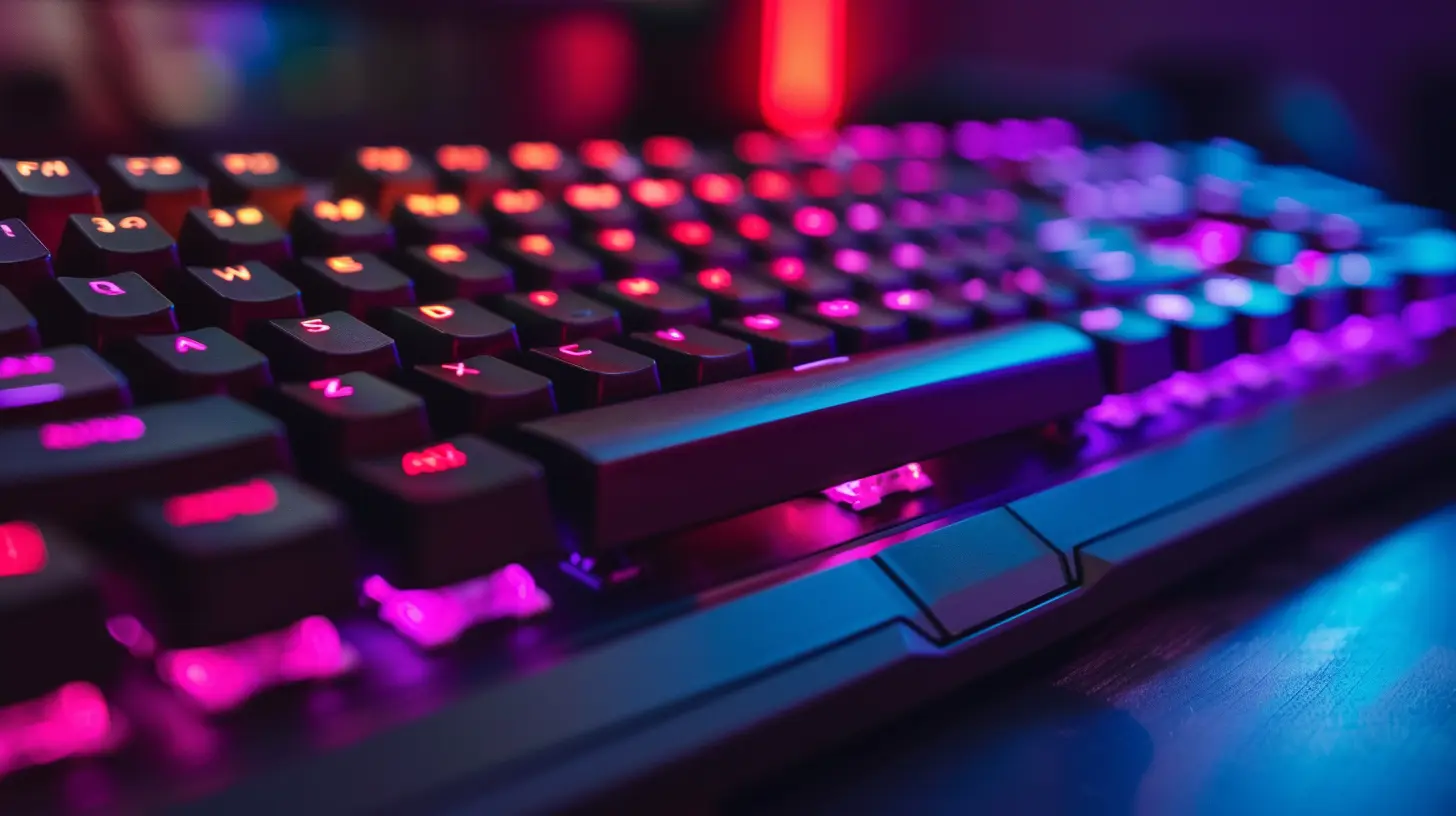
Why Choose a Quiet Gaming Keyboard?
Silence, But Make It Deadly
You know that feeling when you’re sneaking into an enemy base in a stealth mission and then, BAM, your mechanical keyboard gives you away before you even press ‘W’? Yeah, not great. Quiet gaming keyboards are basically the ninja tools of the gaming world. All the precision, none of the racket.Sure, clicky switches are fun, but when you're gaming at 2 AM and everyone else in the house is sleeping, your keyboard shouldn't sound like you're assembling IKEA furniture.
Keeps Your Sanity Intact
Ever tried to play a peaceful farming sim while typing on a keyboard that sounds like a machine gun? Spoiler alert: it's not relaxing. Quiet keyboards offer a smooth, dampened typing experience that’s easier on your brain, your ears, and everyone around you. Plus, you don’t feel like you’re typing angry tweets every time you log into a game.
What Makes a Gaming Keyboard “Quiet”?
Before we jump into the keyboard pile like it's Black Friday at an electronics store, let's break down what makes a keyboard whisper-silent (well, relatively speaking).Switch Type: The VIP of Silence
Switches are the guts of your keyboard. Specifically, if you want a quiet gaming experience, you’re going to be looking at:- Linear switches (like Cherry MX Red or Silent Red) – These are smooth, soft, and don’t have that infamous “tactile bump.”
- Membrane switches – Not as popular with hardcore gamers but softer and quieter by design.
- Scissor switches – Found in some low-profile or laptop-like keyboards, and yes, they’re whisper quiet.
Linear switches are like the smooth jazz of the keyboard world—subtle, sleek, and surprisingly powerful.
Sound Dampening Mods and Features
Hey, some keyboards go the extra mile to muffle your rage-typing. Think sound-absorbing foam, dampeners, or “silent” variants of mechanical switches. Even rubber O-rings (they’re not just for plumbing anymore) can cut down the clatter.Build Quality and Materials
Cheap plastic = loud. Solid build with high-quality materials = much quieter typing. It’s like the difference between typing on a toy piano versus serenading your game with a Steinway grand. Okay, maybe not that dramatic, but you get the gist.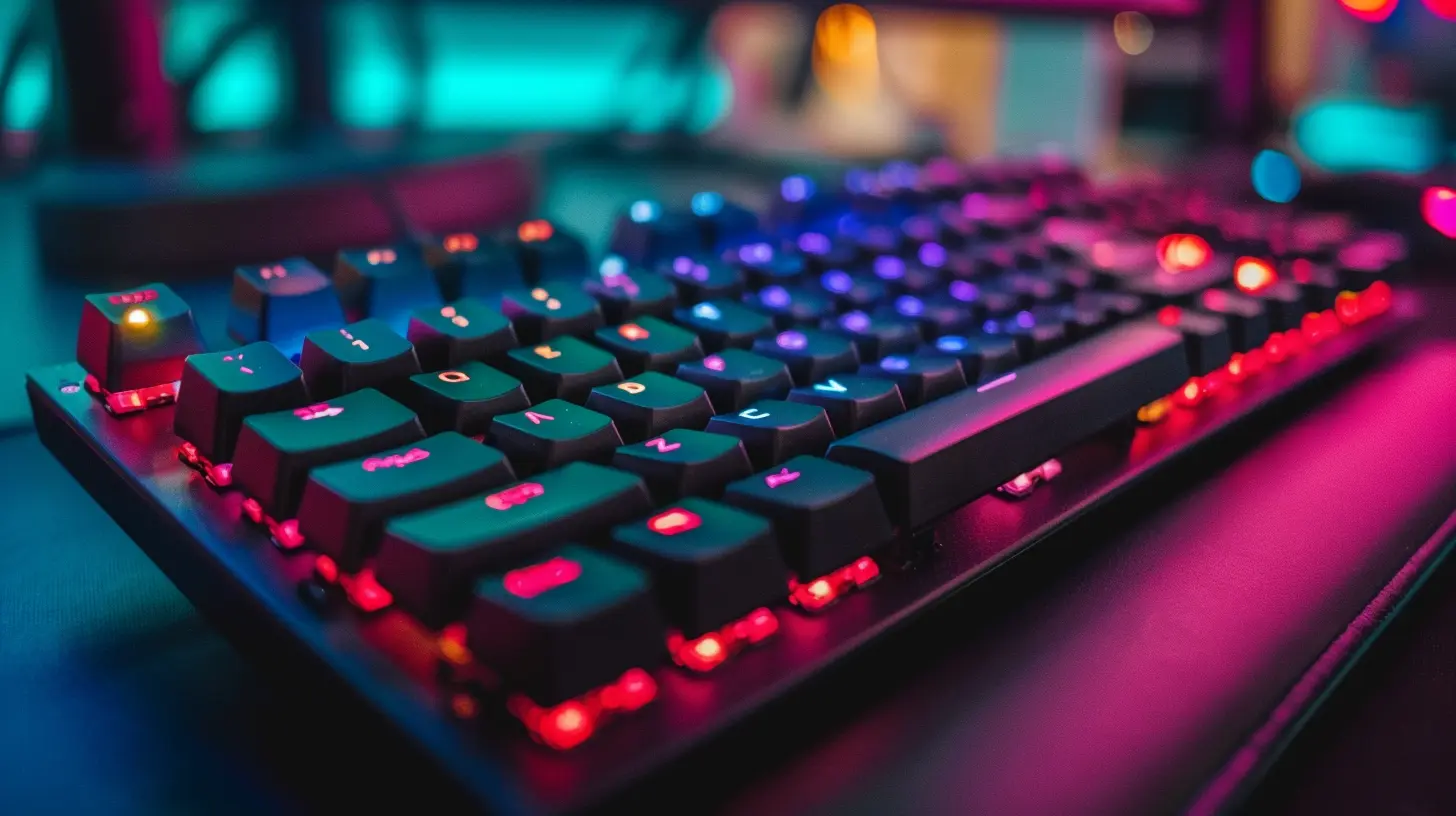
Top Quiet Gaming Keyboards That Still Pack a Punch
Now that you're sold on the idea (and why wouldn’t you be?), let's get to the good stuff: actual quiet gaming keyboards that won't leave you whisper-clicking in shame.1. SteelSeries Apex Pro
Silent But Deadly Rating: 9.5/10This absolute unit of a keyboard brings adjustable actuation points to the table. Translation? You can customize the sensitivity of your keys. Want it super soft and quiet? You got it. Want to smash keys for that boss fight? It’s got that too.
Bonus: the RGB is so sexy that it might blind your enemies through the monitor.
Pros:
- OmniPoint adjustable switches
- Aircraft-grade aluminum frame (because why not?)
- OLED smart display, because apparently your keyboard needs its own screen now
Cons:
- Pricey, but hey, you get what you pay for
2. Corsair K70 RGB MK.2 Low Profile (Cherry MX Silent Red)
Silent But Deadly Rating: 9/10Corsair found the cheat code for quiet and responsive typing. The Cherry MX Silent Reds are basically the library voices of key switches—smooth, polite, and don't interrupt your thoughts.
Pros:
- Low-profile design for faster actuation
- Dedicated media keys (because alt-tabbing is for peasants)
- Per-key RGB lighting (because, ya know, sparkle)
Cons:
- No wrist rest. Like, come on Corsair, we have needs.
3. Logitech G915 TKL
Silent But Deadly Rating: 8.8/10Wireless? Check. Low-profile? Check. Quiet enough to not wake your dog? Double check. The G915 TKL uses Logitech’s GL Tactile switches, which are quieter than the average mechanical but still deliver that satisfying keystroke.
Pros:
- Gorgeous minimalist design
- Battery lasts longer than most relationships
- LIGHTSPEED wireless tech = basically no input lag
Cons:
- On the spendy side and no number pad (anti-accountant features?)
4. Razer BlackWidow Lite
Silent But Deadly Rating: 8.5/10Yes, Razer makes a quiet keyboard. I know, wild, right? The BlackWidow Lite uses Razer’s Orange switches, which are tactile but way less noisy than their clicky Green counterparts. Plus, it looks like it should sit in a corporate office, making it perfect for sneaky gaming at work.
Pros:
- Compact size
- Detachable USB cable
- Orange switches = tactile but stealthy
Cons:
- No RGB. Razer without RGB? Sacrilegious.
5. Ducky One 3 (Silent Red or Black Switches)
Silent But Deadly Rating: 9.2/10Ducky has been flying under the radar (pun intended) but is adored by enthusiasts. The One 3 offers a seriously premium feel, slick looks, and sound-dampening foam that makes it feel like your fingers are gliding on clouds.
Pros:
- Hot-swappable switches
- Customizable keycaps
- Silent and sturdy AF
Cons:
- Might make you want to replace ALL your peripherals with Ducky gear
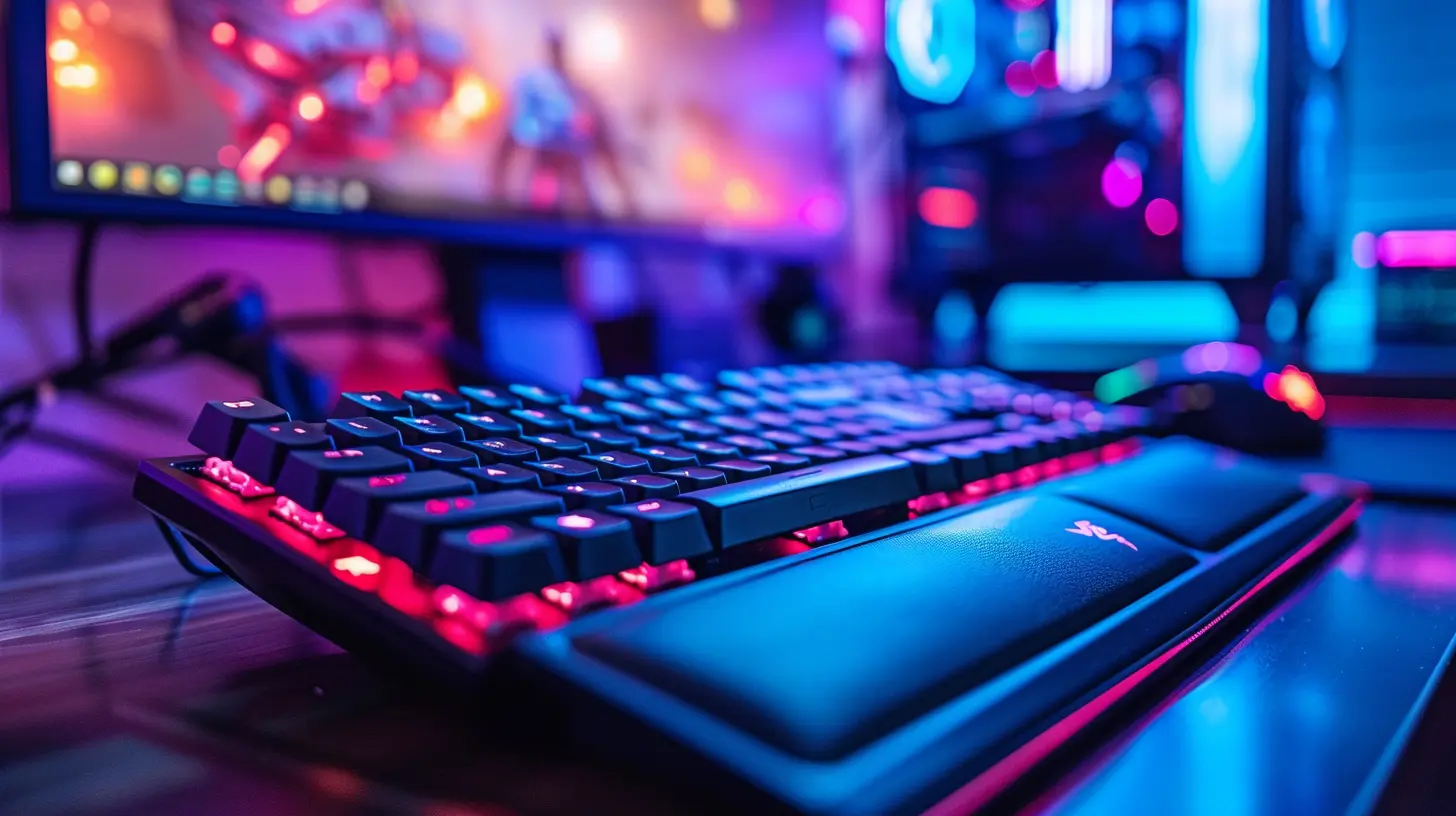
Bonus Round: Budget-Friendly Quiet Gaming Keyboards
Not everyone has the budget of a pro streamer with a million Twitch subs. Don’t worry; you can still get quiet performance without selling your GPU on eBay.1. Redragon K582 SURARA (Linear Red Switches)
A surprisingly solid mechanical keyboard for under 50 bucks. It’s not totally silent, but it’s quiet enough for the price—and great for gamers on a budget or casual players who just wanna vibe.2. Logitech K840 (Romer-G Switches)
A low-profile, reliable, and muted experience that won’t require a second mortgage. It doesn’t scream “gamer,” but it does whisper “I’m silently owning noobs right now.”Tips to Keep Your Keyboard Quiet (Or Quieter, at Least)
So you bought a “quiet” keyboard, but it's still typing like it’s in ALL CAPS. Here are a few tricks to turn the volume down even more:- O-rings – Pop these onto your keycaps to reduce key travel and sound.
- Lube your switches – Not as weird as it sounds. Lubing helps reduce scratchy sounds and makes everything… smoother.
- Sound dampening foam – Inserting foam between the keyboard plate and PCB can muffle sound.
- Stop rage-typing – Easier said than done, but your keyboard isn’t the final boss. Maybe treat it with a little more love?
Quiet Doesn’t Mean Boring
Let’s smash the myth right now: Just because a gaming keyboard is quiet doesn’t mean it’s boring or underpowered. In fact, a quiet keyboard is kind of like a sports car with an electric engine. It doesn’t roar, but it still zooms past the competition—smoothly and without waking the neighbors.Mechanical switches, RGB lighting, solid build, and fast response times? Check. All wrapped up in a noise-canceling package that won’t make your roommates question their life choices.
Final Thoughts: Silence is the New Loud
If you’re still clinging to that clicky keyboard like it's a badge of honor, I get it. Loud switches have their charm, and that satisfying “click” is addictive. But once you experience a gaming keyboard that allows you to both clutch a win and keep the peace in your household, you’ll never go back.So go ahead. Be the silent killer in Warzone. The stealthy strategist in LoL. The smooth operator in Valorant. With these quiet gaming keyboards, you can do it all—without sounding like you're typing up your memoirs in Morse code.
all images in this post were generated using AI tools
Category:
Gaming KeyboardsAuthor:

Whitman Adams