RGB Lighting Features Gamers Actually Use
10 July 2026
If you've ever walked into a gamer's setup, odds are you've been hit with a wave of dazzling RGB lighting. It's practically everywhere — from keyboards to graphics cards to mousepads. RGB lighting has become more than just a visual flex; it’s a full-on culture in the gaming community.
But here’s the real deal: Do gamers actually use all those flashy lighting effects, or is it mostly just for show? Let’s pull back the glowing curtain and dive deep into the RGB lighting features gamers actually use — and why.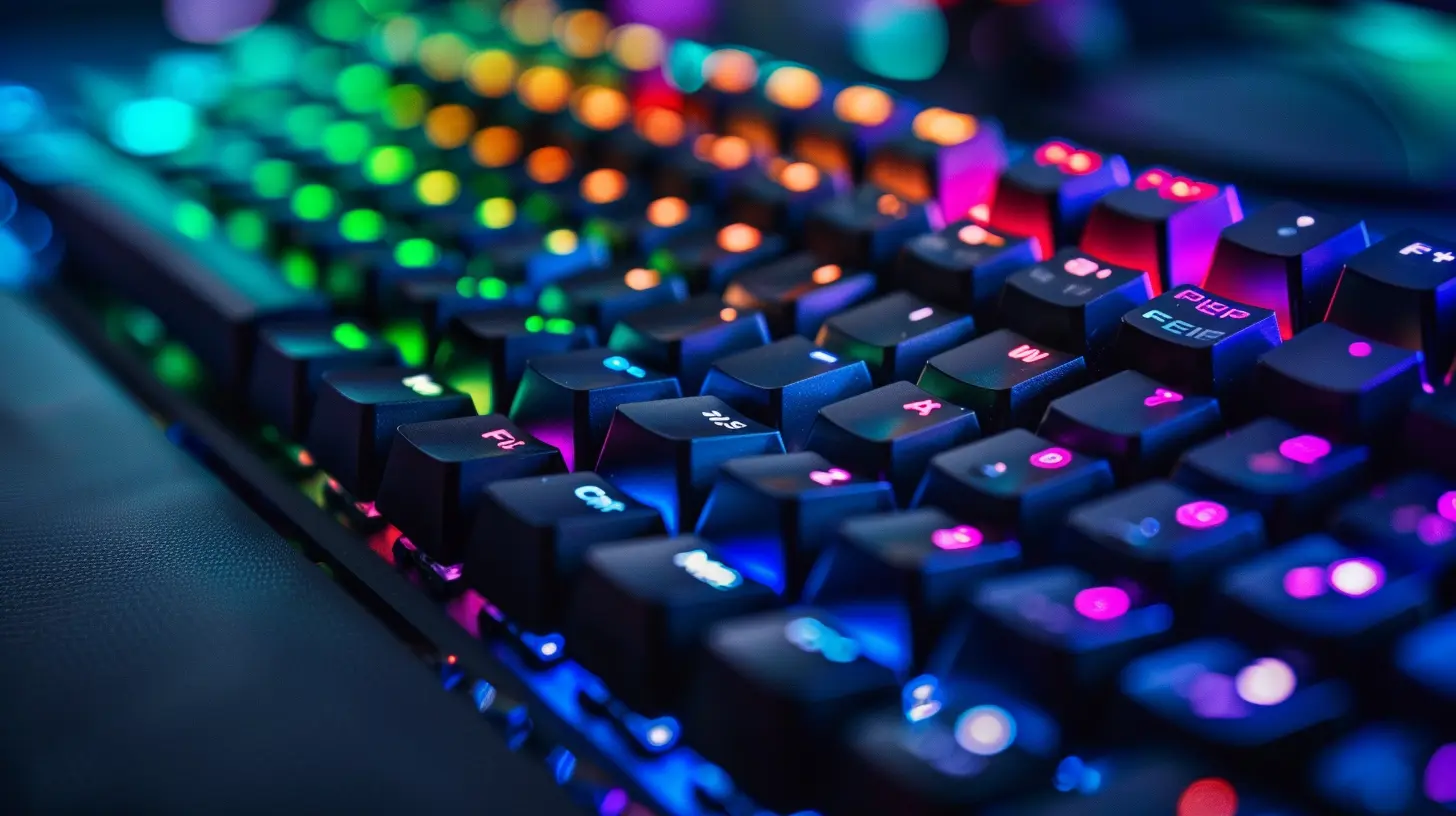
The RGB Craze: Flashy or Functional?
Before we jump into specific features, let’s take a moment to appreciate why RGB lighting is so popular in gaming in the first place. Sure, it looks cool. But it also adds a layer of personalization, atmosphere, and in many cases, actual functionality.RGB isn’t just eye-candy anymore. The lighting can serve as a gameplay aid, mood enhancer, communication tool, or even a productivity booster. Whether you're a competitive FPS junkie, a casual RPG adventurer, or deep into esports, there's a good chance you've used RGB lighting for more than just the aesthetics.
Now let's break down the RGB features that gamers genuinely use — not just the ones that look good on Instagram.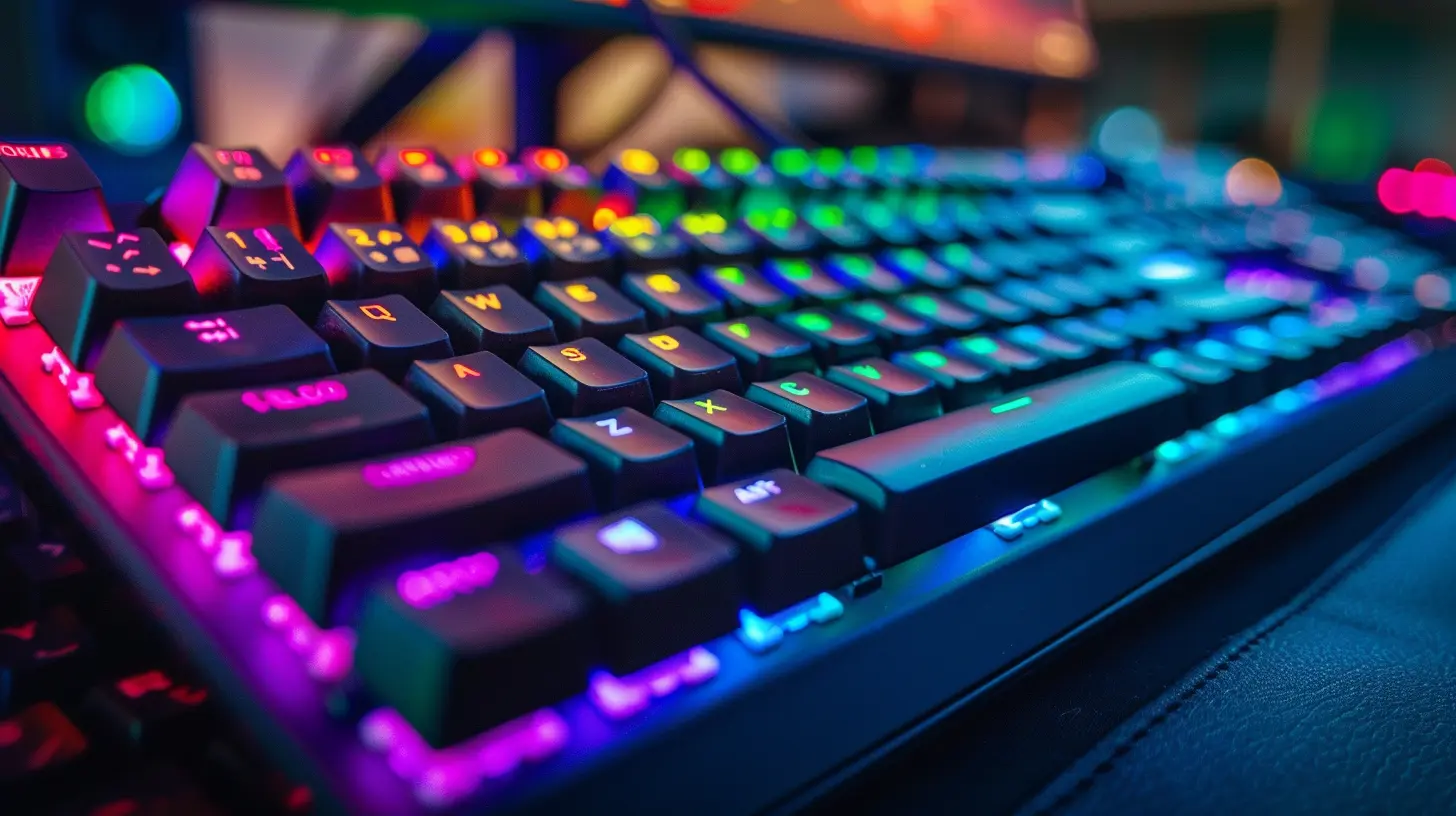
1. Reactive Lighting
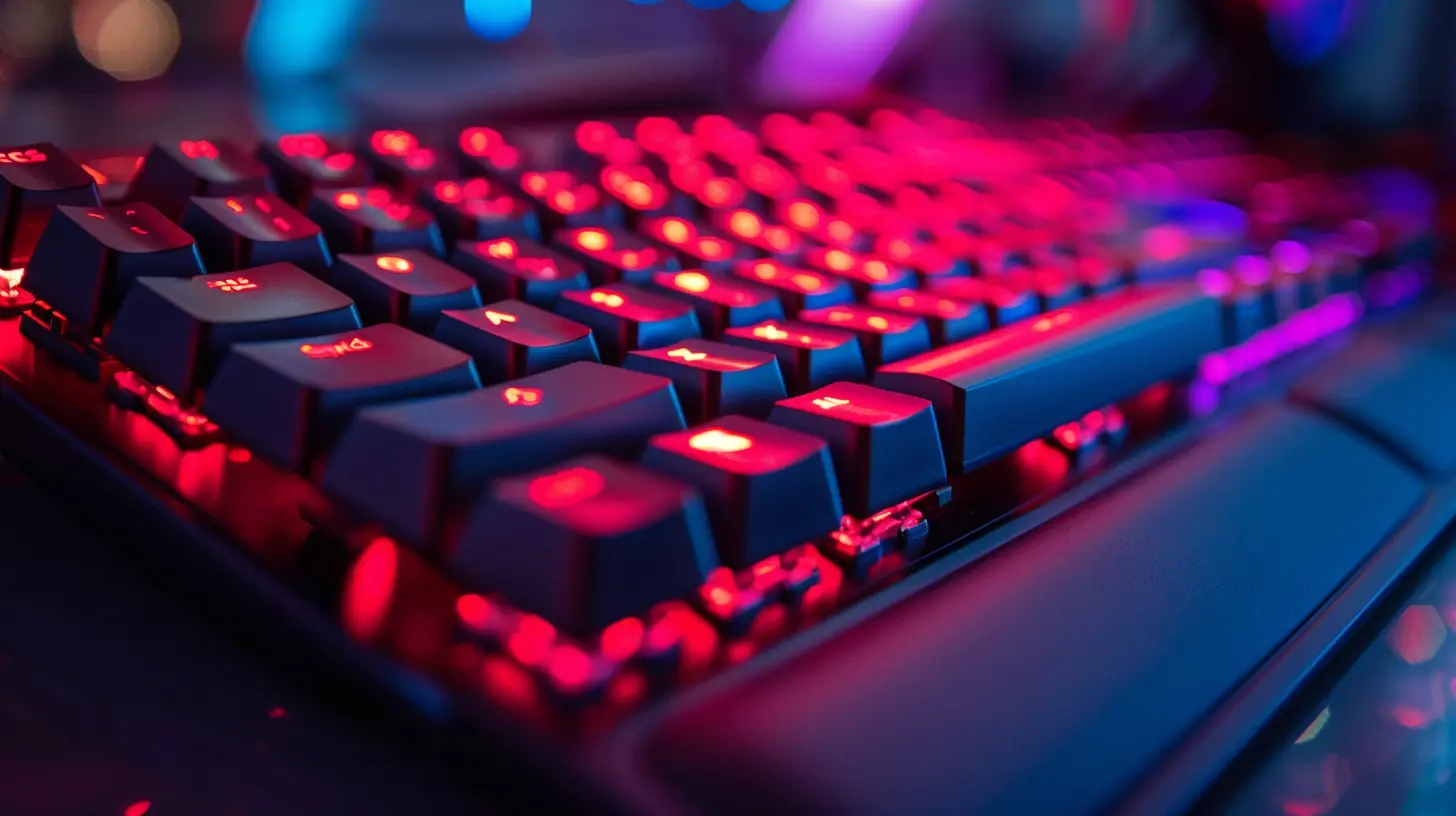
This one's an absolute favorite. Reactive lighting responds to user input in real time. For example, when you hit a key, it lights up. Or when you click your mouse, there's a burst of color.Why It Matters:
It's surprisingly satisfying. It gives a sense of feedback and rhythm, especially when you're typing or in the middle of an intense boss fight. It also looks super clean without being flashy all the time.Who Uses It:
- Typists and coders- RPG players who want immersive experiences
- Gamers who love a minimalist vibe
2. Game Integration (ARGB Sync)
Now we’re talking smart lighting. ARGB (Addressable RGB) syncs your lighting effects with what's happening in-game. Think health bars, enemy alerts, cooldown timers — right on your keyboard or RGB strip.Why It Matters:
Imagine your keyboard flashing red when you're low on health or pulsing green when your ultimate is ready. That’s not just cool — it’s handy. It's like having a second HUD built into your desk.Popular Examples:
- Razer Chroma-integrated games (e.g., Overwatch, Fortnite)- Corsair’s iCUE profiles
- SteelSeries GG Engine
Who Uses It:
- Competitive gamers- Streamers for visual effect
- Immersion seekers
3. Profile Switching Based on Game or App
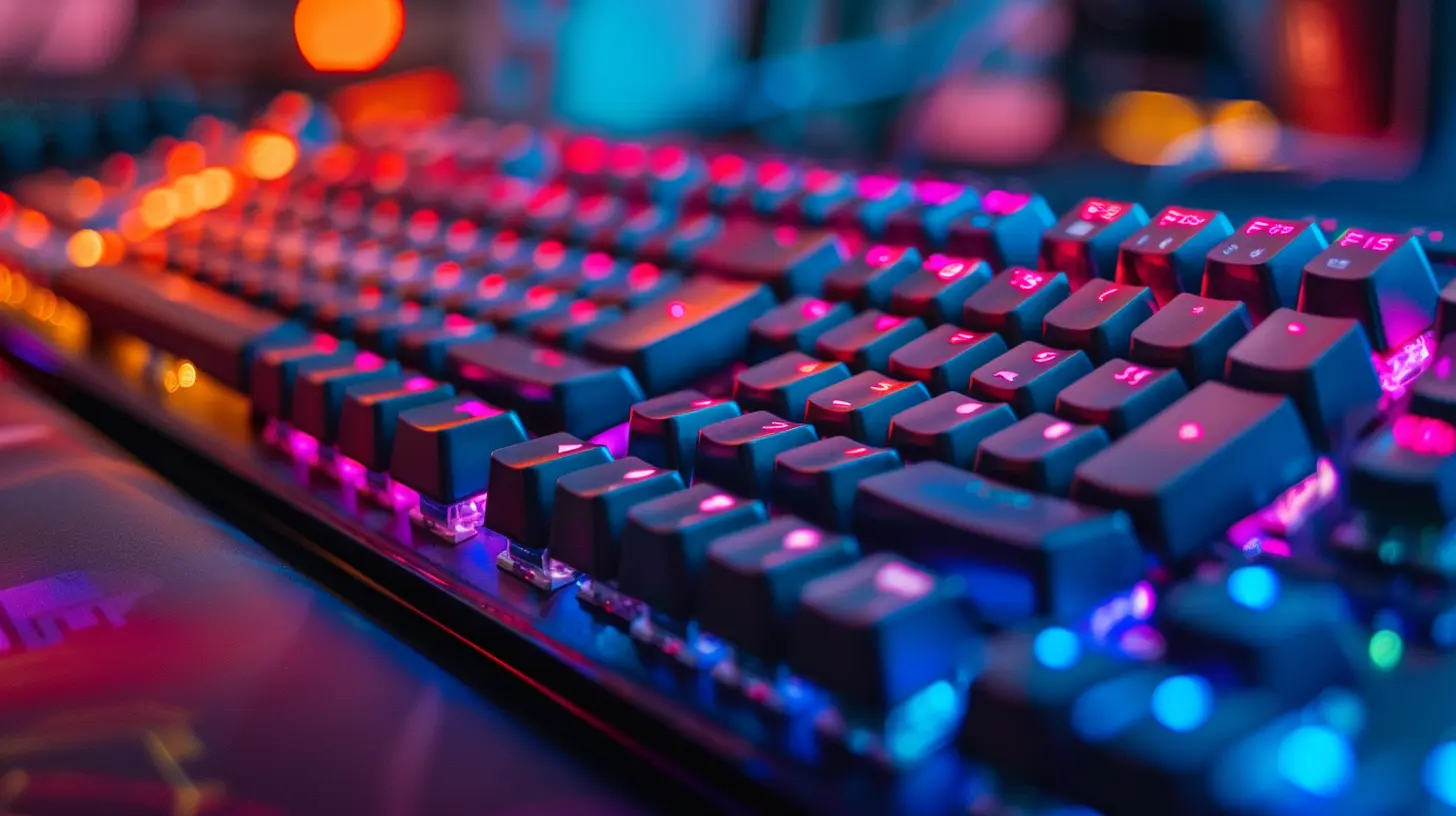
Many gaming peripherals let you create custom RGB profiles that automatically activate when a certain game or app is launched.Why It Matters:
If you’re juggling between Apex Legends, Photoshop, and Spotify, custom profiles can make sure your gear is always in the right mode. Maybe red for Apex (aggression!), soft blue for Spotify (chill vibes), and white for Photoshop (clarity and focus).Who Uses It:
- Multitaskers- Content creators
- Streamers and modders
4. Temperature-Based Lighting
Yep, your RGB gear can also help manage your system’s thermal status. Some setups let you sync colors to CPU or GPU temps.Why It Matters:
Instead of constantly checking your temps in software, you can just glance at your RGB. If your fans and lights are glowing a spicy red, you know it's time to cool off.Who Uses It:
- PC builders and tinkerers- Overclockers
- Thermal-conscious gamers
5. Audio-Responsive Lighting
Your RGB can jam with you. This lighting style pulses in sync with your music, game sounds, or even in-game effects. Think flashing to the beat or reacting to explosions.Why It Matters:
Perfect for setting the vibe. Whether you're playing EDM during a game session or chilling with lo-fi while working, your lighting adds another layer of immersion.Who Uses It:
- Music lovers- Streamers for visual ambience
- Party gamers and night owls
6. Static and Subtle Glow
Now, not everyone wants a light show. A single, calm color can be just as impactful. Static lighting is used more often than you’d think — especially because it avoids distractions.Why It Matters:
It sets a clean mood without drawing attention. Plus, it's ideal for low-light environments and long gaming sessions. A soft blue glow can really calm the nerves after a stressful match.Who Uses It:
- Minimalist aesthetic fans- Late-night gamers
- People who just want a mood light
7. Custom Lighting Zones & Macro Indicators
Some high-end keyboards, mice, and gamepads let you assign colors to specific zones — like your WASD keys glowing white, number keys yellow, and function keys dimmed out.Why It Matters:
It’s not just for looks. Zoning helps muscle memory. In heat-of-the-moment gameplay, colors on key areas can guide your fingers and trigger macros faster.Who Uses It:
- MMO and MOBA players- Keybind-heavy games
- Competitive PC gamers
8. Ambient Lighting & Bias Lighting
Sometimes it’s not about the peripherals themselves but the environment they create. Behind-monitor RGB strips that glow against the wall can reduce eye strain and improve immersion.Why It Matters:
Ever heard of bias lighting? It softens the contrast in dark rooms and reduces eye fatigue. Plus, synchronized with your game, it makes everything feel more “real.”Who Uses It:
- Console gamers with RGB backlighting- Streamers with lit-up backgrounds
- PC gamers with immersive battlestations
9. Schedule-Based Lighting
You can actually schedule RGB profiles to change with the time of day. Blue in the morning, amber in the evening, and dimmed down at night.Why It Matters:
Not all lighting is just “set and forget.” This adds a circadian rhythm dimension to your setup and helps you game or work in tune with your environment.Who Uses It:
- Gamers in long sessions- Remote workers using the same setup
- People conscious of screen fatigue
10. RGB as a Social or Streaming Tool
RGB is becoming a communication medium. Streamers use RGB cues to signal live status, alerts, follower notifications, and more.Why It Matters:
It saves time and adds flair. Your keyboard flashing pink when someone raids your stream? That’s the kind of added value RGB can bring to creators.Who Uses It:
- Twitch and YouTube streamers- Content creators
- Gamers with large audiences
Bonus: RGB That Turns Off (Yes, Really)
Ironically, one of the most-used RGB settings is… turning it off.Sometimes, less is more. Many gamers love the RGB potential but don’t want the lights on 24/7. Having that level of control is part of what makes RGB appealing.
Who Uses It:
- Gamers who stream with diffuse backgrounds- People who use RGB gear in work setups
- Those who game in shared spaces
Final Thoughts: RGB Doesn’t Have to Be Extra
At the end of the day, RGB lighting shouldn’t just be about showing off. It's become a legitimate feature set for gamers who want better utility, immersion, and control over their setup. Sure, you can go full rainbow vomit on your desktop if that’s your style, but chances are, you're using RGB in smarter, more practical ways without even thinking about it.Whether you’re syncing your lighting to match your spells in WoW or setting a soothing tone for editing your gameplay reels, RGB is a tool — and like any good tool, it’s all about how you use it.
So the next time someone says RGB is just for show, point them to your custom macro-lit keyboard that flashes when your mana’s low. Or just wink as your ambient bias lighting syncs up with your 15-kill streak.
Because real gamers? We use RGB for more than just the glow.
all images in this post were generated using AI tools
Category:
Gaming KeyboardsAuthor:

Whitman Adams