The Most Comfortable Gaming Keyboard Setups Shared by Pros
20 June 2026
When you think about gaming performance, your mind probably jumps to graphics cards, FPS, or raw reflexes. But here’s something many gamers don’t realize until it’s way too late—the comfort of your keyboard setup can actually make or break your gameplay. Pros know this all too well, and that’s why they take keyboard ergonomics and overall desk setups very seriously.
So let’s dive deep into what the top-tier players are doing when it comes to their keyboard setups. Whether you're grinding through long Dota 2 sessions, building empires in StarCraft II, or dominating in Valorant—you’ll want to take a few notes from the best in the biz.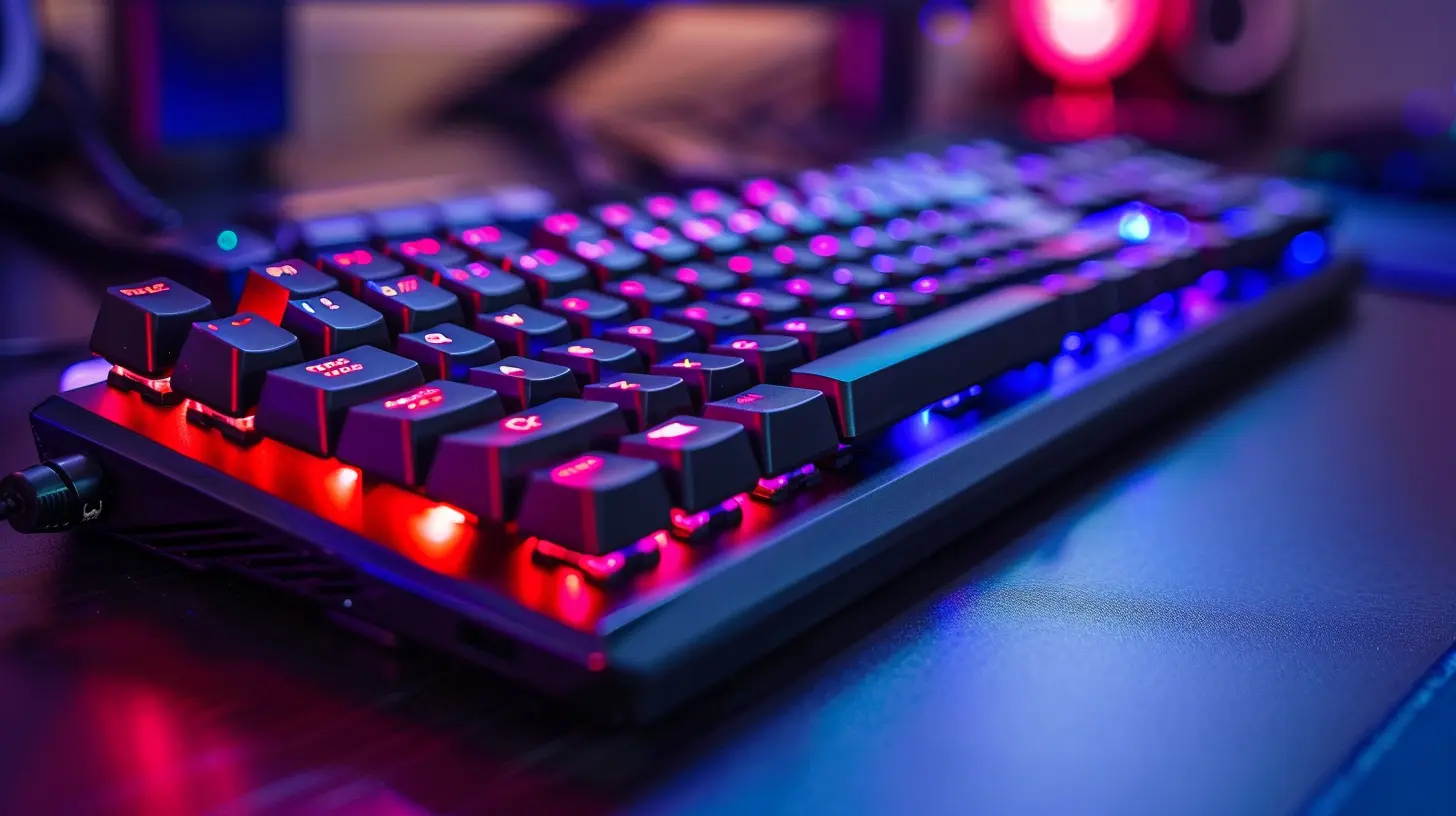
Why Comfort Matters in a Gaming Keyboard Setup
Let’s face it, gaming isn't just a hobby anymore—it’s a passion, and for some, even a career. That means long hours, high-intensity movements, and quick reactions. If your setup causes strain or discomfort, not only will your performance dip, but you could also end up dealing with wrist pain, fatigue, or even more serious issues like carpal tunnel syndrome.Pros optimize every inch of their gear, not just for performance, but also for stability and long-term comfort. So consider this: if they're putting time and money into getting their keyboard setup just right, maybe it’s worth doing the same?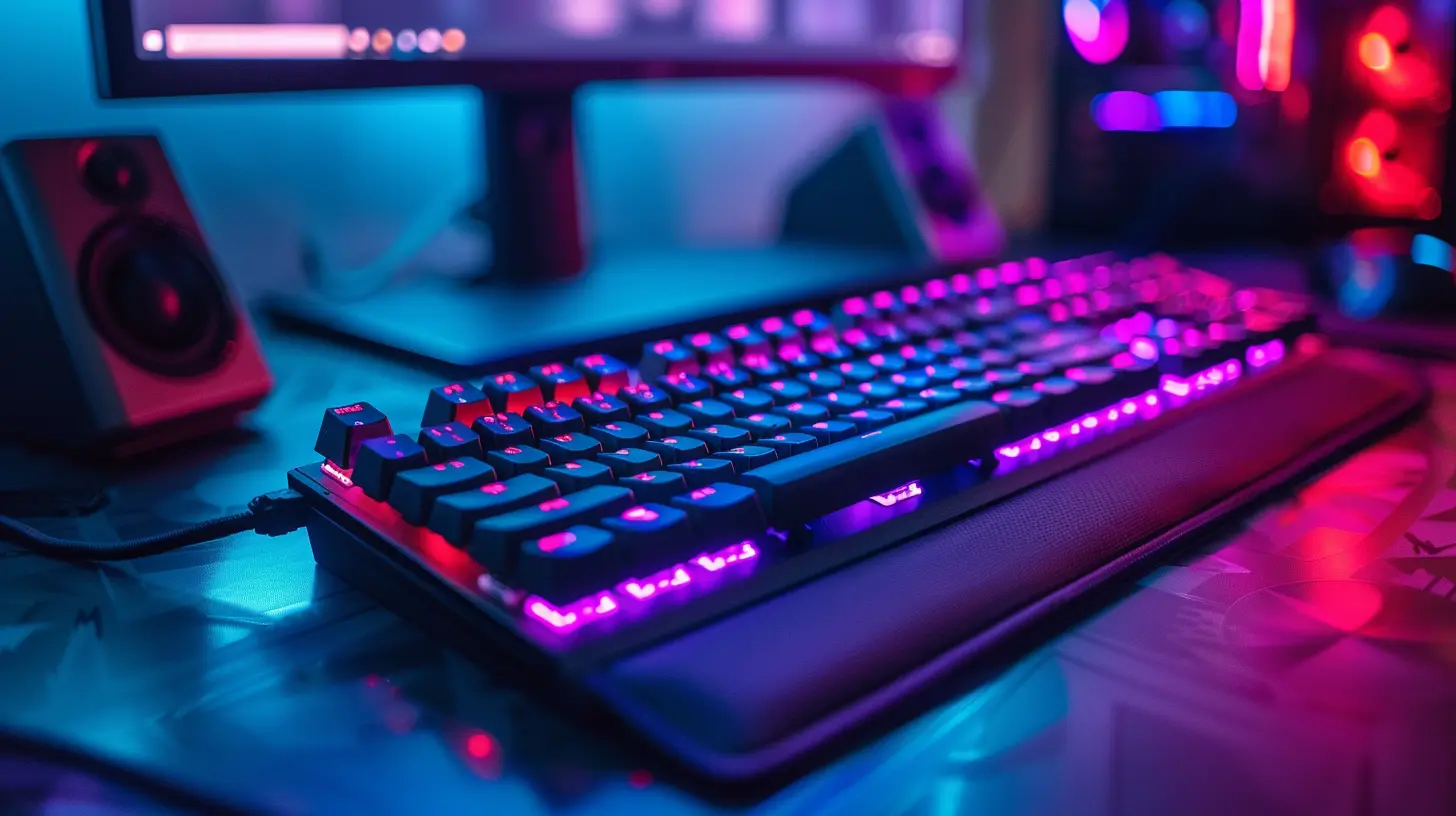
Key Components of a Comfortable Gaming Keyboard Setup
Let’s break down the core elements the pros swear by. You don’t need to shell out thousands to get a solid, ergonomic foundation. It's all about making smart, thoughtful choices.1. Mechanical Keyboards: The Gold Standard for Pros
Most professional gamers wouldn’t be caught dead using a membrane keyboard. Mechanical keyboards are the heavyweight champions of responsiveness, durability, and tactile feedback. But here’s the kicker—they’re also more customizable, which is a big deal for comfort.Pros Prefer:
- Linear switches (like Cherry MX Reds) for smoother, quicker keystrokes with less force.- Tenkeyless designs, which ditch the number pad, allowing your arms to be in a more natural, shoulder-width position.
- Hot-swappable keyboards, so you can switch out switches (say that five times fast) depending on your needs or preferences.
2. Keyboard Angles and Wrist Position – Ergonomics 101
Ever notice how some streamers prop up the back of their keyboards or tilt them sideways? It might look odd at first, but there’s a science behind it. Ergonomic positioning can reduce wrist strain and muscle fatigue.Tricks the Pros Use:
- Negative tilt keyboard trays to keep wrists in a neutral (flat or slightly downward) position.- Wrist rests, but here’s the thing—they should be firm and only used to rest between gaming, not while actively typing or playing.
- Custom key layouts to reduce finger travel distance on frequently used commands.
3. The Right Desk Height and Chair Make a Huge Difference
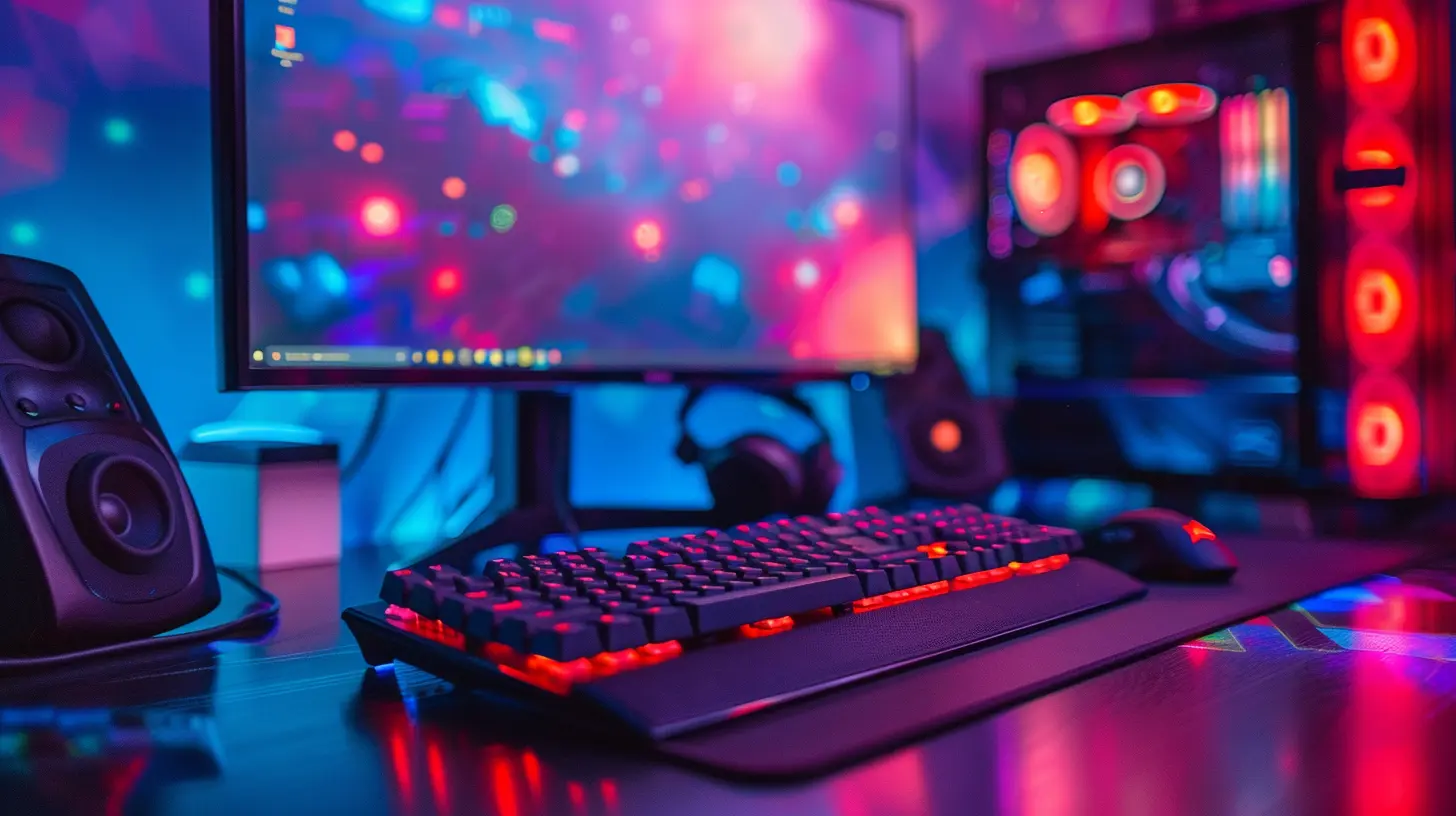
Imagine trying to game in a folding chair at a kitchen table—ouch, right? That’s why pro gamers invest in gaming chairs with lumbar support and desks that put the keyboard at elbow level.What Works Best:
- Adjustable desks that let you customize the height for sitting or standing.- Chairs with adjustable armrests to keep your elbows at a 90-degree angle.
- Compact desks that allow peripherals to be placed snugly without reaching.
Pro Player Setups Worth Stealing
Now let’s look at real-world examples. The following setups are shared by some of the most well-known professional gamers, streamers, and esports athletes. You don’t need to copy them to the letter, but drawing inspiration can lead you to your own ultimate setup.1. Shroud's Minimalist Masterpiece
Shroud is known for his insane aim, but his keyboard setup is surprisingly clean and simple. He uses a tenkeyless mechanical keyboard with linear switches, no wrist rest, and a neutral desk height. No flashy RGB—just streamlined performance.? Takeaway: Less is more. If you don’t need it, ditch it.
2. Bugha’s Championship Setup
Fortnite World Cup winner Bugha has a setup that screams precision. His keyboard is tilted slightly sideways, Matrix style, placing his hand naturally over the WASD cluster. Paired with an ultra-light mouse and wrist-rest, his full desk is a comfort zone.? Takeaway: Don’t be afraid of non-traditional angles—what looks odd might feel awesome.
3. Nadeshot’s Balanced Battle Station
Former professional CoD player and 100 Thieves CEO Nadeshot uses a full-sized mechanical keyboard but balances it out with a large desk, a comfortable chair, and a wrist rest. He focuses on spacing and layout, ensuring all peripherals are positioned intuitively.? Takeaway: Balance is everything. Good gear only works when paired with a good layout.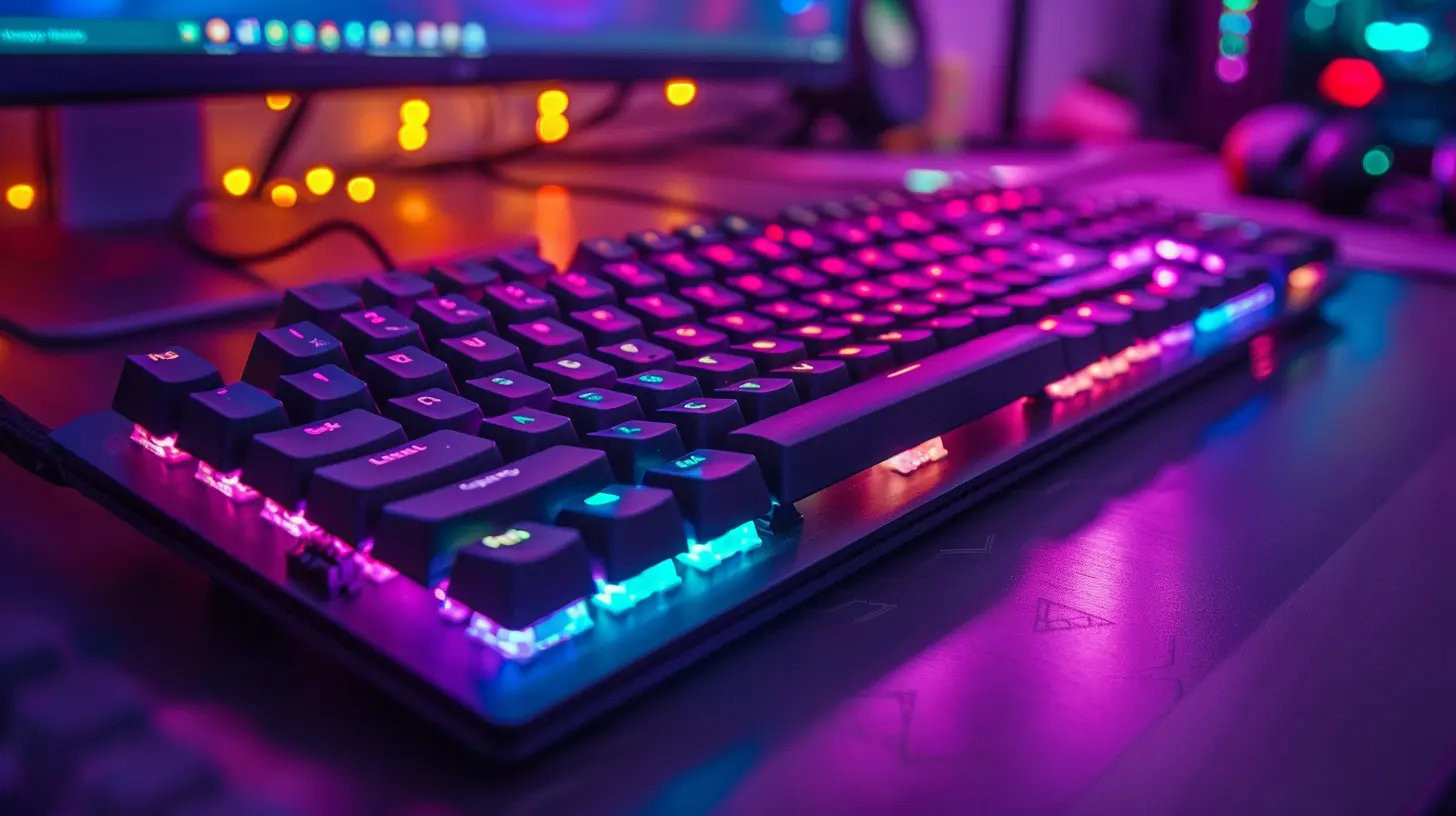
Gaming Keyboard Accessories That Make a Big Difference
Ok, you’ve got the keyboard down—but wait, there's more. Small tweaks can shift your gaming experience from "meh" to "why didn’t I do this sooner?"1. Custom Keycaps for Enhanced Feel
It’s not just about aesthetics (though hey, a little style never hurts). Different materials and textures can reduce finger fatigue and improve grip.2. Keyboard Sound Dampeners
Want a quieter experience while still enjoying tactile feedback? O-rings or silicone dampeners can make your mechanical keyboard feel like velvet under your fingertips.3. Cable Management Systems
Yes, it matters. Tangled cables or tension pulling at your keyboard? That’s wasted energy. Use cable clips, sleeves, or go wireless if that's your jam.When to Go Wireless (And When to Stick to Wired)
This is a hot debate. Wireless keyboards used to be shunned by pros for their latency. But times have changed.Pros of Wireless:
- Cleaner desk- More flexibility in positioning
- Portable
Cons:
- Potential for input lag (though newer models solve this)- Battery concerns
If you travel or stream from multiple locations, wireless might be the way to go. But if every millisecond counts—like in high-end competitive FPS—wired is still the gold standard.
DIY Tips From the Pro Community
Not ready to buy a whole new rig? Cool. There are still a ton of budget-friendly ways you can boost your setup comfort.- Slap a towel under a hard wrist rest for more cushioning.
- Use a textbook to slightly angle your keyboard until you figure out what works.
- Place your monitor at eye level—keyboard comfort often starts with overall posture.
How to Know If Your Setup’s Working for You
Here’s something most guides gloss over—how do you actually know if your keyboard setup is good?Ask yourself these:
- After a long session, do your wrists hurt or feel tired?
- Do you constantly fidget with your keyboard's position?
- Do you find yourself adjusting posture mid-game?
If you’re nodding “yes” to any of these, it’s time to do some tweaking.
Final Thoughts: Comfort = Competitive Advantage
Here’s the deal. You can have the best graphics card, fastest CPU, and a broadband connection that launches rockets—but if your hands are cramping mid-match? Doesn’t matter.Pros care about comfort not because they’re lazy, but because efficiency leads to wins. That's why keyboard setup isn't just a preference—it's a strategy. Think of it like choosing the right shoes for a marathon. The wrong ones will leave you limping, no matter how fit you are.
So, take an hour this weekend. Adjust your keyboard. Try a new angle. Add a wrist rest or take one away. Test some softer keycaps. Your hands (and K/D ratio) will thank you.
all images in this post were generated using AI tools
Category:
Gaming KeyboardsAuthor:

Whitman Adams
Discussion
rate this article
1 comments
Quinn Robinson
Sure, because comfort totally wins games... right?
June 25, 2026 at 5:11 AM