The Rise of Optical Keyboards in the Gaming World
30 July 2026
If you're a gamer, you've probably heard the buzz around optical keyboards. They're the shiny new toy everyone's talking about, and if you're still using a traditional mechanical keyboard, you might be wondering what all the hype is about. Are they just another passing trend, or are they the real deal? Spoiler alert—they're not only legit, but they're also changing the way we play, compete, and win.
In this deep dive, we're going to unpack everything you need to know about optical keyboards, from how they work to why they're becoming the go-to choice for competitive and casual gamers alike. So grab your energy drink, sit back, and let’s talk tech.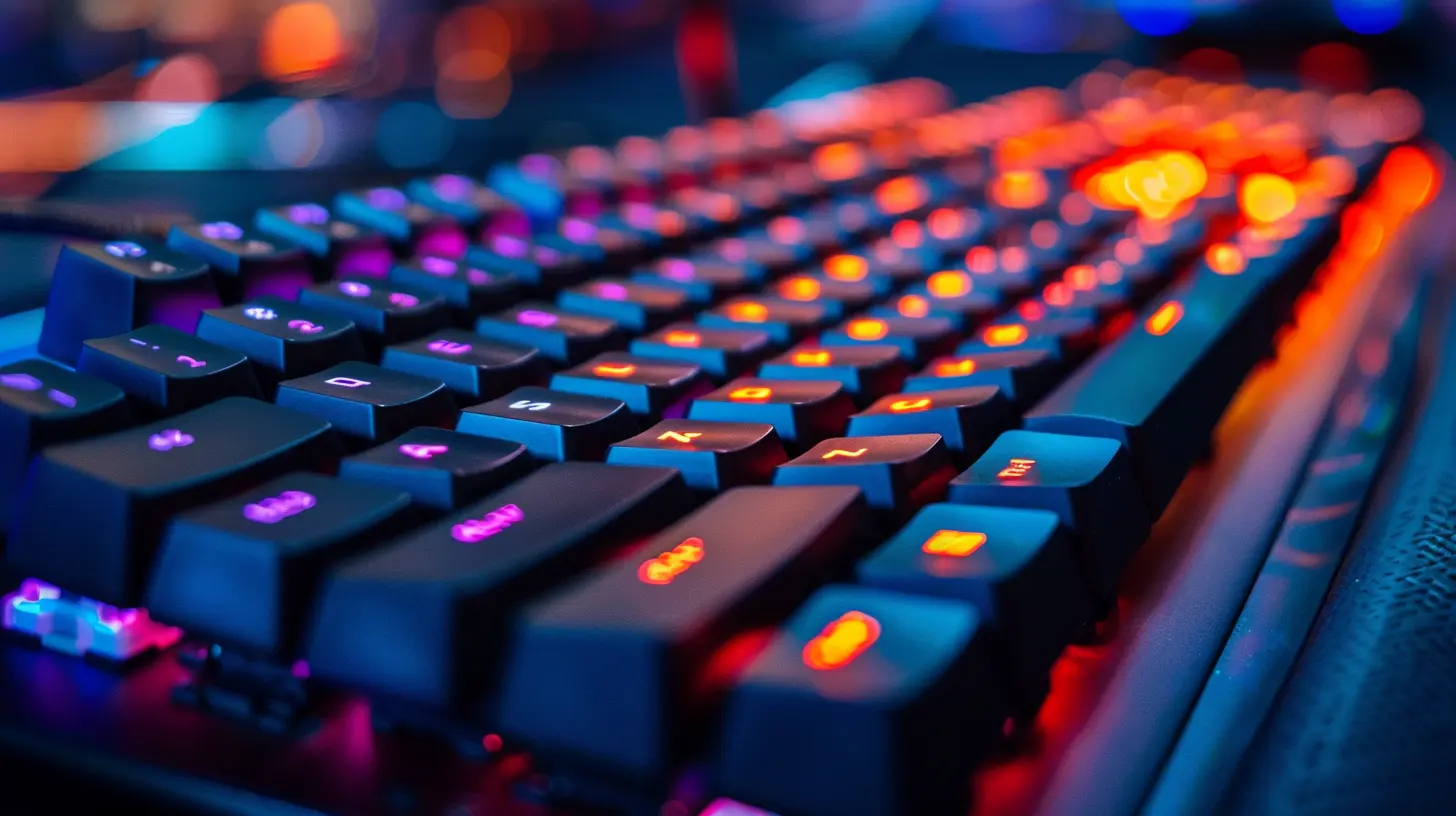
? Gaming Has Evolved—It’s Time Your Keyboard Did Too
First, let’s get one thing straight—gaming isn’t just a hobby anymore. It's a lifestyle, a community, and for some, even a career. With esports taking over the globe and pro players treated like rockstars, the demand for high-performance gear has skyrocketed.Keyboards, often undervalued in gaming setups, play a crucial role in split-second decisions. A millisecond delay can mean the difference between clutching the win or watching the defeat screen. That’s where optical keyboards step into the spotlight.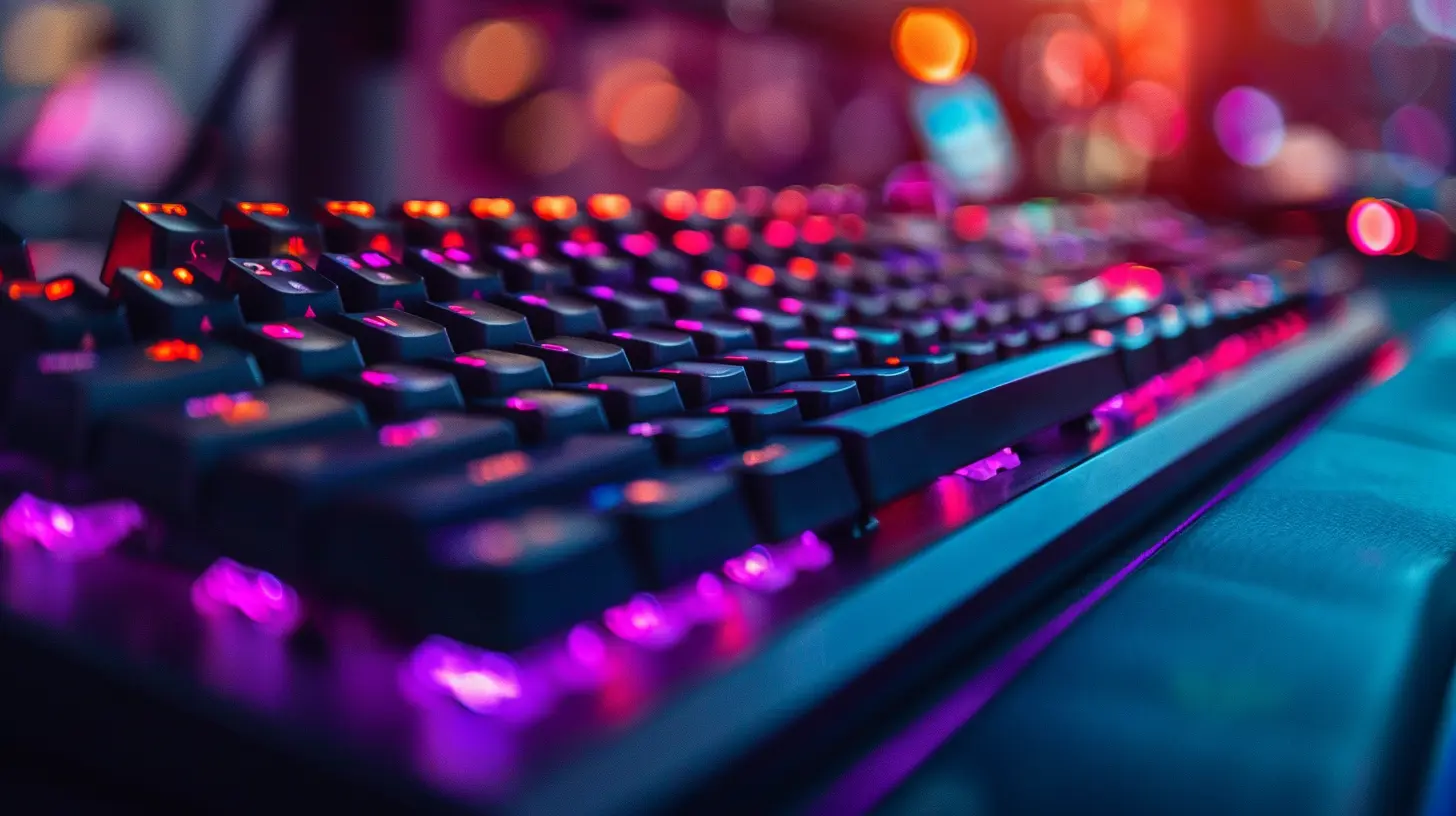
? What Is an Optical Keyboard, Anyway?
If you're scratching your head asking, “What's an optical keyboard?”—don't worry, you're not alone. The term sounds futuristic, and in some ways, it is. Unlike traditional mechanical keyboards that rely on physical contact to send signals, optical keyboards use—you guessed it—light.Here’s the basic breakdown:
- Instead of metal contacts completing a circuit,
- Optical switches use light beams and sensors.
- When you press a key, it breaks the beam, triggering the signal.
That’s it. No rubbing parts. No wear and tear. Just straight-up sci-fi-level tech under your fingertips.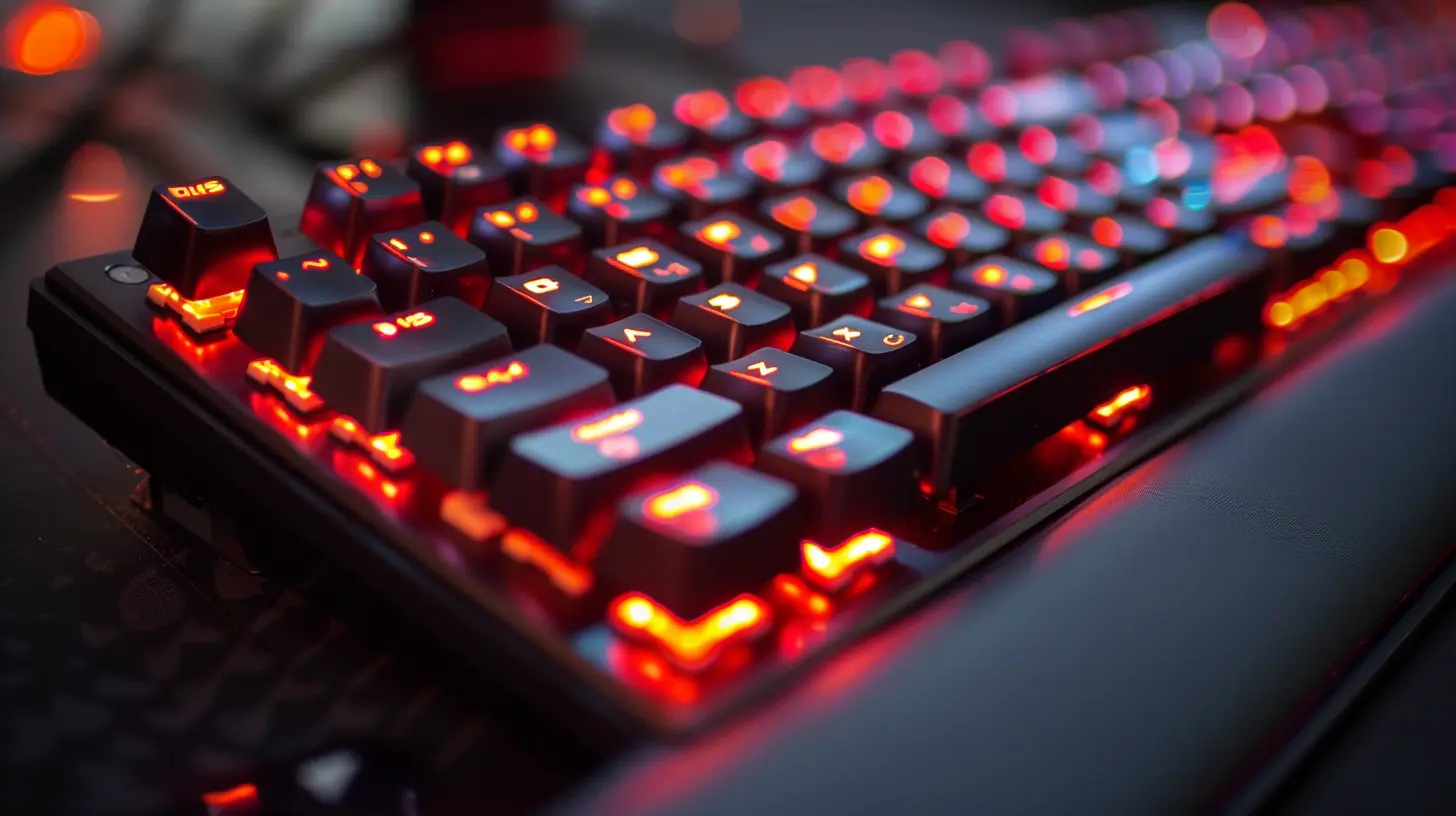
? Why Are Gamers Obsessed With Optical Keyboards?
You might be thinking, “Okay, that's cool and all, but do I really need one?” Honestly? Once you try it, you’ll probably never go back. Let’s break down why these keyboards are winning hearts (and matches).1. ⚡ Speed That Feels Like Telepathy
Optical keyboards are lightning-fast. Since they don’t rely on physical contact, the signal is sent nearly instantly. We're talking actuation speeds that mechanical switches only dream of.Imagine reacting to an enemy attack a fraction of a second faster—yeah, that’s game-changing.
2. ⏳ Durability That Lasts Forever (Almost)
Compared to traditional switches that wear out over time, optical switches don’t suffer from physical degradation. Most are rated for 100 million keystrokes or more.Translation? You’ll upgrade your GPU five times before this keyboard kicks the bucket.
3. ? Precision That Makes You Feel Like a Sniper
Each key registers exactly when it's supposed to. No double taps. No ghosting. Just smooth, accurate inputs. If you’re into games where precision is king—think CS:GO, Apex Legends, Valorant—this is your secret weapon.4. ? Quieter Options Available
Some gamers love that satisfying click-clack of mechanical keys, but for those who want something stealthier, optical switches come in quieter variants. Your teammates (and roommates) will thank you.5. ? Easier to Clean, Easier to Maintain
No complex mechanisms. No grease build-up. Optical keyboards are generally easier to clean and maintain. Just a quick dusting or an occasional keycap removal and you’re good.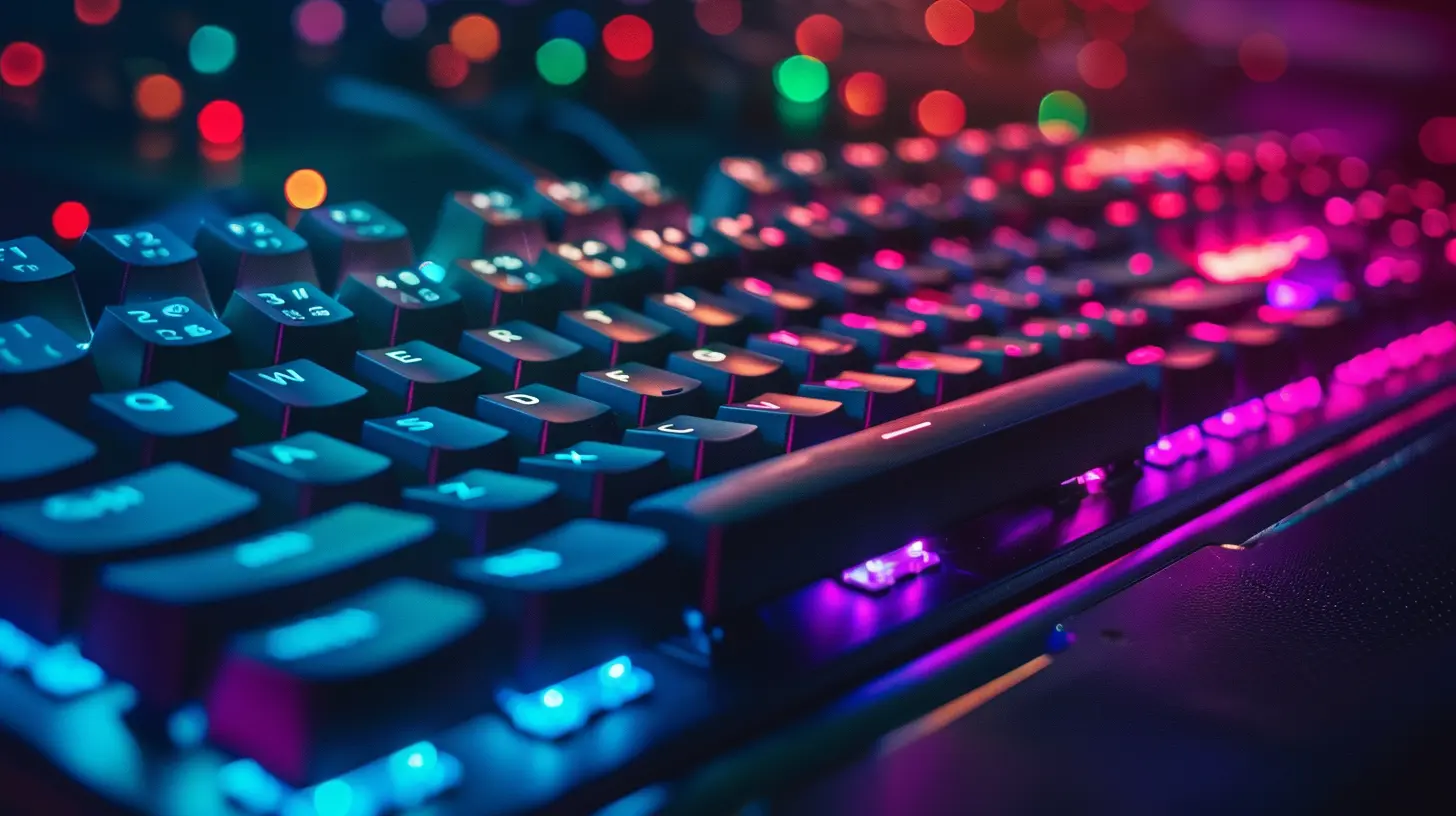
?️ The Tech Behind The Magic
Okay, so the results are incredible, but let’s geek out for a sec.Optical keyboards use infrared light beams strategically placed under each key. When you press a key, it disrupts the beam, and that disruption signals the PC.
Some optical keyboards go even further—incorporating analog input (pressure-sensitive responses), water resistance, and even hot-swappable switches for ultimate customization.
Manufacturers like Razer, SteelSeries, and Cooler Master are pushing the envelope here. Razer's Optical Keyboard Switches, for instance, boast a 0.2ms response time. That’s faster than your brain can process light.
? Comparing Optical vs Mechanical: Which One Wins?
Let’s do a lightning round comparison. Ready?| Feature | Optical Keyboard | Mechanical Keyboard |
|--------|------------------|---------------------|
| Actuation Speed | Faster (Light-Based) | Slower (Metal Contact) |
| Lifespan | ~100 Million Keystrokes | ~50 Million Keystrokes |
| Maintenance | Easier (Fewer Moving Parts) | Needs More Care |
| Customization | Increasingly Versatile | Highly Customizable |
| Price | Slightly Higher | More Budget Options |
| Tactile Feedback | Depends on Switch Type | Wide Range Available |
So, who wins? If you're all about speed, consistency, and long-term value, optics take the crown. Mechanical fans still swear by the "feel" of their keys, but optical is steadily catching up and even surpassing in many areas.
? Optical Keyboards and the Esports Explosion
Optical keyboards aren’t just a cool new gadget—they're part of the esports toolkit now.Competitive pros are always searching for that 1% edge. When a keyboard helps you execute moves faster than your opponent, that edge adds up.
Tournament-ready models like the Razer Huntsman Elite, Wooting One, and SteelSeries Apex Pro are becoming the norm in pro setups. And let’s not forget how customizable these keyboards are, letting pros fine-tune their actuation points like tuning the sensitivity on a sniper rifle.
?? For Casual Gamers Too? Absolutely!
You don’t need to be a pro to benefit from an optical keyboard. Even if you just play for fun with friends, optical keyboards can enhance your experience.Think about smoother keypresses, faster registration, and less fatigue during long sessions. It’s like upgrading from a regular car to a sports car—you’ll feel the difference immediately.
Plus, those sleek RGB lights flashing under your fingertips? Yeah, that’s the cherry on top.
? Are They Worth the Investment?
Let’s address the wallet in the room.Yes, optical keyboards tend to be a bit pricier than their mechanical cousins. But here’s the thing—you're paying for performance, longevity, and comfort.
Rather than replacing a cheaper keyboard every year or two, why not invest in one that sticks with you through every level, raid, and duel?
If you’re serious about gaming or even typing in general, the value is undeniable. It's an investment in your hands, your reaction time, and your sanity.
? The Future of Gaming Keyboards Is Optical
As game developers keep pushing the boundaries of realism, speed, and immersion, the hardware has to keep up.We’re seeing more innovation in optical input systems—not just in keyboards but in mice and other peripherals too. The gaming world is gravitating toward faster, smarter, and more efficient gear. Optical keyboards are just the beginning.
And with tech evolving, prices are expected to come down, making these high-performance tools more accessible to everyone. Soon, asking someone if their keyboard is optical might be the new norm.
? How to Pick the Right Optical Keyboard for You
Choosing your keyboard is like picking your wand in Harry Potter—it has to feel just right.Here are a few tips:
- ?️ Try Before You Buy: If possible, get a feel for different optical switches.
- ? Think About Features: Do you want RGB lighting, USB pass-through, or dedicated macro keys?
- ?♂️ Know Your Typing Style: Some like heavier presses, while others prefer feather-light taps.
- ? Check Software Compatibility: Make sure it integrates smoothly with the games you play and devices you own.
❤️ Final Thoughts: A Game Changer in Every Sense
We live in an era where milliseconds matter. Whether you're a casual player or someone grinding through ranked matches day after day, your gear has to pull its weight—and then some.Optical keyboards aren’t just a fancy alternative—they’re a legitimate upgrade. They’re faster, more durable, and way more efficient than traditional mechanical options.
So if you're ready to level up your setup and gain a tangible edge in both performance and comfort, it might be time to go optical. Trust me—once you feel that speed and precision under your fingers, there's no turning back.
? TL;DR? Here’s The Quick Recap:
- Optical keyboards use light-based actuation = super fast and reliable.- They last longer, register faster, and feel smoother.
- Esports pros are already switching.
- Worth the investment for serious and casual gamers alike.
- The future is bright—and probably RGB-lit too.
all images in this post were generated using AI tools
Category:
Gaming KeyboardsAuthor:

Whitman Adams