What Makes a Keyboard Truly “Gaming”?
24 March 2026
Let’s be honest—if you’ve ever dipped your toes into the world of gaming peripherals, you’ve definitely stumbled across the term “gaming keyboard.” Sounds fancy, doesn’t it? But it begs the question: what actually makes a keyboard “gaming”? Is it the RGB lighting disco party? The clickety-clack of mechanical switches? Or just the fact that it has the word "gaming" printed on the box?
In this post, we’re diving headfirst into what separates a real-deal gaming keyboard from a basic office clunker. We’ll break down the techy bits without boring you senseless, look at what features make sense for gamers, and help you figure out whether you actually need a gaming keyboard—or if someone’s just trying to charge you more for pretty lights.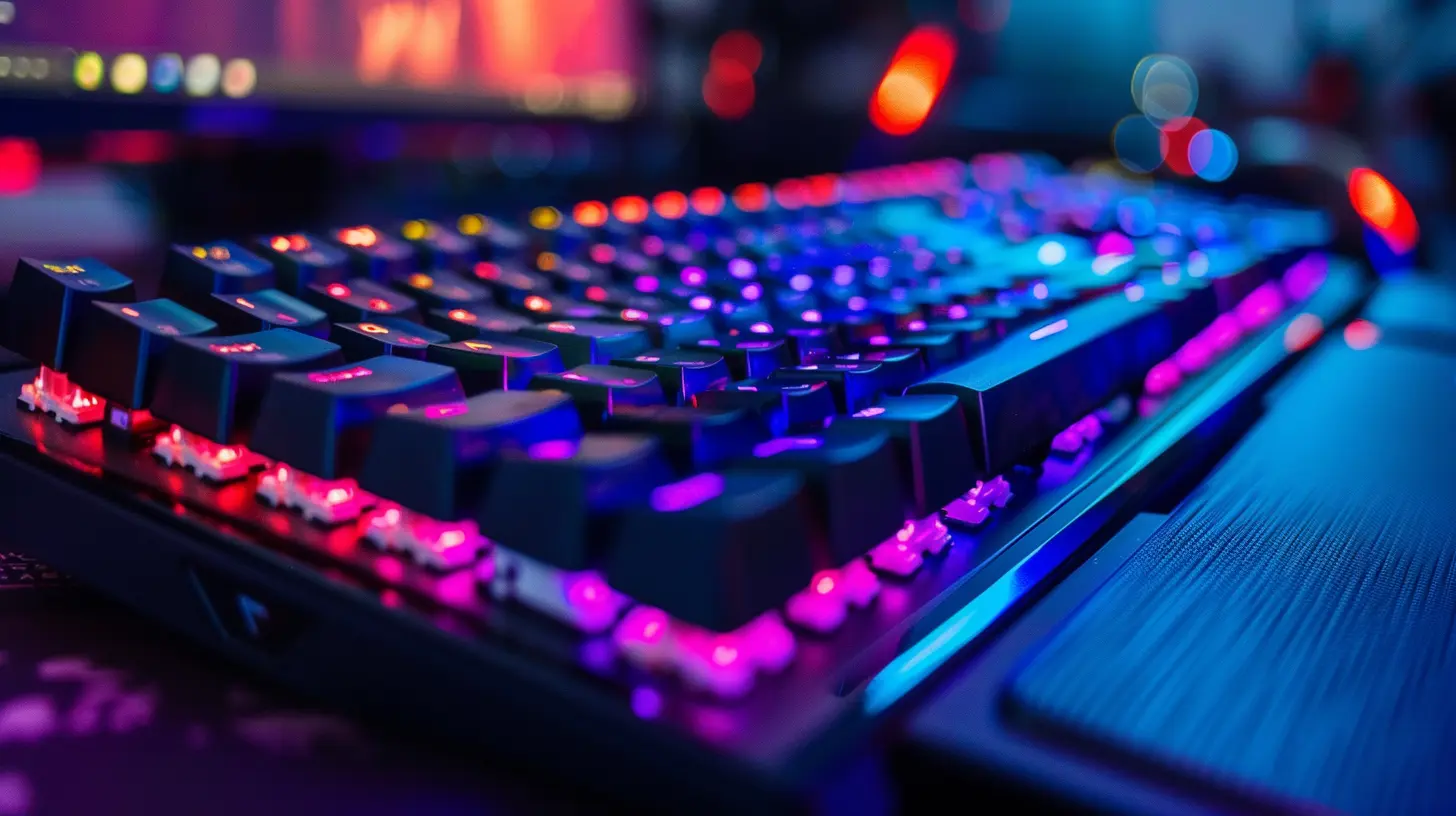
The Myth vs. The Magic of Gaming Keyboards
Let’s throw out the fluff for a second. Not every keyboard with RGB lighting qualifies as a gaming keyboard. And no, slapping a red LED under the spacebar doesn’t boost your kill/death ratio. A real gaming keyboard packs serious features under the hood that directly affect gameplay performance.We’re talking about speed, precision, durability, and customization. So not just looks—it’s the feel, the feedback, and the functionality that really matter.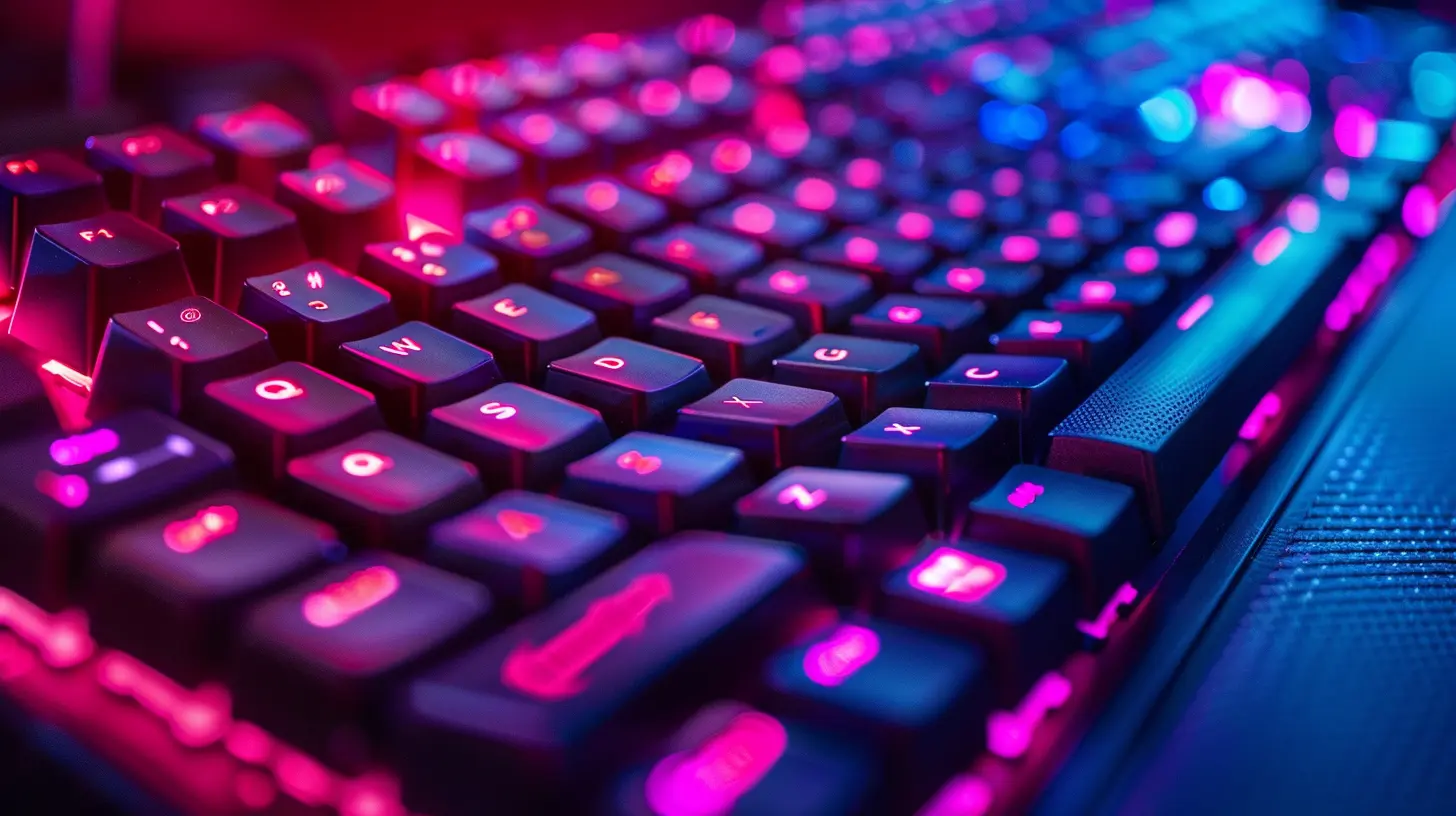
Mechanical vs. Membrane: The First Crucial Choice
You’ve probably heard gamers swear by mechanical keyboards. Why? It’s all about how they feel and perform.Mechanical Keyboards
Mechanical keyboards have individual switches under each key. You get tactile feedback, audible "clicks" (depending on the switch type), and most importantly, rapid and accurate keystrokes. They last longer—often rated for 50 million keystrokes or more—making them a solid investment.There are different types of mechanical switches (Cherry MX, Razer, Romer-G, etc.) and they come in various flavors:
- Linear (Red): Smooth and quiet, great for fast-paced gaming.
- Tactile (Brown): A slight bump for feedback, good mix for typing and gaming.
- Clicky (Blue): Loud and clicky, super satisfying for typists, but maybe annoying to teammates on voice chat.
Membrane Keyboards
Membrane keyboards use a rubber dome underneath the keys. They’re usually quieter and cheaper but don’t offer the same responsiveness or durability. They’re fine for casual use, but serious gamers often feel the lag—literally.Winner for Gamers?
Mechanical, hands down. If you’ve never used one, the difference is like switching from dial-up to fiber optic internet. You’ll never want to go back.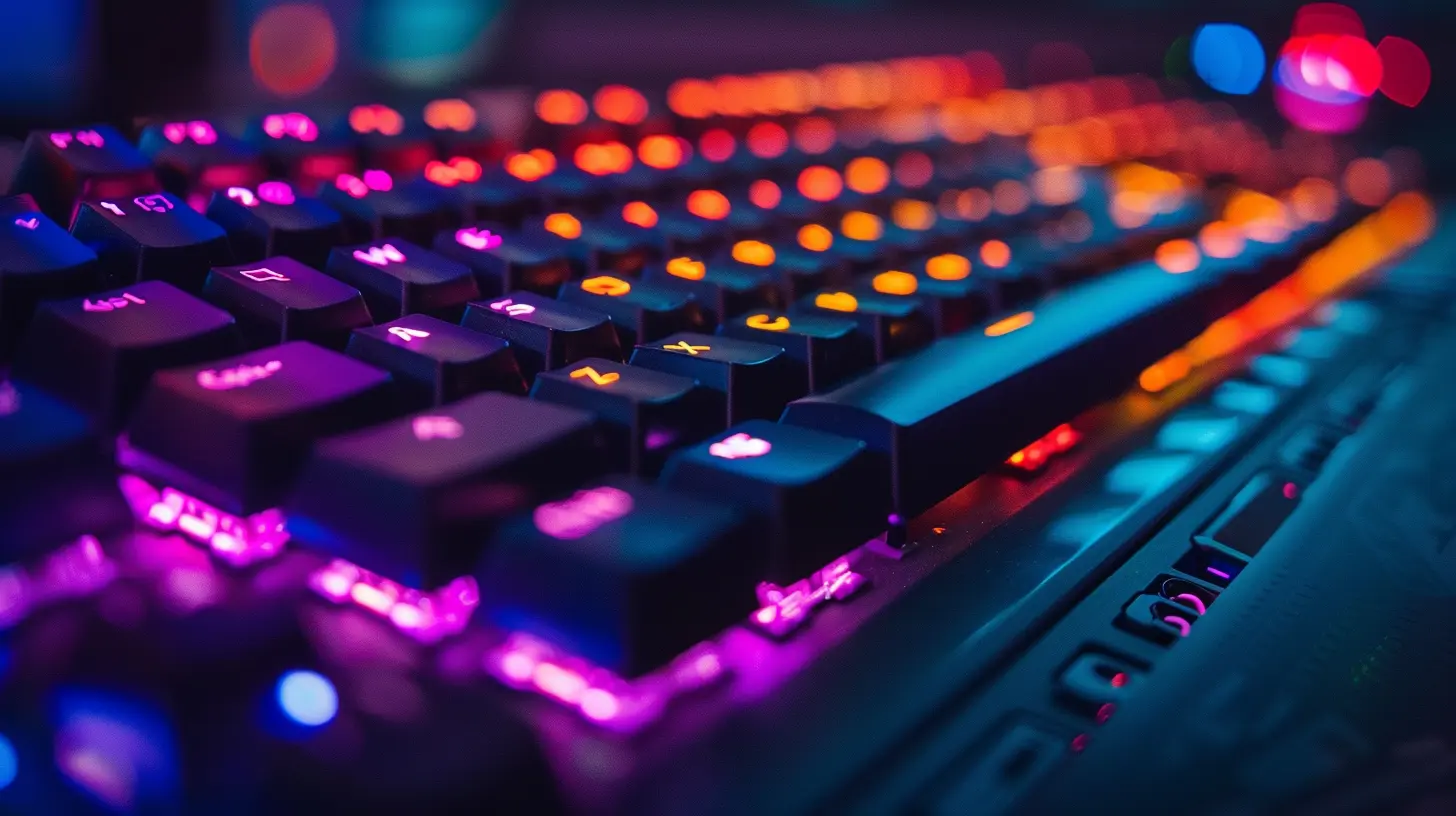
Polling Rate and Response Time: Speed Matters
When you're in a sweaty match of Apex Legends or pulling off a perfect combo in Tekken, every millisecond counts.Polling Rate Explained
The polling rate is how often your keyboard tells your PC what keys you're pressing. It's measured in Hz (hertz). A standard keyboard polls at 125Hz. Gaming keyboards often push it to 500Hz or even 1000Hz.Why It Matters
Higher polling rates mean less input lag. That translates to faster response times in-game. Will it make you an eSports champion overnight? Nah. But in tight situations, that slight edge can be the difference between a win and getting roasted in the lobby.
N-Key Rollover and Anti-Ghosting: What the Heck Are Those?
Gaming often requires pressing multiple keys at once. Think of sliding while reloading and switching weapons—it’s a dance of fingers.N-Key Rollover
N-Key Rollover means the keyboard can register multiple keys at the same time, no matter how many you press. Some standard keyboards can only register 3-6 key presses at once, beyond which they start missing inputs.Anti-Ghosting
Ever hit several keys at once and your keyboard registers phantom keys you didn’t even touch? That’s ghosting. Anti-ghosting prevents that nonsense, so your inputs are accurate—no surprises.For gamers, especially those who play MMOs, shooters, or fighting games, these features are crucial.
Customization: Macros, Profiles, and Software
One of the biggest perks of a gaming keyboard is how customizable it can be.Macros and Programmable Keys
Don’t feel like manually casting seven spells in a row? Record a macro. Gaming keyboards often let you program complex combinations to a single key. This is a godsend in MMOs like WoW or MOBA games like Dota 2.User Profiles
Different games = different settings. Many gaming keyboards let you create profiles for each game, saving you the hassle of reconfiguring everything each time you switch.Companion Software
Most top-tier gaming keyboards come with their own configuration software (think Razer Synapse, Corsair iCUE, Logitech G Hub). This lets you tweak everything from lighting effects to key behavior.Lighting: Style or Substance?
Ah yes, RGB—the gamer’s favorite mood lighting. While it sometimes feels like a gimmick, it can actually serve a functional purpose.Functional RGB
Some keyboards allow per-key RGB customization, which can be used for:- Highlighting key abilities or shortcuts.
- Zoning keys by function (like movement, healing, comms).
- Visual cues (flashing lights when things are on cooldown or health is low—yes, seriously).
Of course, it also just looks cool. There’s no shame in loving a light show.
Build Quality: Because Ragequits Happen
Let’s face it—emotions run high during gaming. You want a keyboard that can survive a bit of abuse.What To Look For
- Metal frames (especially aluminum) are more durable.- Braided cables are sturdier and tangle-resistant.
- Keycaps made of PBT materials tend to last longer and resist shine.
- Water-resistance is a bonus in case of energy drink spills (we’ve all been there).
Gaming keyboards are built to take a beating—figuratively and sometimes literally.
Ergonomics: Comfort Over Hours
Gaming sessions can stretch into the wee hours. Comfort matters.Wrist Rests and Key Shapes
Some gaming keyboards come with detachable wrist rests. Others have sculpted keycaps that match the shape and curve of your fingers.If you’re going to be playing for hours, don’t ignore this stuff. Repetitive strain is real.
Wireless vs. Wired: The Latency Debate
Wireless keyboards have come a long way, but are they ready for prime-time gaming?Wired
- Virtually no latency.- No batteries to worry about.
- Generally cheaper.
Wireless
- Clean setup, fewer cables.- Newer models (like Logitech's Lightspeed or Razer HyperSpeed) offer near-zero latency.
If you're going wireless, make sure it's a premium gaming-grade model. Don’t trust your work-from-home keyboard with your ranked match.
Price: Are Gaming Keyboards Worth It?
Gaming keyboards range from $50 to well over $200. Is it actually worth spending that much?Here’s the Deal
If gaming is just a casual hobby, you might not need all the bells and whistles. But if you’re playing competitively or for long stretches, the comfort, precision, and durability of a gaming keyboard can be a game-changer—literally.Even mid-range mechanical keyboards offer great value without torching your wallet.
Top Gaming Keyboard Brands To Look Out For
Let’s name-drop a few trusted options:- Corsair – Known for durable builds and top-tier performance.
- Razer – RGB gods with excellent gaming software.
- Logitech G – Reliable, professional-grade gear.
- SteelSeries – Great for eSports with super responsive keys.
- Keychron – Perfect for those who want a balance of gaming and typing.
TL;DR – What Actually Makes a Keyboard “Gaming”?
Let’s put a bow on this:| Feature | Gaming Keyboard Requirement |
|--------------------|--------------------------------------|
| Switch Type | Mechanical, for performance |
| Polling Rate | 500Hz or higher for better response |
| N-Key Rollover | Essential for multi-key inputs |
| Customization | Macros, RGB, profiles |
| Build Quality | Metal frame, sturdy keycaps |
| Comfort | Wrist rests, ergonomic design |
| Connectivity | Wired for zero latency, or pro-grade wireless |
Does every gamer need all of these features? Nope. But the more intense your gaming habits, the more these features start to matter.
Final Thoughts: Do You Need One?
So, is a gaming keyboard absolutely necessary? That depends on you. If you’re still mashing keys on a two-dollar office board with worn-out lettering and wondering why your inputs feel laggy, then yeah—it might be time.A gaming keyboard won’t turn you into Shroud or Faker, but it can definitely make your experience smoother, faster, and more enjoyable. Think of it like upgrading from a tricycle to a mountain bike—it won’t pedal for you, but it sure makes the ride better.
Whether you're a casual clicker or a hardcore grinder, it’s worth asking: is your keyboard holding you back?
all images in this post were generated using AI tools
Category:
Gaming KeyboardsAuthor:

Whitman Adams
Discussion
rate this article
2 comments
Nadia Mitchell
A gaming keyboard should prioritize responsiveness, customizable keys, and ergonomic design. Features like mechanical switches, customizable RGB lighting, and programmable macros enhance gameplay, while anti-ghosting technology ensures accurate inputs during intense sessions, providing a competitive edge.
March 29, 2026 at 4:55 AM
Whitman Adams
I completely agree! Prioritizing responsiveness, customization, and ergonomic design is essential for a high-performance gaming keyboard. Features like mechanical switches and anti-ghosting are crucial for an enhanced gaming experience.
Annette Vasquez
A gaming keyboard excels in responsiveness, customizable macros, backlighting, and durability, enhancing gameplay and providing a competitive edge for gamers.
March 25, 2026 at 4:30 AM
Whitman Adams
Absolutely! A gaming keyboard's responsiveness, customizable features, and durability indeed provide gamers with a significant competitive advantage.