Which Switch Type Is Best for FPS Versus RTS?
21 January 2026
Let’s be real—if you care about gaming performance even just a little bit, then you’ve probably already obsessed over your mouse DPI, frame rate, and maybe even how many RGB lights you can cram into your setup. But there’s one thing that often gets overlooked: your keyboard switches. Yep, those tiny little clicky (or thocky) things under your keycaps can low-key make or break your game. So today, we're diving headfirst into a spicy debate: Which switch type is best for FPS versus RTS games?
Spoiler alert: the answer isn’t one-size-fits-all. But don’t worry—we’re breaking it all down so you can make the choice that gives you the edge.
🎮 Understanding the Basics: What Are Keyboard Switches?
Alright, before we pit switch types against each other like it's a gladiator match, let’s get on the same page. Mechanical keyboard switches come in different flavors, and they affect how your keyboard feels, sounds, and performs.There are three main types of switches:
- Linear – Smooth from top to bottom. No bump, no click. Just a straight shot.
- Tactile – Has a bump midway through the keypress so you know it's been activated.
- Clicky – Like tactile... but extra. Loud and proud with that satisfying click noise.
Whether you’re the type who spams keys like you’re mashing potatoes or you’re all about precise timing, the switch you use will shape your experience.
🎯 Why Switch Type Even Matters for Gaming
Let’s get down to brass tacks: Your keyboard switch affects response time, accuracy, fatigue, and even how annoyed your roommates get. Especially in FPS and RTS games, where the stakes are high and the difference between winning and getting wrecked can come down to milliseconds.Here’s why it matters:
- Speed of Actuation: Lighter switches can be faster to press, helping you react quicker in high-stress moments.
- Tactile Feedback: Good for letting you know a command actually went through—essential in RTS where misclicks = chaos.
- Noise Level: You don’t want loud switches if you're talking to teammates or streaming.
- Comfort: If you're grinding for hours, every keypress counts. Hand fatigue is the enemy.
You wouldn’t use a sniper rifle in a sword fight, right? Same logic applies here.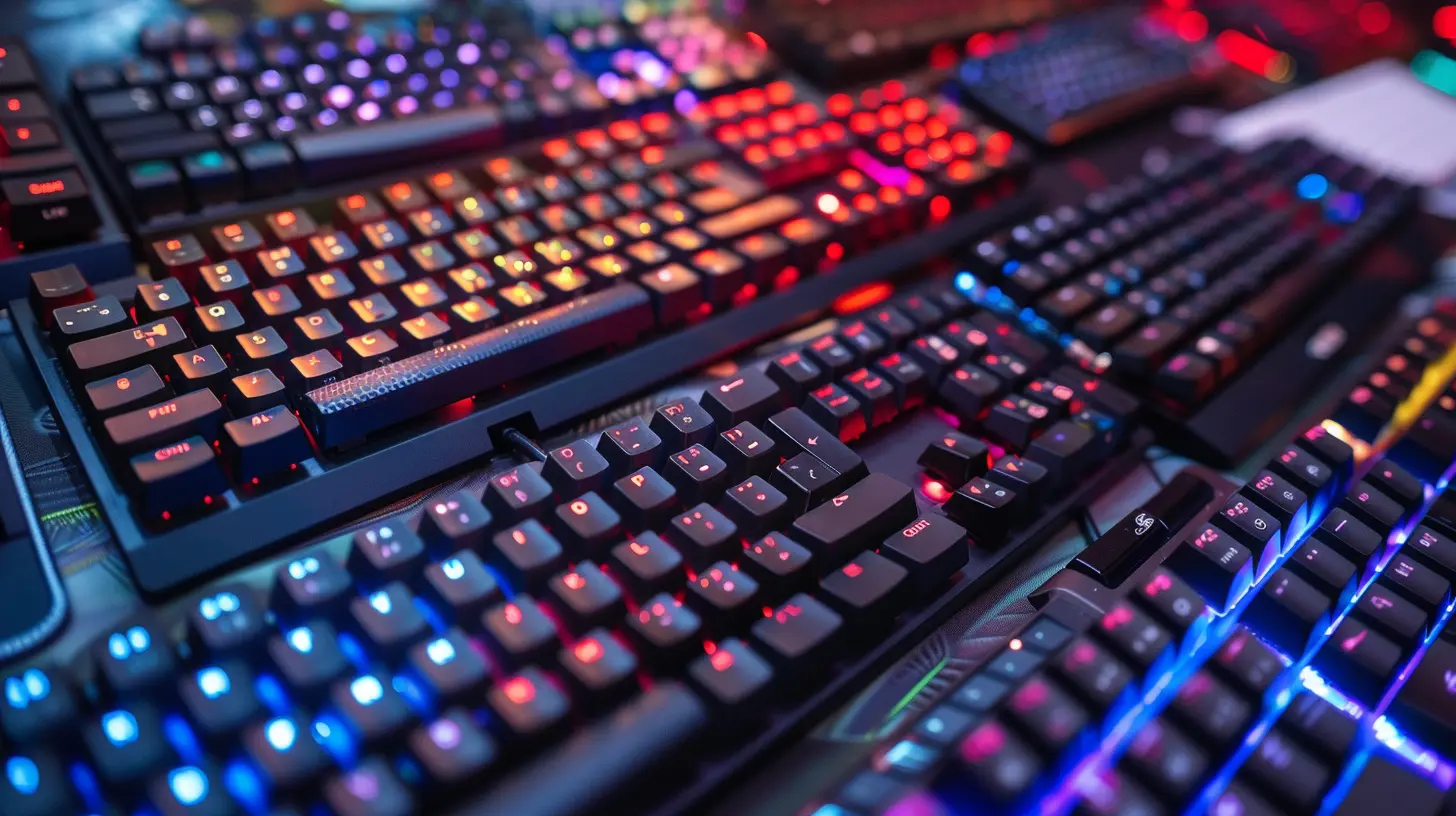
⚔️ FPS Games: The Racecar of Gaming Genres
Fast-paced. Reflex-heavy. Twitchy AF. First-Person Shooters like Call of Duty, Valorant, and Apex Legends are all about point, click, and survive. Your keyboard needs to keep up with your brain, and your brain is firing on all cylinders.🕹️ Best Switch Type for FPS: Linear Switches (e.g., Red or Silver)
Let’s cut to the chase—linear switches are king in the FPS realm.✅ Why?
- Zero Resistance: These switches have no tactile bump, which means pressing a key is buttery smooth.- Quick Actuation: Some linear switches like Cherry MX Speed Silvers actuate faster than you can say “headshot.”
- Low Force: You don’t have to mash keys—your fingers just glide.
It’s like driving a Tesla in Ludicrous mode—fast, smooth, and silent (depending on the brand). Every split second counts in FPS. Linear switches help you move, crouch, bunny hop, or fire without hesitation.
🛑 Any Downsides?
- Not the best for typing; you might bottom out (slam the key) more often.- No tactile feedback—so muscle memory better be on point.
🧠 RTS Games: The Chess Match of the Digital World
Real-Time Strategy games like StarCraft II, Age of Empires IV, and Company of Heroes aren’t about twitch reflexes—they’re about macro control, multi-tasking, and big-brain moves. You’re managing armies, resources, and upgrades all at once. It’s less sprint, more juggling act.🧠 Best Switch Type for RTS: Tactile Switches (e.g., Brown or Clear)
Tactile switches are your best friend in RTS.✅ Why?
- Tactile Feedback: That little bump lets you know you’ve made a keypress. Super useful when you're hitting hotkeys like a maniac.- Accuracy Over Speed: You don’t need to be lightning fast—you need to be precise.
- Balanced Feel: Not too heavy, not too light, and quieter than clicky switches.
Imagine it like this: linear switches are like racecars, but tactile switches are like mountain bikes—designed for control and handling in tricky terrain.
🛑 Any Downsides?
- A bit slower than linear switches.- Might feel less “fluid” if you’re used to immediate feedback.
🔊 What About Clicky Switches?
Ah yes, the switch everyone hears from three rooms away. Clicky switches (like Blue or Green switches) give you both tactile feedback AND a loud audible click. While some people love them, here’s the tea:⚠️ Clicky Switches: Kind of a Mixed Bag
- Not Ideal for FPS: They’re slower, and that click noise can get annoying—especially in tense moments.- Decent in RTS: For solo gamers or those who just love the sound of productivity, they’re doable. You’ll know you pressed something.
But honestly? Unless you really enjoy the click-clack symphony, these usually aren’t the top pick for gaming.
🧪 Where Custom Switches Come Into Play
Feeling spicy and want something tailored? Enter the world of custom mechanical switches—a rabbit hole so deep it makes Alice in Wonderland look like a kiddie pool.- Lubed Linear Switches: Even smoother! Feels like typing on melted butter.
- Silent Tactile Switches: All the feedback, none of the noise. Great if you're living with others or streaming.
- Low-Profile Switches: Shorter travel for faster actuation—perfect for gamers who want to shave off milliseconds.
Brands like Gateron, Kailh, and Zealios have taken things up a notch with unique switch variations. If you’re serious about optimizing, it might be worth experimenting.
🧠 The Mind-Game of Muscle Memory
Let’s not ignore the psychological aspect. When you spend hours gaming, your fingers build up their own little habits. If you suddenly change to a different switch type, it might throw off your muscle memory—for better or worse.So, consistency matters. If you're switching from a tactile to a linear and your K/D ratio suddenly plummets, don’t freak out. Your fingers are just adjusting, like a cat figuring out it hates the new couch.
🧰 Don’t Forget Key Factors Beyond the Switch
Let’s not get tunnel vision here. Your switch type matters, but so does:- Keyboard Size: Tenkeyless and 60% boards can give you more mouse space—clutch for FPS.
- Keycap Material: PBT vs. ABS can change the texture and wear resistance.
- Stabilization: A well-lubed, solid spacebar feels sooo much better than a rattly mess.
- Polling Rate: Make sure your keyboard isn’t lagging behind your fingers.
All these little things add up like Lego bricks—build a solid foundation.
🏁 The Final Verdict
So, which switch type is best for FPS versus RTS?🎯 For FPS Games:
- 🏆 Best Choice: Linear Switches (like Cherry MX Red, Speed Silver, Gateron Red)- 🟢 Pros: Smooth, fast, low-resistance
- 🔴 Cons: No tactile feel, less ideal for typing
🧠 For RTS Games:
- 🏆 Best Choice: Tactile Switches (like Cherry MX Brown, Clear, Zealios V2)- 🟢 Pros: Feedback-driven, precise, satisfying
- 🔴 Cons: Slightly slower, not “instant” on actuation
🗣️ Personal Take?
If you’re a genre-hopping gamer who plays both FPS and RTS, go for tactile switches. They’re like a well-rounded RPG character—good at everything, master of none. But if you’re a hardcore FPS sweatlord trying to shave milliseconds off your reaction time, smooth linear switches will give you the edge you crave.🔄 TL;DR – Quick Comparison Table
| Feature | Linear (FPS) | Tactile (RTS) | Clicky ||-----------------------|------------------------|------------------------|---------------------|
| Actuation Speed | 🔥 Fastest | ⚖️ Moderate | 🐢 Slowest |
| Feedback | ❌ None | ✅ Gentle Bump | ✅ Bump + Click Sound |
| Noise Level | 🔇 Quiet | 🤫 Moderate | 🔊 Loud |
| Gaming Use Case | ✅ FPS Best | ✅ RTS Best | 👎 Not Recommended |
| Typing Comfort | 👎 Meh | ✅ Good | 🤷♂️ Depends on Taste |
Final Words: Choose Your Weapon Like a Pro
At the end of the day, your switch choice is personal. It's like choosing a class in an RPG—there’s no wrong choice, just what suits your playstyle. Try before you buy if you can, borrow a friend's board, or get a switch tester to find your perfect match.So the next time someone tells you "it’s just a keyboard," you can hit 'em with the knowledge bomb: “Actually, my linear actuation point is optimized for peak headshot potential, Karen.”
Game on, legends.
all images in this post were generated using AI tools
Category:
Gaming KeyboardsAuthor:

Whitman Adams
Discussion
rate this article
2 comments
Grant Gibson
Great analysis! I appreciate the insights on switch types for FPS and RTS games. It really helps clarify the best choices for different gaming styles.
January 24, 2026 at 5:20 PM
Whitman Adams
Thank you! I'm glad you found the analysis helpful for choosing the right switch type for your gaming style. Happy gaming!
Zephyrine McQuillen
Choose wisely—your gameplay destiny rests in your hands!
January 21, 2026 at 4:57 PM
Whitman Adams
Absolutely! The right switch can significantly enhance your gameplay experience, so make your choice count!