Best Gaming Keyboards Under a Tight Budget
30 January 2026
Let’s face it — gaming gear can get pricey. But if you're anything like me, you don’t want to sell a kidney just to get your hands on a decent keyboard for gaming. The good news? You don’t have to. Whether you're into casual gaming or grinding through ranked matches all night, solid, budget-friendly keyboards are out there. And guess what? They don’t suck.
In this guide, we’ll break down the best gaming keyboards under a tight budget without all the marketing fluff. We’ll talk features, performance, and most importantly — value for your money. So buckle up, fellow gamer, and let’s dig into the best budget gaming keyboards that won’t break the bank.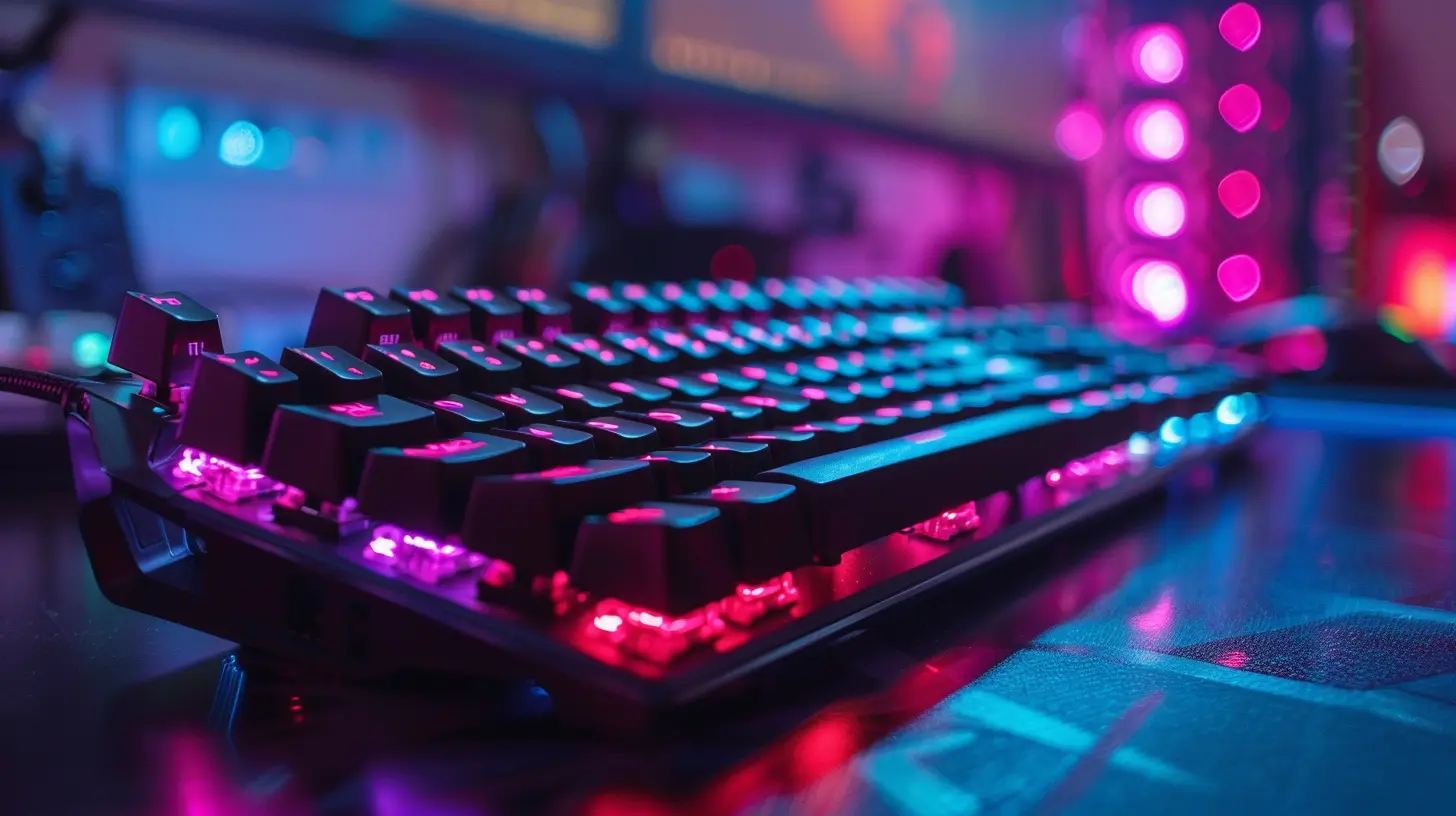
Why a Gaming Keyboard Even Matters
You’re probably wondering, “Can’t I just use any cheap keyboard?” Technically, yes. But it’s kinda like using flip-flops for a marathon — you’ll get there, but it won’t be pretty.Gaming keyboards are built for speed, precision, and durability. They come with faster response times, customizable keys, and that oh-so-satisfying clicky feedback. Trust me, once you feel the difference during a match, you’ll never want to go back to your office keyboard again.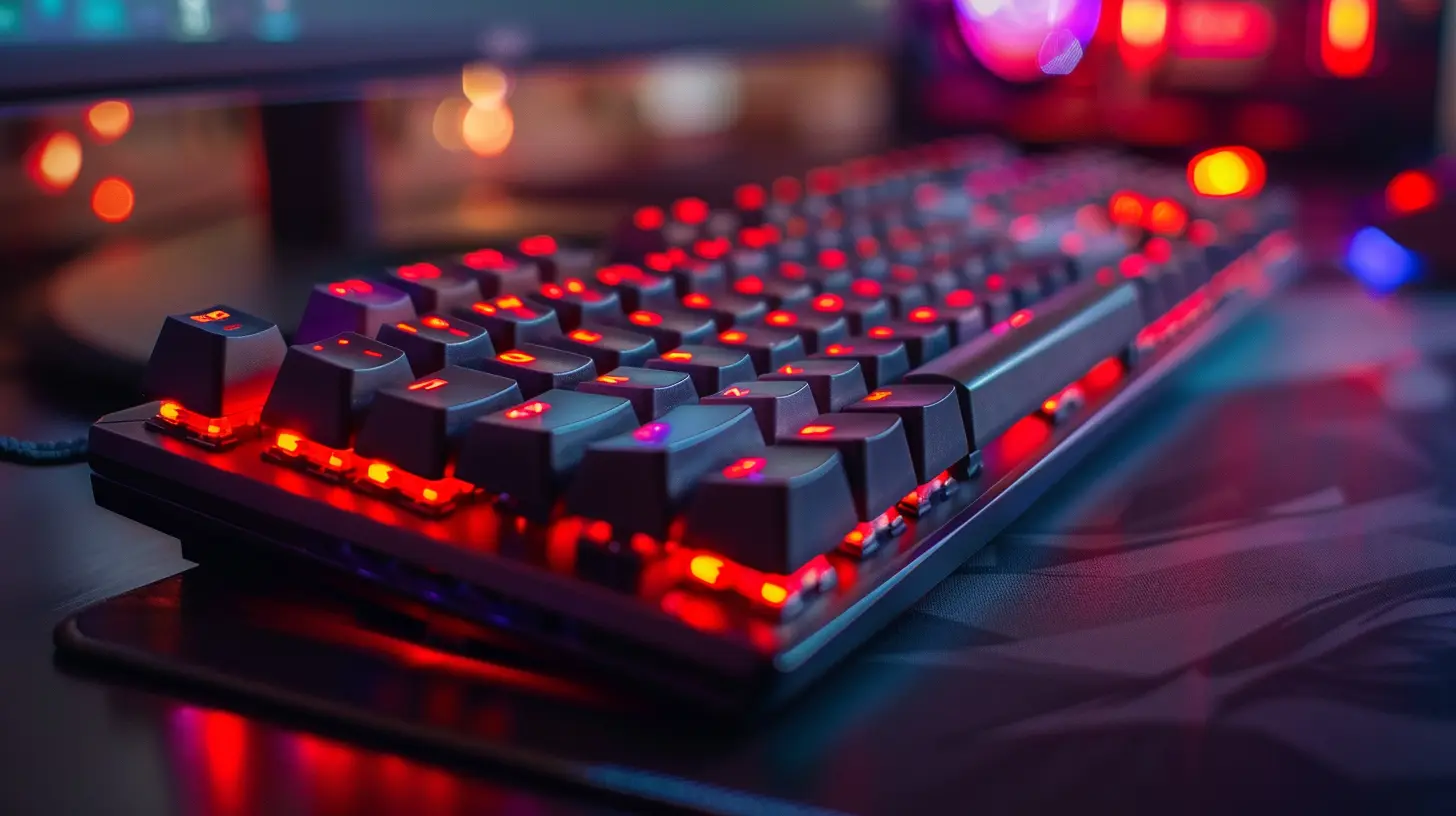
What To Look For in a Budget Gaming Keyboard
Before we dive into our top picks, let’s cover the basics of what you should be looking for:- Switch Type: Mechanical switches are ideal, but not all budget keyboards have them. Membrane switches can be decent if you're strapped for cash.
- Build Quality: Look for keyboards with solid construction (aluminum or strong plastic). It should survive some rage quits.
- Backlighting: RGB is great, but a simple red or blue LED can look just as cool.
- Anti-Ghosting & N-Key Rollover: These features ensure every key press registers correctly, especially during intense combos.
- Programmable Keys: Useful for MMOs and MOBAs.
- Software Support: Some budget boards still offer customization through their software.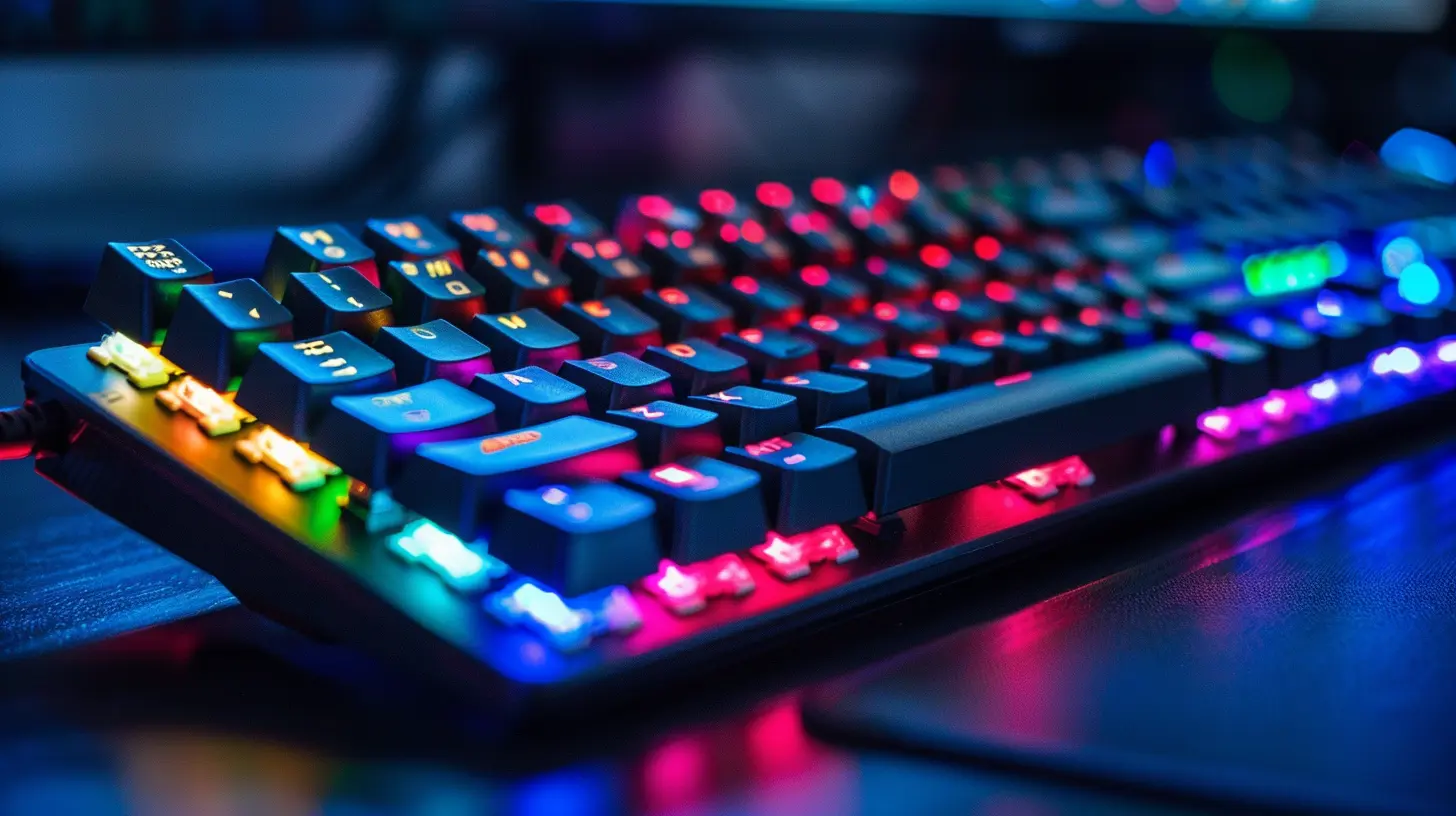
Top 7 Best Gaming Keyboards Under a Tight Budget (2024)
Alright, time to get to the real reason you're here. Here are some killer keyboards that give you top-tier gamer vibes — minus the hefty price tag.1. Redragon K552 Kumara
Price Range: ~$35-$45Switch Type: Mechanical (Outemu Blue)
Backlighting: Red LED
This little beast is the MVP of budget gaming keyboards. The Redragon K552 doesn’t just look rugged — it is. With clicky Outemu Blue switches (think Cherry MX Blue vibes), it's ideal if you love tactile feedback with each keypress. The all-metal top plate adds to its durability, and it even has anti-ghosting on all 87 keys.
Sure, it doesn’t have full RGB, but that red backlight is sleek and fierce. Plus, its compact TKL design saves desk space — perfect for low-DPI mouse swipers.
✅ Pros:
- Mechanical switches at a budget price
- Durable build
- Great for FPS games
❌ Cons:
- No RGB
- No dedicated media keys
2. Logitech G213 Prodigy
Price Range: ~$45-$55Switch Type: Mech-Dome (membrane hybrid)
Backlighting: 5-zone RGB
If you’re not quite ready to step into the mechanical world, the Logitech G213 is a comfy intermediary. Its Mech-Dome keys give you that mechanical feel without the noise or cost. It's spill-resistant (hello, energy drink spills), and the 5-zone RGB backlighting adds some flair to your setup.
Also — dedicated media controls. That’s a win.
✅ Pros:
- Comfortable and quiet
- RGB zones with software customization
- Splash-resistant
❌ Cons:
- Not truly mechanical
- Bulkier design
3. Razer Cynosa V2
Price Range: ~$55-$65Switch Type: Membrane
Backlighting: Individual RGB Keys
Razer is known for premium gear, and the Cynosa V2 brings that vibe without the insane price tag. This is a membrane keyboard, but it has a surprisingly responsive and satisfying feel. The individual key RGB backlighting — rare in this price range — gives you complete lighting control.
You also get fully programmable keys with Razer Synapse support and dedicated media controls. It’s a streamlined, gamer-ready option for under $70.
✅ Pros:
- Per-key RGB lighting
- Programmable keys with Razer Synapse
- Media controls
❌ Cons:
- Membrane keys may not suit mechanical lovers
- No wrist rest
4. Aukey KM-G12 Mechanical Keyboard
Price Range: ~$45-$55Switch Type: Outemu Blue (mechanical)
Backlighting: Full RGB
Aukey might not be a household name, but they’re making waves in the budget gaming space. The KM-G12 is a full-size keyboard with robust metal construction and real mechanical switches. The RGB lighting is customizable with multiple effects — and yes, it looks amazing in a dark room.
It even includes removable keycaps and anti-ghosting on all keys. Basically, it checks every box a gamer could ask for at this budget.
✅ Pros:
- True mechanical keys
- Great RGB effects
- Solid build quality
❌ Cons:
- No software customization (hardware only)
- Slightly loud switches
5. Corsair K55 RGB Pro
Price Range: ~$50-$60Switch Type: Membrane
Backlighting: RGB (zone)
Corsair’s K55 RGB Pro is proof that even entry-level gaming keyboards can look and feel premium. It features six macro keys, IP42 dust/water resistance, and zone-based RGB lighting.
What sets this one apart? The macro keys are compatible with Elgato’s Stream Deck software. That’s a game-changer for streamers on a budget.
✅ Pros:
- 6 programmable macro keys
- Elgato integration
- Great for streamers and multitaskers
❌ Cons:
- Bulky design
- Membrane keys
6. HyperX Alloy Core RGB
Price Range: ~$45-$55Switch Type: Membrane
Backlighting: Customizable RGB
HyperX brings that clean, gamer aesthetic to an affordable keyboard. The Alloy Core RGB is responsive, quiet, and has dynamic RGB lighting zones. It’s also spill-resistant, which is always a bonus when you’re mid-match and accidentally knock over your drink.
It’s not mechanical, sure — but HyperX nails the “premium membrane” feel. If you’re not hung up on switch types, this one’s a steal.
✅ Pros:
- Quiet and responsive typing
- RGB customization
- Sturdy and spill-resistant
❌ Cons:
- No mechanical switches
- No wrist rest
7. Velocifire TKL02 Mechanical Keyboard
Price Range: ~$30-$40Switch Type: Brown Switches (Tactile, Quiet)
Backlighting: White LED
If you crave mechanical keys but don’t want the crazy click-clack, the Velocifire TKL02 has your back. It comes with Brown switches — tactile but much quieter than Blue switches.
Its minimalist design is perfect for both gaming and typing. And the white LED backlight adds just enough glow without being flashy. A great starter board for gamers who value performance over RGB dazzle.
✅ Pros:
- Brown mechanical switches
- Quiet typing
- Compact and clean design
❌ Cons:
- Only white LED
- No extra features or software
Tips to Maximize Your Budget Gaming Keyboard
Even a budget keyboard can feel high-end with a few tricks up your sleeve:- Use Key Mapping Software: Tools like SharpKeys or AutoHotKey let you remap keys for better efficiency or game-specific macros.
- Add a Wrist Rest: Can’t afford a premium keyboard with one built-in? Buy a cheap gel rest — your hands will thank you.
- Cable Management: Tidy cables make your setup look ten times more polished.
- Keycap Upgrade: Swapping out stock keycaps with colored or textured ones is a cheap way to elevate the look and feel.
The Verdict: Which One Should You Get?
If you're after full mechanical feel and performance, the Redragon K552 or the Aukey KM-G12 are no-brainers. Want something quieter and a bit more polished? The HyperX Alloy Core RGB or Corsair K55 has you covered.At the end of the day, it’s all about preference. Whether you're a button-mashing warrior or a precision sniper, there's a solid keyboard here that fits your style without gutting your wallet.
Final Thoughts
You don’t need to spend $150 to get a killer gaming experience. Budget gaming keyboards have come a long way, and many offer features you'd expect from higher-end models. So save that money for your next GPU upgrade (or pizza night), and grab a keyboard that gets the job done and then some.Game on, budget warrior.
all images in this post were generated using AI tools
Category:
Gaming KeyboardsAuthor:

Whitman Adams
Discussion
rate this article
2 comments
Amy McGuire
Why settle for mediocre when you can elevate your gaming experience without breaking the bank? These budget-friendly keyboards don’t compromise on performance or style. Embrace your inner gamer and invest wisely—your skills deserve the best tools. It’s time to game hard, save smarter, and dominate your competition!
February 4, 2026 at 4:19 PM
Whitman Adams
Absolutely! Investing in a quality budget-friendly keyboard can enhance your gaming experience without overspending. Your skills deserve the best tools!
Emmett Stevens
Awesome picks! Gaming on a budget just got easier! 🎮✨
February 3, 2026 at 5:42 AM
Whitman Adams
Thank you! I'm glad you found the picks helpful! Happy gaming! 🎮✨