Choosing a Gaming Keyboard for Small Desks
9 August 2026
So, your setup is tight on space, but you still want that glorious RGB glow and clicky satisfaction of a legit gaming keyboard? Yep, we’ve all been there. Whether you're gaming in a dorm room, working from a shared apartment, or just trying to keep your battle station neat and clutter-free, picking the right gaming keyboard for a small desk can literally be a game-changer.
In this guide, we're about to deep dive into everything you need to know about choosing a gaming keyboard that punches way above its size. Spoiler alert: small desk doesn’t mean small performance.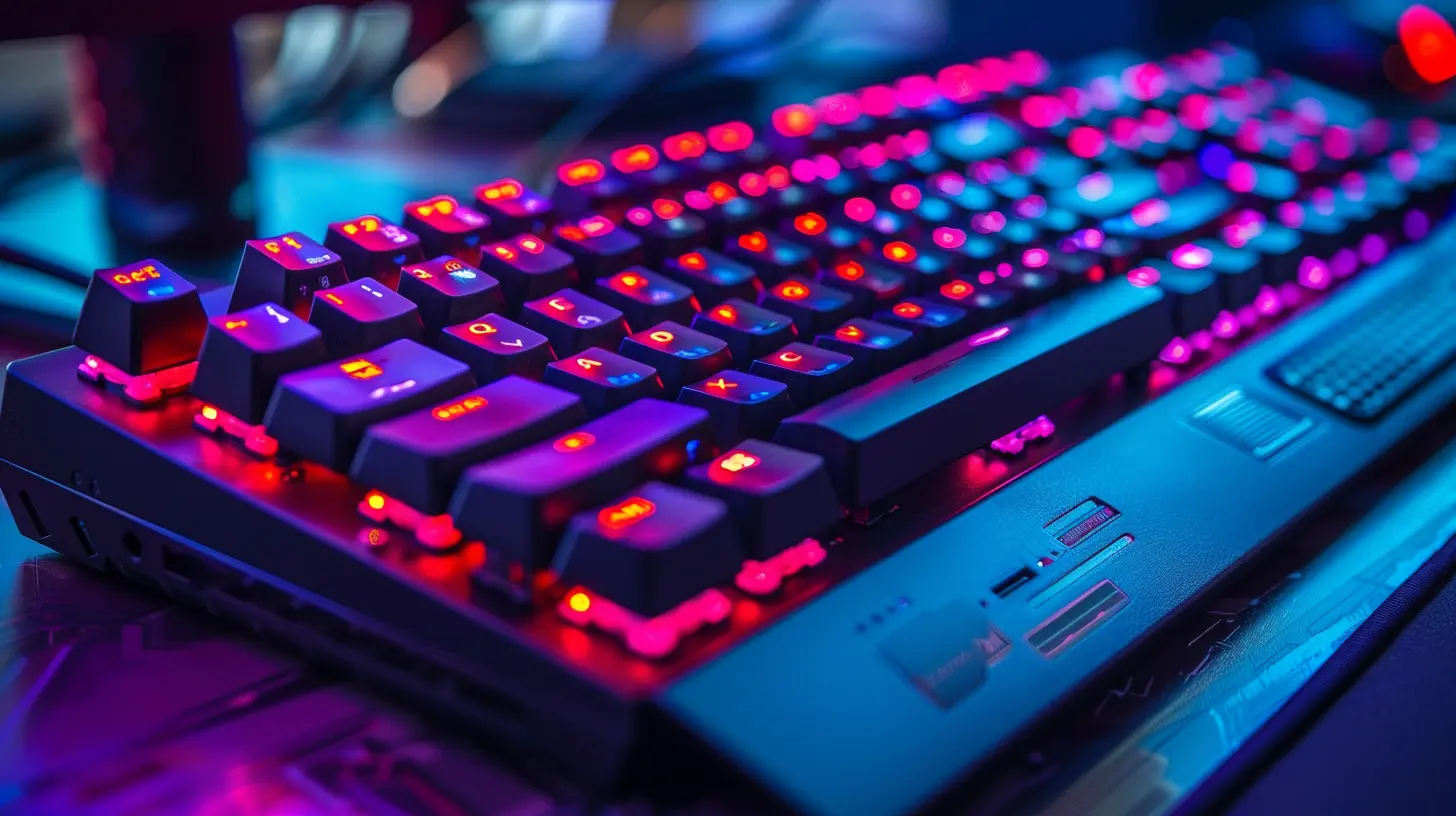
Why Size Really Does Matter (For Keyboards, Of Course)
Let’s get real. When your desk barely has room for your monitor, mouse, and maybe a drink (don’t spill it!), you have to make every inch count.Most full-sized keyboards take up a lot of desk space and can limit your mouse movement — not ideal when you're trying to pull off that 360 no-scope. That’s where the magic of compact gaming keyboards comes in. They give you the performance you need, without the bulk.
Common Keyboard Sizes and What They Mean
Before diving into recommendations, let’s break down the typical keyboard sizes:- Full-sized (100%) – Includes everything: function keys, number pad, and arrow keys. Great for spreadsheets, not so great for little desks.
- Tenkeyless (TKL, 80%) – Drops the number pad. Saves space while keeping core gaming functionality.
- 75% – Compact layout, still has function keys and arrows but squished together.
- 65% – Cuts out the function row, but keeps the arrows. A sweet spot for many gamers.
- 60% – Super compact. Ditches arrows, function keys, and other extras. Sleek, minimalist, and perfect for tiny desks.
- 40% – Ultra-mini, very niche, can be a pain for gaming unless you're into customizing layouts.
So, which one’s best for you? Well, that depends on your play style, comfort, and how much space you’re really working with.
How to Choose the Perfect Gaming Keyboard for a Small Desk
Alright, let’s walk through the key factors you need to keep in mind when shopping for your next compact gaming keyboard.1. Keyboard Size and Form Factor
Ask yourself what features you actually use. If you never touch the number pad, a TKL or 65% makes sense. Want something super tidy and portable? Go with a 60% layout — it's like the Swiss Army knife in your keyboard arsenal.? _Pro Tip:_ Some compact keyboards allow you to access missing keys using a function layer (like Fn + key combos). It’s a small learning curve that pays off big time in desk space.
2. Switch Type – Mechanical or Membrane?
If you’re gaming seriously, mechanical switches are the way to go. They're responsive, durable, and customizable. But, even in the mechanical world, different switches feel totally different.- Linear (like Cherry MX Red) – Smooth and quiet. Great for fast-paced gaming.
- Tactile (like MX Brown) – Slight bump when pressed. Good feedback for both gaming and typing.
- Clicky (like MX Blue) – Loud and tactile. Satisfying for some, annoying for others (and everyone else in the room).
Smaller keyboards come in all these flavors, so don’t worry—you’ve got options.
3. Build Quality – Because Cheap Plastics Ain’t It
Even if you’re going small, you don’t want something that feels flimsy. Look for:- Aluminum or metal top plates
- Sturdy keycaps (double-shot PBT if you can find them)
- Braided or detachable USB-C cables
A good keyboard should feel like a tank and survive your most aggressive button-mashing moments.
4. Wired vs Wireless – The Cable Conundrum
Small desks usually mean more clutter, and cables can get in the way. Wireless keyboards are great for a cleaner setup — just make sure the latency is low enough for competitive gaming.These days, high-end wireless keyboards can be just as responsive as wired ones. Look for brands with solid reputations like Logitech’s LIGHTSPEED or Razer’s HyperSpeed.
That said, wired keyboards never run out of battery. And in tight spaces, a short, tidy cable management setup might work just fine.
5. Lighting – Because RGB Makes You a Better Gamer (Okay, Not Really)
Sure, RGB lighting is mostly aesthetic, but it does let you customize your setup and moods. Want reactive lighting during gameplay or a calming single-color theme? Even small keyboards like the 60% models now come fully loaded with lighting effects.Just remember: more RGB usually means more software to manage. If you want plug-and-play, go for something with onboard memory or simpler customization.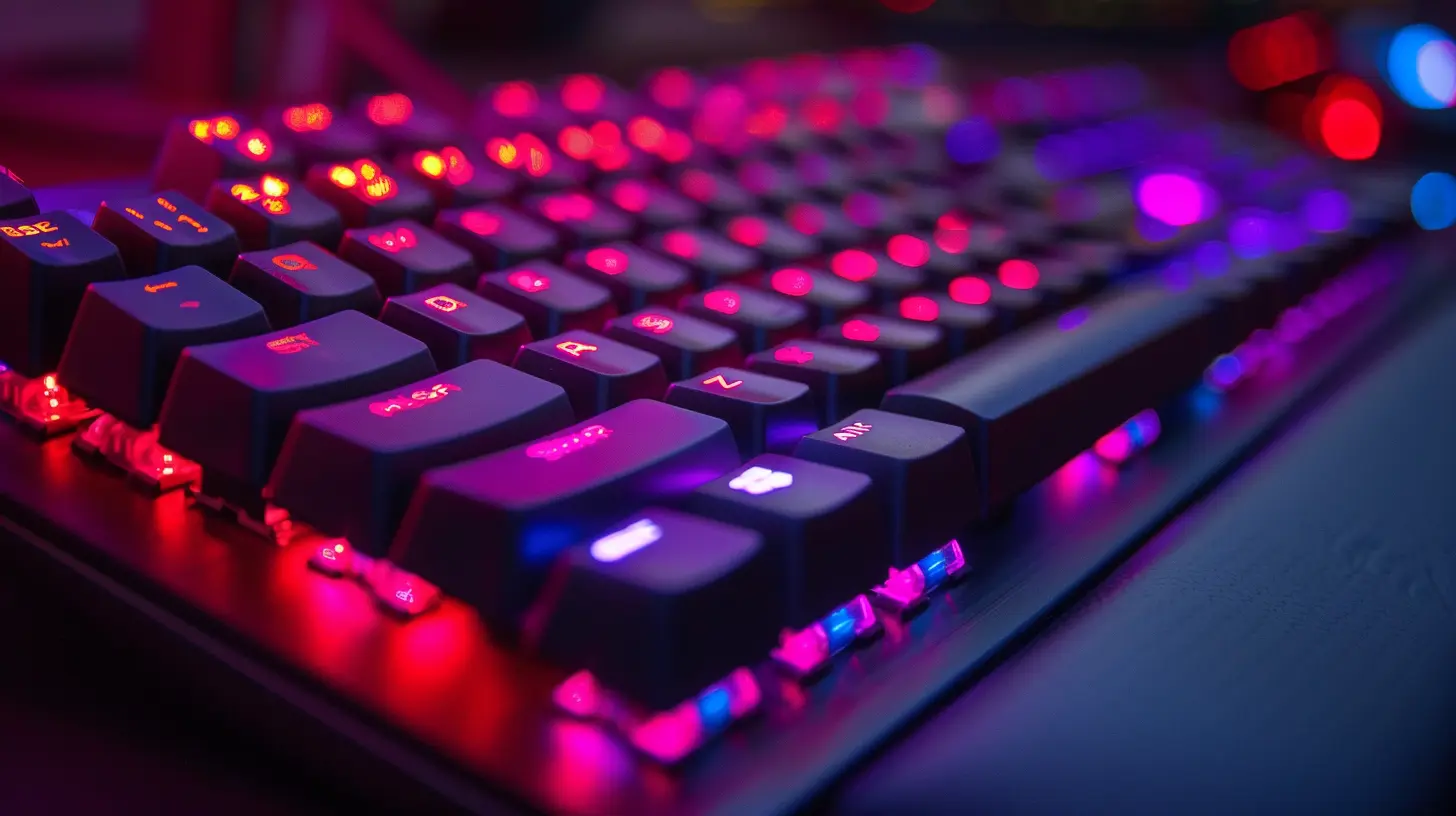
Best Gaming Keyboards for Small Desks in 2024
Alright, let’s get to the juicy part — our top picks. These keyboards are tried and tested, and they all work amazingly well in tight spaces.? Ducky One 2 Mini (60%)
This tiny beast is favored by pro gamers and streamers. It’s compact, feels great, and has top-tier build quality.- Switches: Cherry MX (various)
- Build: Sturdy plastic with quality keycaps
- Pros: Superb typing feel, vibrant RGB, customizable
- Cons: No arrow keys unless you use Fn layers
? SteelSeries Apex Pro Mini (60%)
A high-end, luxurious feel in the smallest profile. Adjustable actuation switches? Count us in.- Switches: OmniPoint Adjustable
- Build: Aluminum top plate
- Pros: Super responsive, customizable keys, slick software
- Cons: Pricey
? Keychron K6 (65%)
If you want a wireless option with Mac and Windows compatibility, this is it.- Switches: Gateron or Keychron Optical
- Build: Great battery life, optional RGB
- Pros: Wireless, compact, hot-swappable
- Cons: Slightly tall – consider a wrist rest
? Razer Huntsman Mini (60%)
Sleek, colorful, and fast. Optical switches make this one of the most responsive keyboards out there.- Switches: Razer Optical (Clicky or Linear)
- Build: Strong aluminum top plate
- Pros: Great RGB controls, top gaming performance
- Cons: Razer’s Synapse software can be bulky
? Logitech G Pro X (Tenkeyless)
Not tiny-tiny, but still compact. Swappable switches and pro-grade performance.- Switches: GX Blue, Brown, or Red
- Build: Solid and premium
- Pros: Designed for esports, swappable switches
- Cons: A bit large for ultra-small desks
Bonus Tips to Maximize Space on a Tiny Desk
Even with a compact keyboard, your desk can still feel like a war zone. Here’s how to clean up your setup and make room to game like a champ.? Use a Smaller Mousepad
A full-sized mat is nice, but on a small desk, try a medium or compact mousepad. It’ll give your mouse enough room without eating all your space.? Go Wireless
Less cables = less clutter. Wireless mice, keyboards, and even headsets can help keep your desk neat and breathable.? Declutter Aggressively
That stack of notebooks? Gone. Random junk drawer items? Find them a home. A clean desk boosts focus and makes every gaming session feel better.? Use a Keyboard Tray or Mount
If your desk allows it, adding a slide-out tray or under-desk mount can give your keyboard a dedicated zone and free up surface space.When a Small Keyboard Isn’t Enough
Look, sometimes compact just doesn’t cut it. If you regularly need a number pad or function keys for work or creative tasks, consider an external numpad or using macros on your mouse. There are also modular keyboards that let you connect an extra piece only when needed. Smart, right?Final Thoughts
Choosing a gaming keyboard for small desks isn’t just about size — it’s about finding the perfect balance between form, function, and fun. Whether you go for a sleek 60% or a slightly larger 75%, there’s no shortage of powerful, compact options out there.So, go ahead — measure your desk, know your style, and pick something that feels just right. Remember, it ain’t the size of the keyboard in the fight, it’s the size of the fight in the keyboard.
Happy gaming, space-saver!
all images in this post were generated using AI tools
Category:
Gaming KeyboardsAuthor:

Whitman Adams