Common Mistakes When Buying a Gaming Keyboard
5 June 2026
Let’s be honest—buying a gaming keyboard isn’t rocket science, but it isn’t a walk in the park either. If you’ve ever had that annoying moment of buyer’s remorse after clicking "Buy Now," you’re not alone. With a sea of RGB lights, switches, macros, and price tags, it’s super easy to fall for the hype and miss what really matters.
Whether you're a battle-hardened gamer or just dipping your toes into the world of PC gaming, knowing what NOT to do can be just as important as knowing what to buy. So, let’s dive into the common mistakes people make when buying a gaming keyboard—and how you can avoid them like a pro.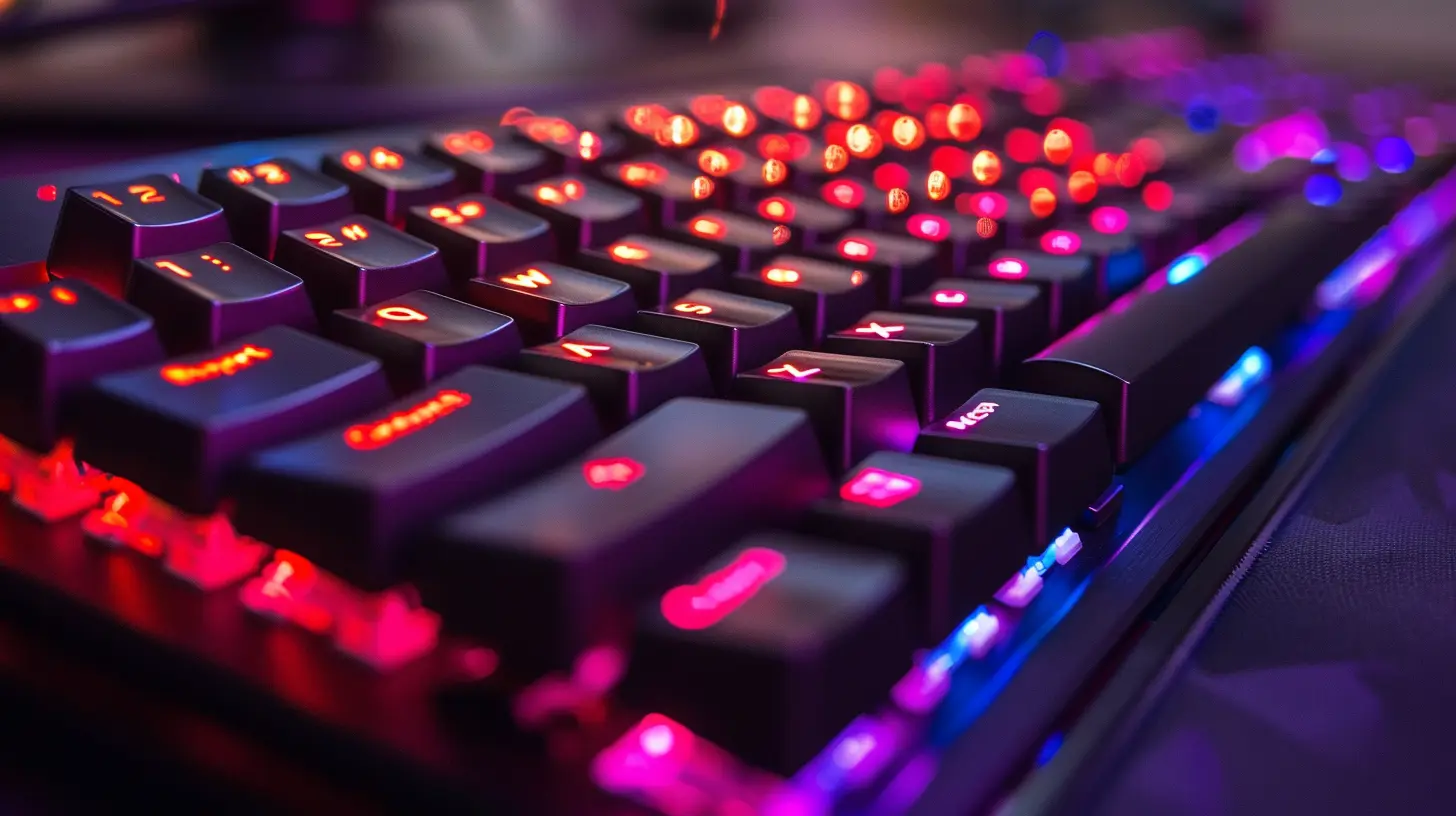
1. Chasing RGB Like a Moth to a Flame
RGB lighting is flashy. It looks cool. It turns heads. But here’s the thing—it doesn’t make you a better gamer.Sure, customizable lighting zones have their perks, especially if you like gaming in the dark or want to match your setup's aesthetic. But if your primary reason for spending an extra $50 is the rainbow light show? You’re focusing on the wrong thing.
Tip: Look beyond the glow. Pay more attention to build quality, switch types, and features that actually affect how you play.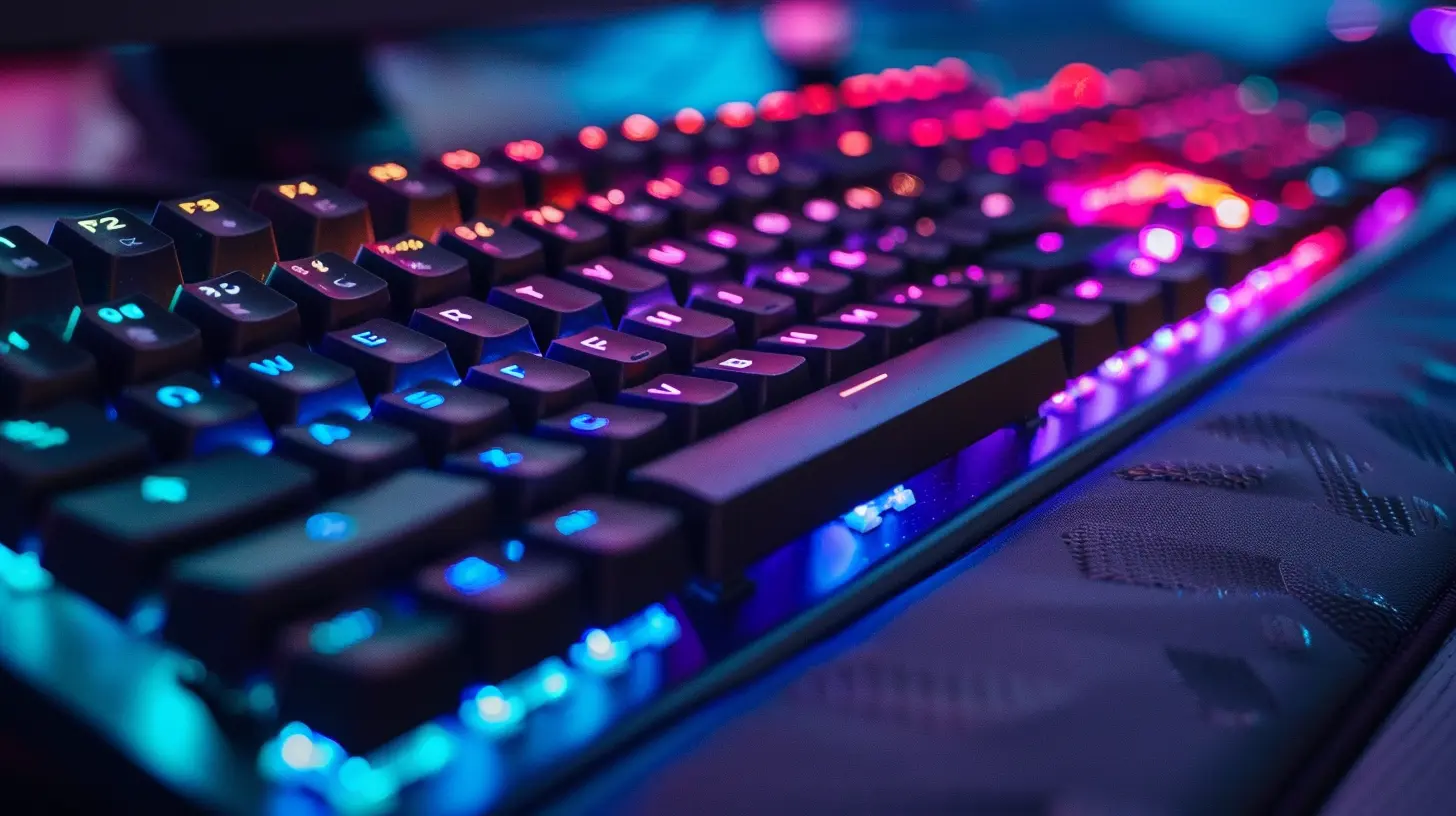
2. Ignoring the Type of Switches
Mechanical, membrane, optical—oh my! Keyboard switches are the heart and soul of your gaming keyboard. Pick the wrong one? You could end up hating every keypress.- Mechanical switches (like Cherry MX, Razer, or Romer-G) offer tactile feedback, faster response times, and a longer lifespan.
- Membrane switches feel mushier, are quieter, and usually cheaper—but they’re not ideal for fast-paced games.
- Optical switches use light to register keypresses for lightning-fast performance.
Then there’s the color coding—Red, Blue, Brown, etc.—each with their own feel, sound, and resistance.
Don’t know which to pick? Imagine typing an essay on that keyboard for an hour. Does it feel good? Or would you throw it out the window?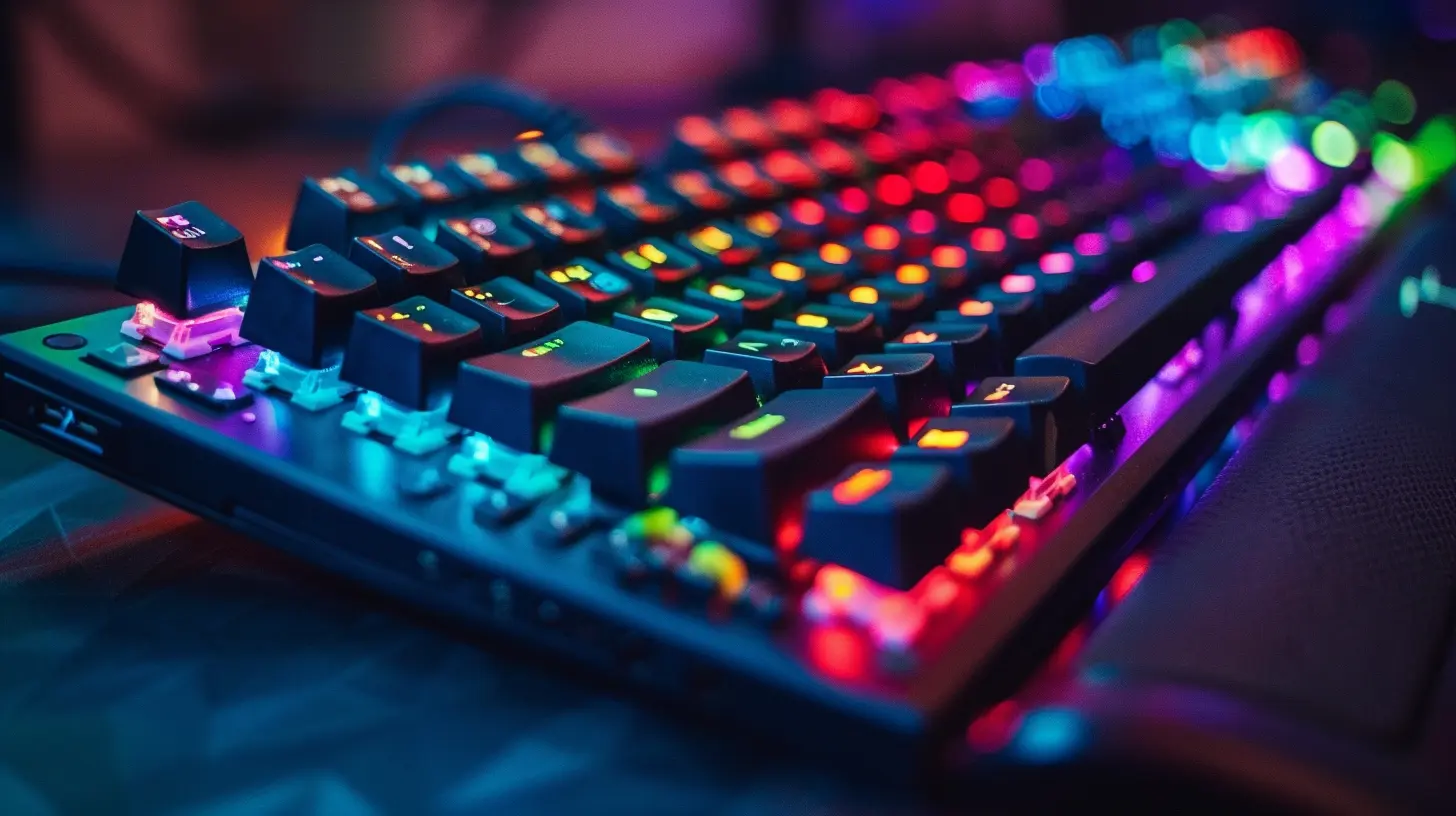
3. Buying Without Considering Key Rollover and Anti-Ghosting
Ever tried to go full combo in a game and your keyboard just… freezes? That’s what happens when you don’t pay attention to key rollover and anti-ghosting.- Key rollover determines how many keys can be registered at once (NKRO = multiple keys at once with no issue).
- Anti-ghosting ensures that unwanted "phantom" key presses don’t register when you’re mashing multiple keys.
If you’re into FPS, MMOs, or any game that needs swift, multi-key action, these features can make or break your gaming experience.
4. Choosing Style Over Functionality
Let’s admit it—every gamer wants a setup that looks epic on Instagram. Sleek frames, glowing keys, and brushed aluminum finishes are eye candy. But how do they feel after a 3-hour session?Comfort > Aesthetics. Always.
Make sure the keyboard has an ergonomic design, wrist rest (detachable if possible), and maybe even adjustable height. Wrist pain is real, and that killer design won't help you pwn noobs if you're nursing a cramp.
5. Overpaying for Features You’ll Never Use
Do you need 6 dedicated macro keys if you only play Minecraft and Among Us? Probably not.Many gaming keyboards come with a long list of features: USB pass-through, audio jacks, dedicated media controls, onboard memory, and cloud sync. While some of these are genuinely useful, others are just filler unless you’re a hardcore gamer or streamer.
Pro tip: Make a list of “must-haves” and “nice-to-haves.” Stick to what you'll actually use, and don't let marketing buzzwords empty your wallet.
6. Not Checking Software Compatibility
You’ve just bought a fancy programmable keyboard with lighting profiles and macros... but guess what? The software doesn’t run well on your system or isn’t intuitive at all.Always check:
- Is the software compatible with your OS?
- Is it user-friendly?
- Does it let you customize the features you care about?
Some brands have bloated, buggy software that’s more frustrating than it’s worth. Do a little homework—read reviews, watch user videos, and check Reddit forums.
7. Forgetting About Build Quality
Ever picked up a keyboard that creaked like an old chair? Yeah, that’s cheap plastic for you.Build quality isn’t just about how it looks—it’s about how long it lasts. Gaming keyboards take a beating, especially during intense gaming sessions. A fragile keyboard won’t survive your rage quit after getting sniped in Warzone.
Look for:
- Aluminum or high-grade plastic body
- Doubleshot keycaps or PBT keycaps (they resist wear and tear)
- Braided cables that don’t fray after a week
A solid keyboard feels premium, handles abuse, and offers better long-term value.
8. Going Full Size When You Don’t Need To
Do you really need that number pad? If you’re tight on desk space or prefer a more minimalist setup, a tenkeyless (TKL) or 60% keyboard might be a better choice.Smaller keyboards are lighter, easier to carry, and often more durable since they have fewer moving parts. The compact form also allows for better mouse positioning (especially important for FPS players).
Unless you’re crunching numbers or streaming with hotkey macros all day, consider if bigger is truly better.
9. Falling for Big Brand Hype
Yeah, we’ve all been there. Seeing a shiny product from a big-name brand can be tempting. But just because a keyboard is from Razer, Corsair, or Logitech doesn’t mean it’s automatically the best fit for you.Many lesser-known brands offer fantastic keyboards at a fraction of the price, often with the same or better features.
Example: Keychron, Ducky, or Glorious offer amazing bang for your buck and are highly customizable.
It’s about the experience—not the logo.
10. Not Testing the Feel (When You Can)
Buying online is convenient, but if you’re picky about how your keyboard feels, try to test it in person first. Big stores like Best Buy or Micro Center usually have display models.Check:
- Are the keys too stiff or too soft?
- Do they make more noise than a blender?
- Do your fingers glide or skid on the surface?
If you can’t test it offline, at least watch typing/gaming sound tests on YouTube. Your ears will thank you.
11. Ignoring the Warranty and Return Policy
It’s not the most fun topic, but it matters. What happens if your keyboard dies after a month? Or if it’s just not what you expected?Always check:
- Warranty length (1 year at least is good)
- Return window (so you’re not stuck with a regretful buy)
- Customer support reviews
Trust me, when those RGBs start glitching or your spacebar stops working, you’ll be glad you checked.
12. Forgetting Future-Proofing
Right now, you might only need a few features. But what about 6 months from now when you’re streaming daily or jumping into competitive esports?Think about scalability.
- Does the keyboard have onboard memory for profiles?
- Can you remap keys or update firmware?
- Is it hot-swappable (meaning you can change switches without soldering)?
Spend a bit more today on a keyboard that grows with your needs, and you’ll save later.
13. Buying "Gaming" Keyboards That Are Just Gimmicks
Let’s face it—some keyboards slap the word "gaming" on the box with some LEDs and call it a day. Don’t be fooled.If it doesn’t have solid switches, responsive keystrokes, and durable construction, it’s not really a gaming keyboard. It’s just overpriced bling.
Check reviews from actual gamers. If everyone’s complaining about slow responses, missed keystrokes, or cheap materials, that’s your red flag.
14. Overlooking Noise Levels
Typing at night while your roommates or family sleep? That loud click-clack from blue switches might get you voted off the island.Some switches are whisper quiet (like Cherry MX Silent Reds), while others sound like you’re drop-kicking bubble wrap. Be mindful of your environment—and choose accordingly.
Also, consider O-rings if you want to dampen the sound without switching switches.
Final Thoughts
Buying a gaming keyboard shouldn't feel like navigating a minefield, but with so many choices—and so much marketing fluff—it can definitely feel overwhelming. The key (pun intended) is to focus on features that actually matter to you and not get blinded by the dazzle of flashy lighting or fancy branding.Keep it real, test what you can, don’t fall for gimmicks, and always think about comfort and functionality first. Your hands—and your wallet—will thank you later.
all images in this post were generated using AI tools
Category:
Gaming KeyboardsAuthor:

Whitman Adams
Discussion
rate this article
1 comments
Susan Schultz
Don't let flashy lights fool you. A gaming keyboard should feel right in your hands, not just look good on your desk. Comfort and responsiveness should always top your checklist.
June 5, 2026 at 3:33 AM
Whitman Adams
I completely agree. Comfort and responsiveness are key for a great gaming experience. Looks matter, but they shouldn't overshadow functionality.