Gaming Keyboard Upgrades That Are Actually Worth It
19 August 2026
Let’s be brutally honest for a second—your crusty old keyboard might be holding back your game more than that one teammate who never shows up on time. If you're still jamming away on a budget board with mushy keys and a prehistoric response time, it's time for an upgrade. But wait—before you throw your money like a loot fanatic chasing a rare drop, let’s talk about the gaming keyboard upgrades that are actually worth it.
Because guess what? Not all the flashy RGB and buzzwords are created equal. Some upgrades are worth their weight in gold, while others are more fluff than function. So buckle up, buttercup! We're diving head-first into the world of mechanical switches, wrist rests, and buttery-smooth keycaps.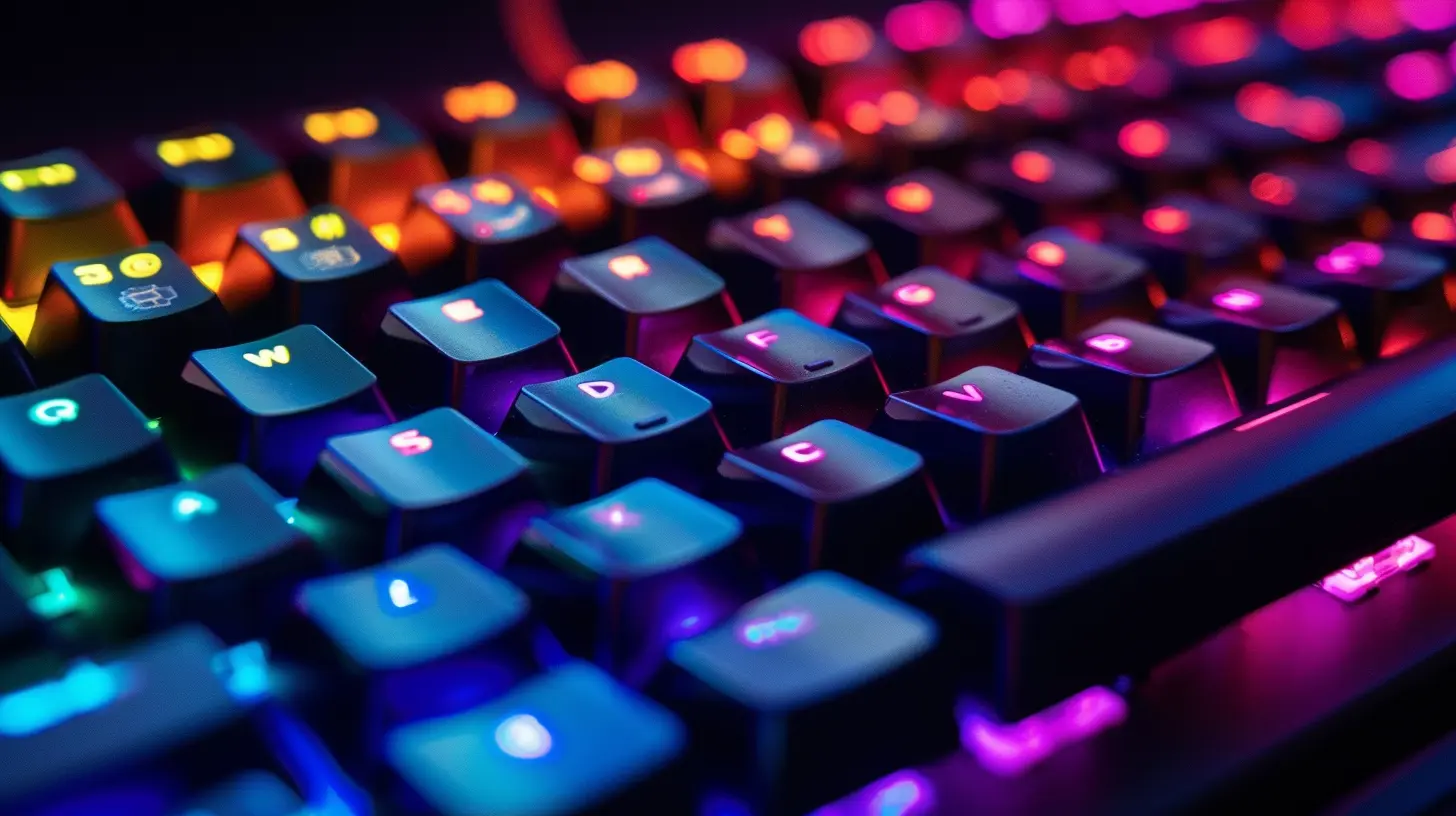
Mechanical Switches: Clicky, Tactile, or Silent?
Alright, let’s get this out of the way: If you're still using a membrane keyboard, you're missing out on one of the quickest and most satisfying gaming upgrades out there.Why Mechanical Matters
Mechanical switches aren't just for typing nerds—they're game-changers for, well, gamers. Unlike membrane keyboards that feel like typing on a soggy sponge, mechanical switches offer a crisp, consistent, and customizable response.But here’s the spicy bit: not all mechanical switches are the same.
- Clicky (like Cherry MX Blue): Loud and proud. They give you that k-tick sound that makes every keystroke feel like a victory. Great for typing and tactile feedback but might wake up the whole house.
- Tactile (like Cherry MX Brown): The Goldilocks of switches. They offer that sweet tactile bump without the noise. Perfect for both gaming and regular typing.
- Linear (like Cherry MX Red): Smooth as butter. No bump, no click. Just a clean press perfect for rapid double-taps and fast-paced action.
If you're into competitive games like Valorant, Apex Legends, or CS:GO, linear switches could shave milliseconds off your reaction time. Yes, that matters.
Worth it? Heck yes. Mechanical switches are a straight-up glow-up for your fingers.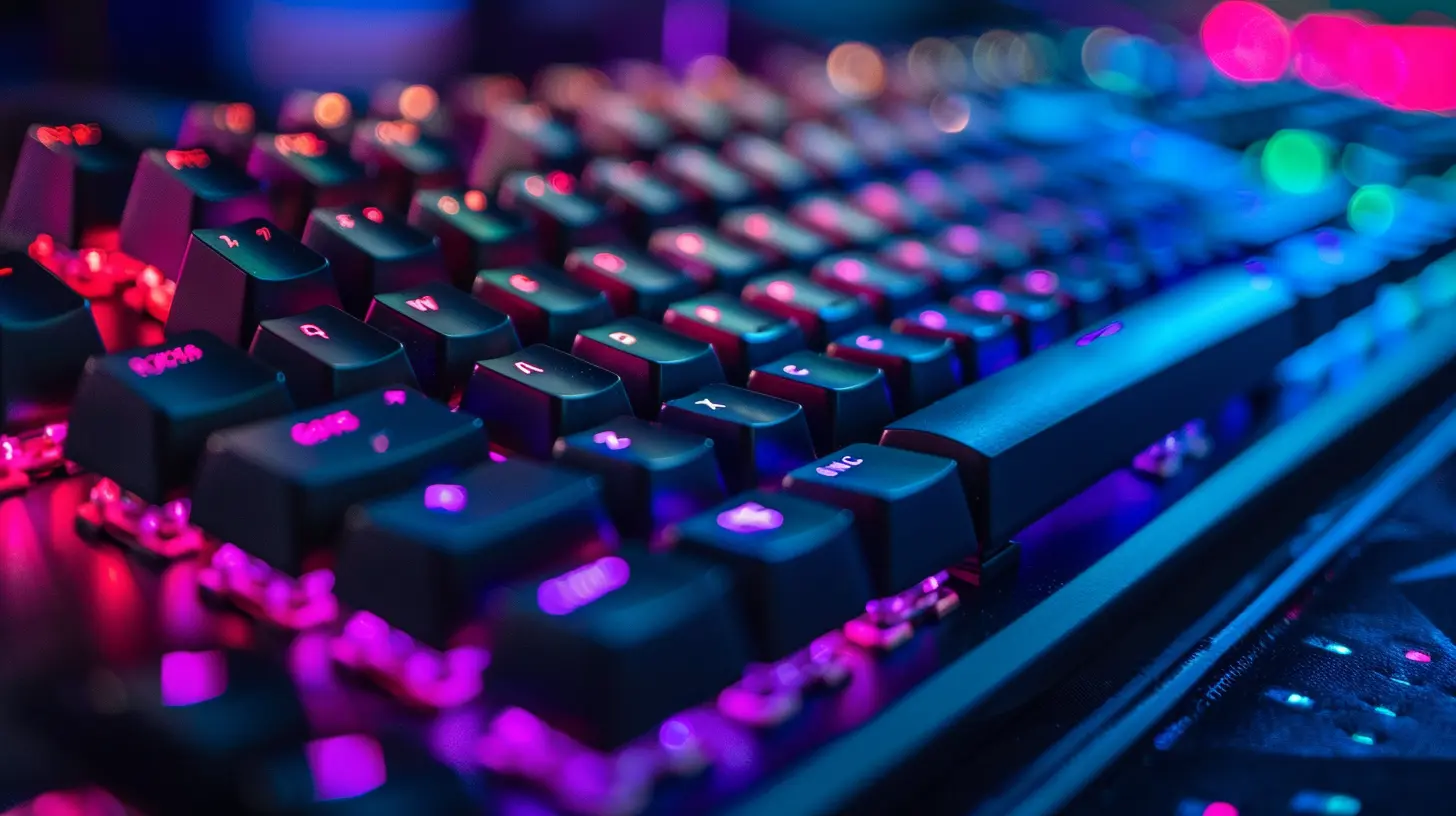
PBT Keycaps: The Upgrade You Didn’t Know You Needed
You might not think much about your keycaps… until you switch to PBT. And then it's like upgrading from tissue paper to velvet.ABS vs. PBT – What’s The Difference?
Most stock keyboards come with ABS keycaps. They’re cheaper, wear out faster, and can get greasy over time (ew). On the other hand, PBT keycaps are thicker, more durable, and resist that shiny, greasy look after hours of sweaty gameplay.Plus, they just feel better. There's a subtle texture that gives your fingers a little friction, which is oddly satisfying mid-game.
Worth it? Oh yes. Don’t sleep on this one. Once you go PBT, you’ll never go back.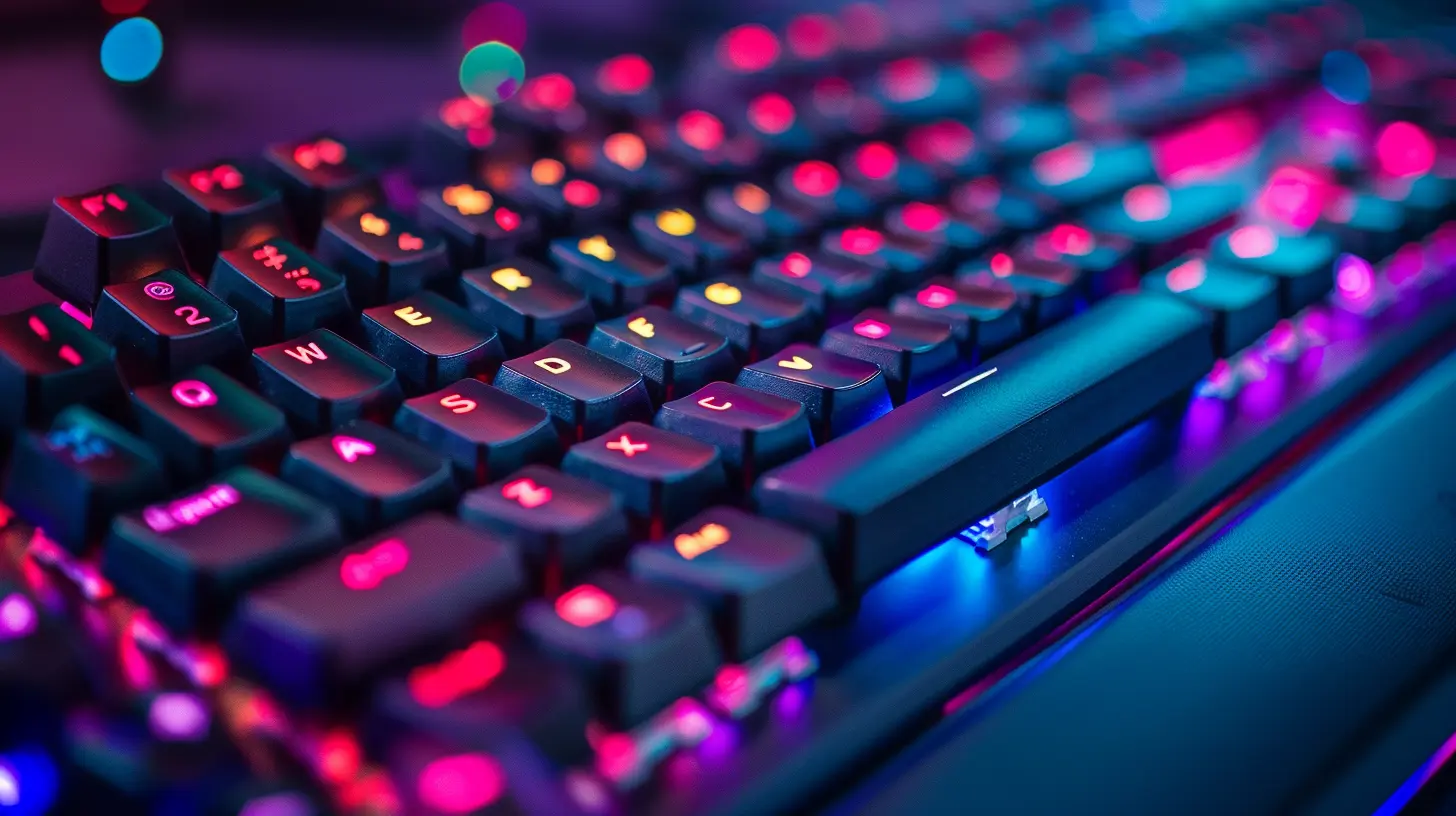
Hot-Swappable Switches: Because Commitment Issues Are Real
Ever wish you could change your keyboard switches without a soldering iron and a prayer? Say hello to hot-swappable keyboards.What’s The Deal?
Hot-swap boards let you pop out switches like LEGO pieces. Want clicky switches for typing during the day and smooth linear ones for night raids? Totally doable.This upgrade is great for tinkerers and those still figuring out what kind of switch they vibe with. Plus, you can replace a busted switch without replacing the whole board. Yes, it's as magical as it sounds.
Worth it? Absolutely—especially if you like to experiment or plan to future-proof your setup.
RGB Backlighting: More Than Just Pretty Lights?
Alright, let’s talk about the elephant in the room. RGB lighting. Is it all flash, no dash?Function Meets Aesthetic
Sure, RGB is a flex. But, it’s not just for showing off to your Twitch stream. Customizable lighting can actually help you game better. For example:- Highlight important keys in different colors (like your weapon keys from your movement keys).
- Use reactive effects for visual feedback.
- Game in the dark without hitting the wrong key (been there, hated it).
And when synced to in-game effects or Discord notifications, it’s like having your keyboard whisper secrets to you. Love that for us.
Worth it? If aesthetics + functionality = your jam, then yes. Just don’t fall for cheap boards with weak lighting—go for per-key RGB if you can.
Wrist Rests: The Unsung Hero of Long Gaming Sessions
Let’s paint a picture: You’re deep into a 4-hour gaming marathon. Your squad’s locked in. You’re sweating buckets. Then, boom—your wrists give out like a tired NPC.Comfort is King
A good wrist rest isn’t just for comfort—it helps prevent long-term strain (hello, carpal tunnel). Foam, gel, or magnetic—pick your flavor. Bonus points if it matches your aesthetic.Worth it? If you play for extended periods, this one’s a quiet MVP.
Keyboard Size Matters—But Not The Way You Think
Full-size, tenkeyless (TKL), 75%, or 60%—choosing the right form factor is an upgrade all on its own.Tailor Your Board to How You Play
- Full-size: Comes with all the keys, including that good ol’ numpad. Great if you do a lot of spreadsheeting alongside gaming.- Tenkeyless (TKL): Same as full-size minus the numpad. More space for your mouse to swoosh around.
- 75% or 60%: Compact, clean, and ultra-portable. Perfect for smaller desks and minimalist setups.
Downsizing to a TKL or smaller layout can drastically improve ergonomics, especially for FPS players who need room to flick their mouse like a madman.
Worth it? Absolutely—if you pick a size that complements your gameplay and space.
Custom Cables & Coiled Awesomeness
Okay, okay—this one’s totally extra, but hear me out.More Than Just Eye Candy
Custom coiled cables aren’t just for looks (though gosh, they do look sexy). Many of them are built with better shielding and connectors, meaning more durability and less signal noise. Plus, with USB-C becoming more common, it's easier to plug and play.And let’s be real—your setup deserves to look as good as it performs.
Worth it? If aesthetics and quality craftsmanship matter to you, 100%.
Sound Dampening Mods (Foam, O-Rings, Lube)
Is your keyboard louder than a jet engine taking off? Maybe it’s time to give it the spa day it deserves.Quiet Down, Champ
Sound-dampening mods can turn your clack-clack mess into a smooth, low-key hum:- O-Rings: These go under your keycaps to soften the bottom-out impact. Great if you game in shared spaces.
- Foam Mods: Add internal dampening to reduce hollow sounds.
- Switch Lube: Makes your switches feel smoother and reduces scratchiness.
These DIY upgrades are cheap, fun, and oddly therapeutic to install. Plus, your keyboard ends up sounding like a stealthy ninja instead of a typewriter from 1962.
Worth it? Definitely—especially if you want to keep things stealthy or just love a smoother typing feel.
Software Customization: Macro That!
What’s the point of having a fancy keyboard if you’re not tapping into its full potential?Take Control
The best gaming keyboards come with software that lets you:- Remap keys
- Create macros
- Customize lighting
- Set profiles for different games
That means you can build a loadout that’s tailored for every battle, every day. Want to bind five commands to a single keystroke? Done. Want your keyboard to glow red when your health’s low? You got it.
Worth it? 100%—if you take the time to use it.
Wireless Freedom—But Make It Latency-Free
Wireless keyboards used to suck. Not anymore.Cutting the Cord
Thanks to technologies like 2.4GHz low-latency wireless and Bluetooth 5.0+, there’s almost no difference between wired and wireless these days.Plus, fewer cables = cleaner desk = happier gamer.
Just make sure you’re buying from a reputable brand (Logitech, Razer, SteelSeries, etc.).
Worth it? Yup—if you hate cable clutter and love mobility.
What’s Not Worth It?
Let’s keep it real. Not every upgrade is worth your coin. Here are a few things that are mostly fluff:- Built-in LCD screens: Cool flex, but adds very little to actual gameplay.
- Voice control features: Alexa, tell me why I wasted money on this?
- Overpriced branded collabs: Paying $80 extra for the same board because it’s themed after your favorite anime? Yikes.
Final Thoughts: Build Your Perfect Battle Station
At the end of the day, the best gaming keyboard upgrades are the ones that enhance your comfort, speed, and style. From mechanical switches that feel like slicing through butter, to RGB lights that turn your desk into a light show, these upgrades make your gaming setup not only perform better—but look better too.So, ditch that dusty old bargain-bin keyboard and treat yourself. Your fingers, your K/D ratio, and yes—your teammates—will thank you.
all images in this post were generated using AI tools
Category:
Gaming KeyboardsAuthor:

Whitman Adams