Mechanical vs Membrane Keyboards for Gamers
30 June 2026
When it comes to gaming gear, we gamers can get a bit… picky. And one debate that never seems to die is the classic showdown: mechanical vs membrane keyboards. If you're just dipping your toes into upgrading your setup or wondering if your current keyboard is holding you back in Valorant, Fortnite, or Elden Ring, you're in the right place.
Choosing between a mechanical and a membrane keyboard isn’t as black-and-white as some folks make it out to be. Each has its own pros and cons, and what's perfect for one gamer might be a total dealbreaker for another.
So, let’s break it down. We’re gonna talk switches, feel, sound, price, durability, performance, and even style — all the stuff that actually matters when you’re knee-deep in a multiplayer session or grinding your way through a boss battle.
What Are Mechanical Keyboards, Anyway?
Let’s start with the basics. A mechanical keyboard uses individual mechanical switches for each key. That means every single key has its own moving part with a spring and metal contact. It’s like each key is doing its own thing — no freeloaders on this board.There are tons of different mechanical switch types too. You’ve probably heard of Cherry MX Reds, Blues, Browns, and so on. These switches vary in actuation force, sound, and tactile feedback, giving you the freedom to find “your switch.”
Pros of Mechanical Keyboards for Gaming
- Quick response time – Mechanical keys are super responsive. Press a key, and boom — instant action.- Durability – These things are tanks. Most mechanical switches last for 50 million keystrokes or more.
- Tactile feedback – Ever type on one and feel the “clickety-clack” goodness? That’s tactile feedback, my friend. It helps with accuracy and just feels satisfying.
- Customizable – You can swap keycaps, try out different switches, and even build your own. Total keyboard nerd paradise.
- N-key rollover & anti-ghosting – You can smash a bunch of keys together and they’ll all register. Perfect for spamming combos in your favorite fighting game.
Cons of Mechanical Keyboards
- Noise – They can be loud. Like, really loud. Not great if you're gaming late and sharing space with someone trying to sleep.- Price tag – Mechanical keyboards can be pricey, especially premium models.
- Weight & size – They’re usually bulkier and heavier, which isn’t ideal if you’re always on the move.
And What About Membrane Keyboards?
Membrane keyboards are more common and budget-friendly. Instead of using individual switches, they have a rubber dome under each key. When you press a key, it pushes the dome down to complete the circuit.These are the keyboards most of us grew up with. That old, crusty keyboard you used in school? Yup, that was a membrane board.
Pros of Membrane Keyboards for Gaming
- Wallet-friendly – They’re cheaper. If you’re on a budget, you can grab one for half the price of a mechanical board.- Quieter – They’re softer and quieter, making them ideal for shared spaces or late-night gaming.
- Lighter – Easier to carry around if you game on the go.
Cons of Membrane Keyboards
- Less responsive – The squishy feel doesn’t offer much in terms of tactile feedback, which can slow you down during fast-paced games.- Shorter lifespan – These keyboards wear out quicker. Many start to feel mushy or unresponsive after a couple of years.
- Limited rollover and customization – You probably can't press more than a few keys at once without issues, and forget about swapping switches or keycaps.
Feel & Feedback: The Gaming Experience
Here’s where the rubber (or rubber dome, in this case) hits the road.When you’re gaming, especially competitively, every fraction of a second counts. The feel of your keys can impact how fast you move, shoot, or respond. Mechanical keyboards give that satisfying tactile bump, which helps you know a key has been actuated — without bottoming out. With a membrane board, it’s more like squishing a sponge. Not as precise or satisfying.
Ever tried to pull off a combo in Mortal Kombat only for a key not to register? Yeah. That's what poor key response feels like, and it's way more common with membrane keyboards.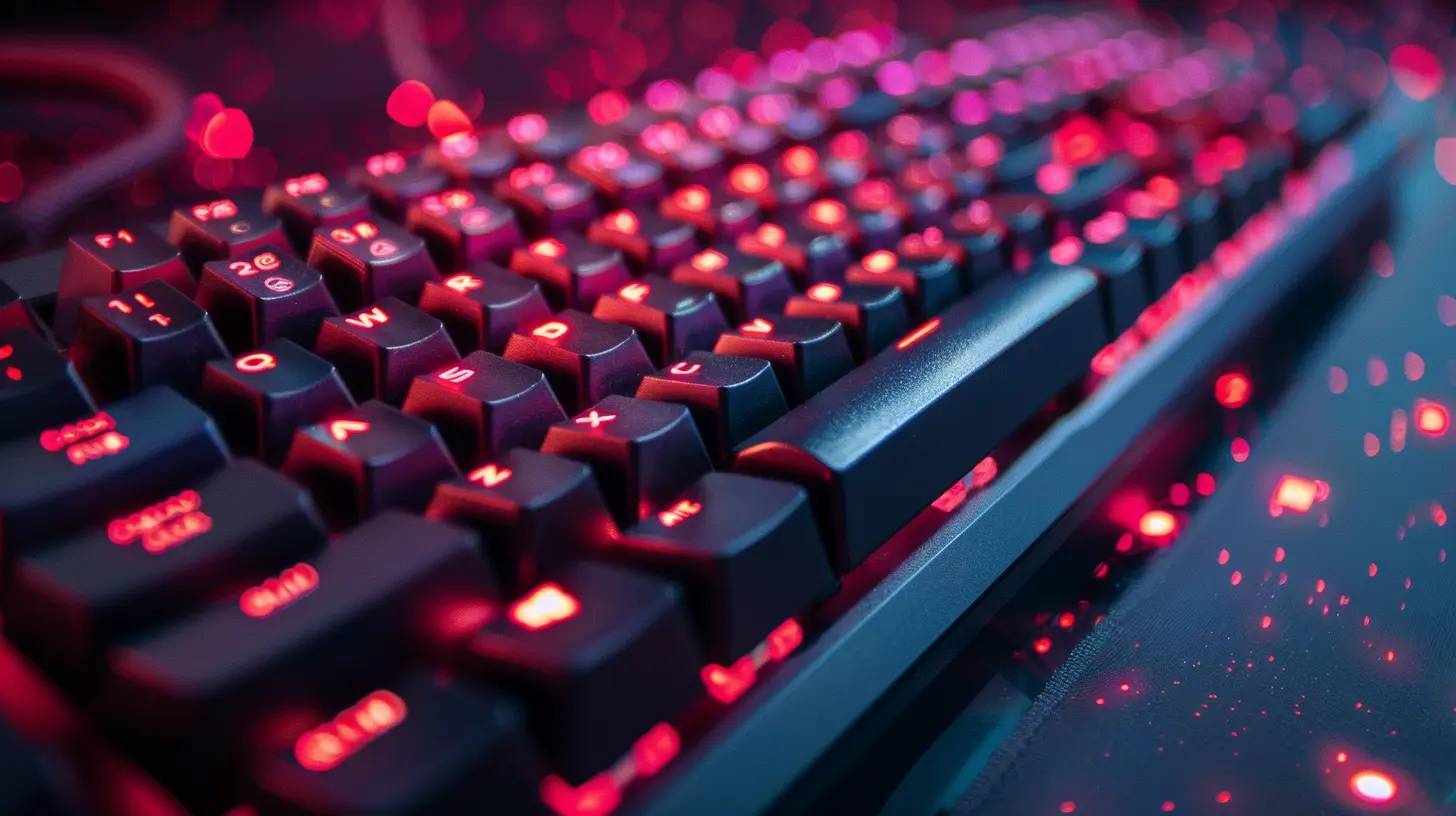
Speed and Performance – Who Wins?
Mechanical keyboards usually take the crown here. Their faster actuation and better rollover make them perfect for competitive gaming. If you’re playing a fast-paced FPS or a MOBA like League of Legends, you don’t want your keyboard holding you back.A lot of gamers swear by linear switches (like Cherry MX Reds) for the sheer speed. Others love tactile ones (like Browns) for that feedback feel. Either way, mechanical switches are inspired by performance cars: quick, precise, and fun to drive (or type on, in this case).
Membrane keyboards can still get the job done, especially for casual gamers. If your idea of a gaming night is chilling with Minecraft or The Sims, you might not even notice the difference. But the more intense the game, the more that key response starts to matter.
Durability – Which Keyboard Lasts Longer?
Let’s put it this way: mechanical keyboards are the cockroaches of the keyboard world — in a good way. They’re nearly indestructible. One good mechanical board can last a decade or longer under heavy use.Membrane keyboards just don’t have that kind of staying power. They start strong but fade fast. Over time, you’ll notice keys getting quieter, mushier, and less responsive. That’s the rubber dome wearing out.
If you're planning to invest in something long-term, and you game regularly, a mechanical keyboard is a no-brainer.
Sound – Clicky Symphony or Whisper Mode?
This one's subjective. Some gamers live for the click-clack sounds. They say it’s therapeutic. (And, honestly — it kinda is.) Others find it annoying or distracting, especially in multiplayer voice chats.Mechanical keyboards range from whisper-quiet to typewriter-loud, depending on the switch type. Blues are famously clicky. Reds are much quieter. There’s even a whole market for silent switches if you want mechanical power without the noise.
Membrane keyboards win in quiet environments. They're soft, squishy, and you can game at 3 AM without waking the house.
Customization – How Much Can You Make It “Yours”?
Mechanical keyboards? They’re like Legos for adults. Want rainbow backlights? Done. Pudding keycaps? Sure. A spacebar that looks like a galaxy? Why not?From lubing your switches to swapping in artisan keycaps, the mechanical keyboard scene is all about personalization. It's an actual hobby at this point.
Membrane keyboards, on the other hand, are pretty set in stone. What you see is what you get, and that’s about it. Some have RGB lighting or media keys, sure, but don’t expect the same modding flexibility.
Gaming Genres and Keyboard Choice
Let’s match things up:- First-Person Shooters (COD, Apex Legends): Mechanical wins, especially linear switches for rapid fire and fast movement.
- MMORPGs (World of Warcraft, Final Fantasy XIV): Mechanical, for better macro execution and rollover.
- RTS (Starcraft, Age of Empires): Mechanical again—tactile feedback helps with rapid commands.
- Casual/Indie Games: Either one works fine. No major edge to either.
- Simulation and Strategy: Membrane is okay, unless you're spending 6+ hours playing. Then you want comfort and feedback — mechanical takes the lead.
Budget Talk: What Should You Spend?
If you’re a serious gamer or want a keyboard that’ll last through the apocalypse (and still let you teabag opponents in Halo), spending a bit more on a mechanical keyboard is worth it. Great starter options exist for under $100 and even some around $50.Membrane keyboards are cheaper — we're talking $10-$40 in most cases — and they can still serve you well if you’re not gaming competitively or just need something short-term.
Verdict: Which Is Better for Gamers?
Let’s wrap this up.If you want speed, precision, longevity, and customization — mechanical keyboards are the real deal. They're built to perform, they sound awesome (or can be silenced), and they give you that professional edge.
But hey, if you’re gaming just for fun, on a tight budget, or hate noisy keys, membrane keyboards are a solid pick too. Not everyone needs to drop $150 on RGB backlit, hot-swappable, clicky monster of a board.
My advice? Try both if you can. Some brands even make hybrid keyboards that blend both worlds.
The perfect keyboard isn't about specs — it's about what feels right for you.
Final Thoughts
At the end of the day, your keyboard is your sword. Whether you’re going mechanical or membrane, make sure it feels good in your hands, doesn’t ruin your timing, and helps you enjoy the game.Comfort matters. Feedback matters. But nothing matters more than having fun while you game. So, pick the weapon that suits your playstyle and slash your way to victory.
Game on
all images in this post were generated using AI tools
Category:
Gaming KeyboardsAuthor:

Whitman Adams
Discussion
rate this article
1 comments
Daniella Blevins
Choose feel over noise.
July 25, 2026 at 4:02 AM
Whitman Adams
Absolutely! The tactile feedback of mechanical keyboards enhances the gaming experience, making feel a crucial factor for many gamers.