The Best Gaming Keyboards for Streamers
26 May 2026
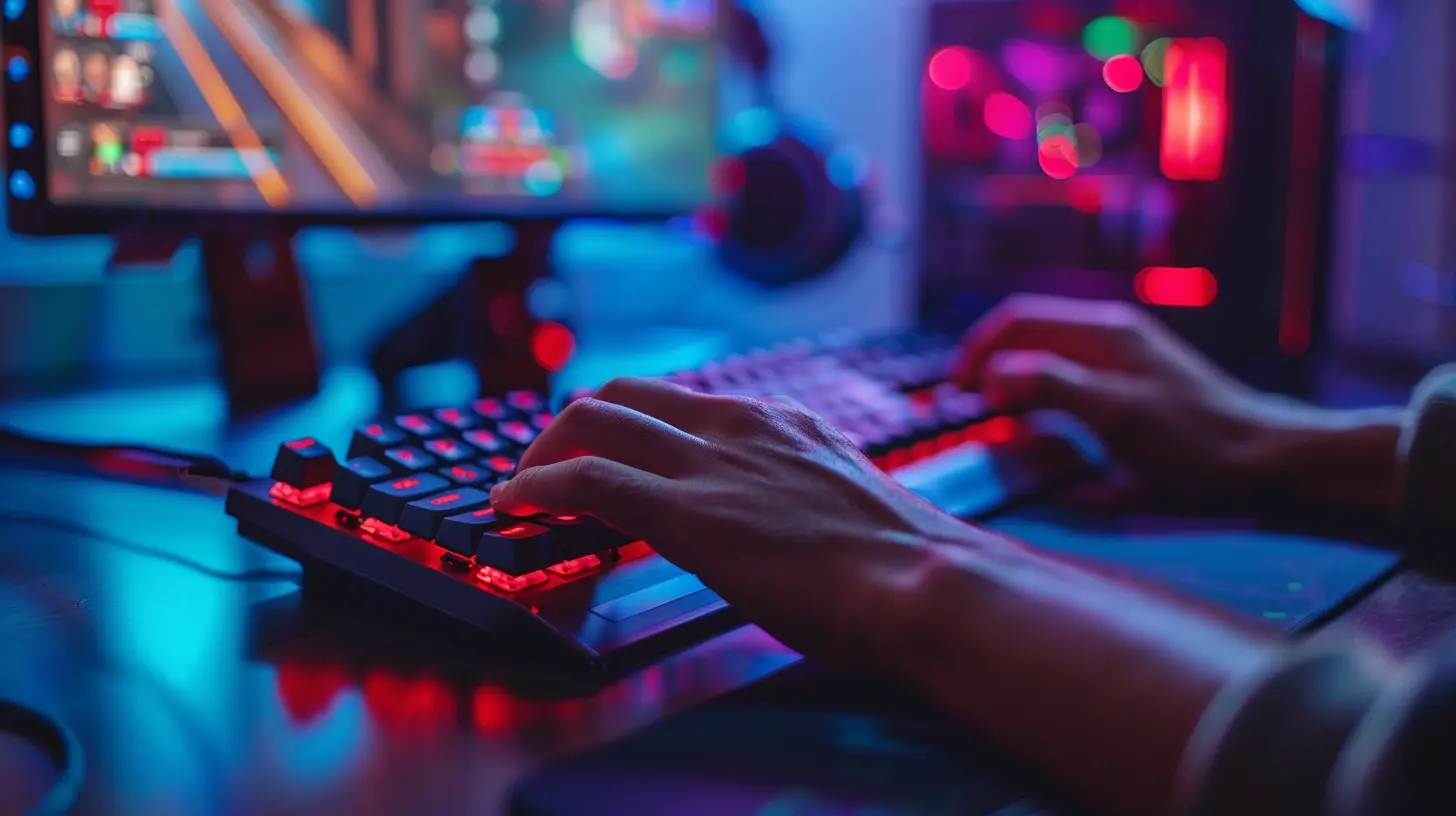
Let’s face it—streaming isn’t just about playing games anymore. It's about the full experience. Your viewers care about your gameplay, your commentary, and even the click-clack of your keyboard. And if you’re still rocking that mushy old membrane board from 2010, it might be time for an upgrade.
A great gaming keyboard for streamers doesn’t just look cool on camera—it needs to be responsive, customizable, durable, and ideally quiet enough that your mic doesn’t pick up every key press like a jackhammer at 2 a.m. In this article, we’re diving deep into the best gaming keyboards for streamers. Whether you're a Twitch newbie or a seasoned content creator, there's something here that'll take your stream setup to the next level.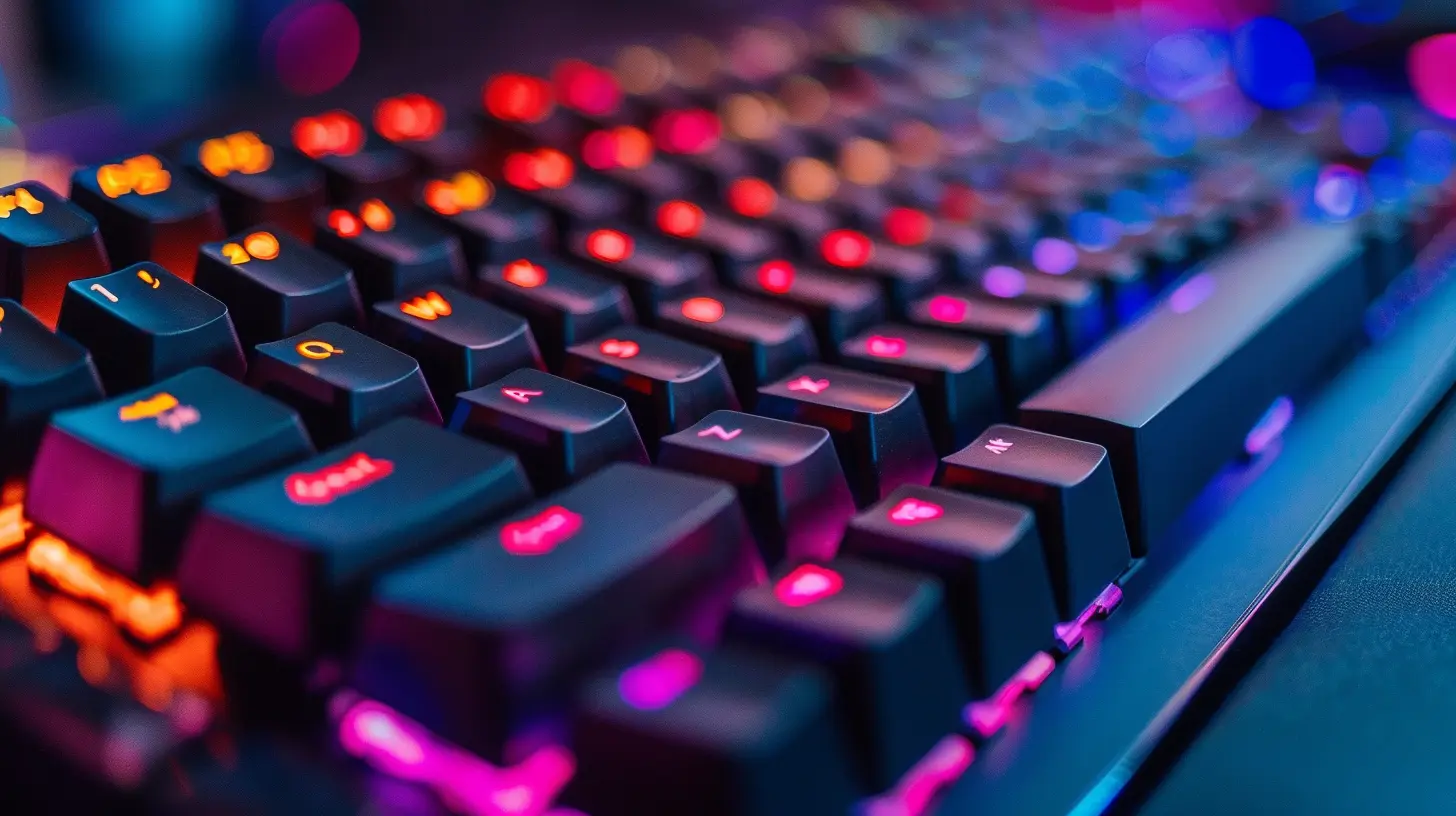
Why Streamers Need Specialized Gaming Keyboards
You might wonder—doesn’t any gaming keyboard work for streaming? Well, yes and no. While any keyboard technically works, not all are optimized for the demands of live content creation. Here’s what streamers should be looking for:✅ Low Latency & Fast Response Times
When you're going toe-to-toe in a fast-paced match, the last thing you want is input lag. Mechanical switches are faster and more reliable than rubber dome switches, and many modern boards offer 1ms response times or lower.✅ Quiet Operation
Unless your audience loves ASMR keystrokes, super loud switches (like old-school blues) can be a turn-off. Look for quieter linear or tactile switches—your mic and your viewers will thank you.✅ RGB & Aesthetics
Let’s be honest—looks matter. A keyboard with customizable RGB lighting can complement your overall stream setup and keep your background on point.✅ Macro & Hotkey Support
Need to switch scenes, trigger sound effects, or spam an emote mid-stream? Dedicated macro keys or programmable hotkeys are essential for multitasking like a boss.✅ Build Quality & Comfort
Long stream sessions = wrist fatigue if your keyboard isn't ergonomic. Sturdy builds with comfortable wrist rests make a massive difference in those marathon gaming nights.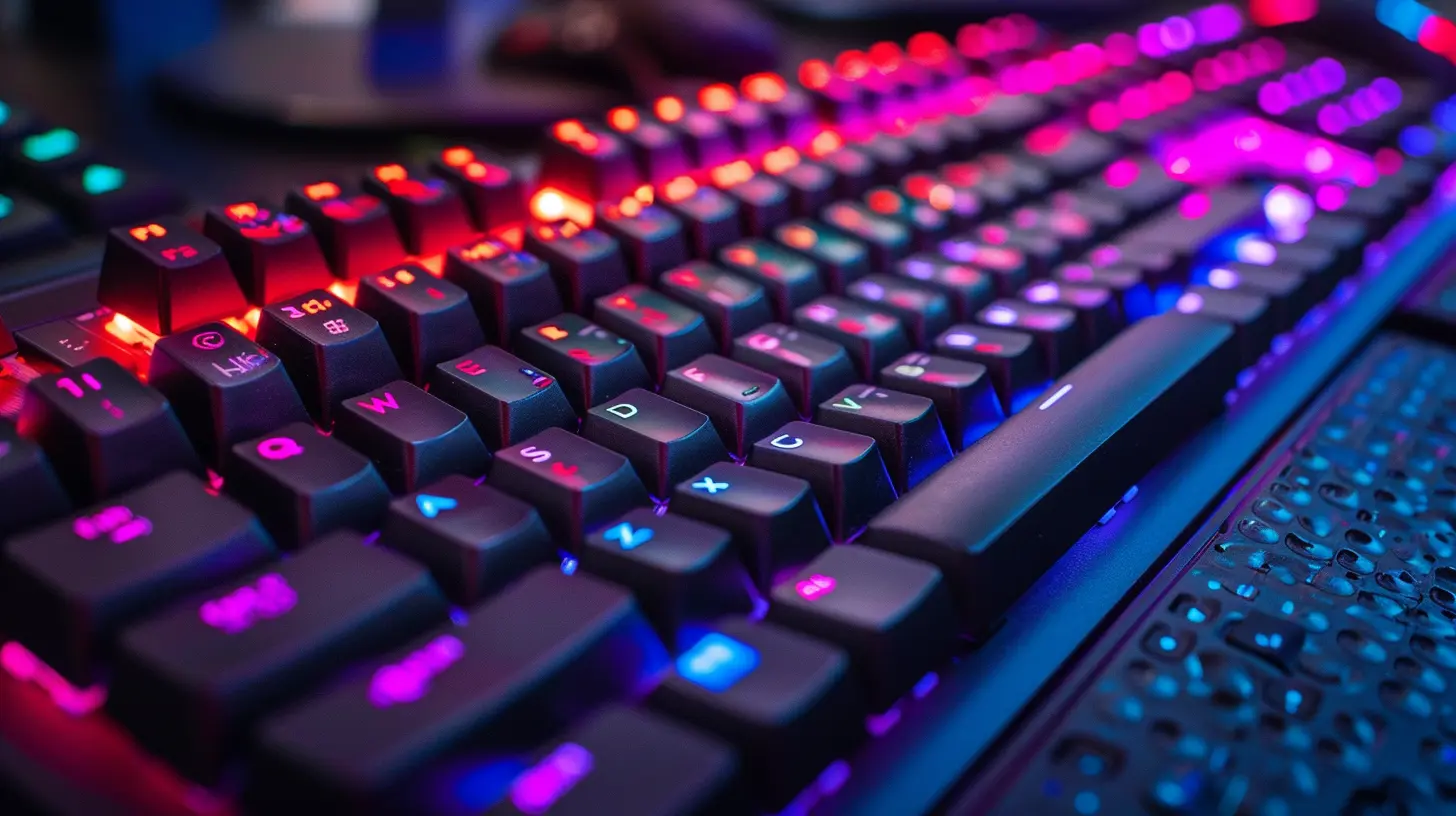
Top Picks: The Best Gaming Keyboards for Streamers You Should Look At
After hours of research, real-world testing, and more typing than any human should endure in one week, here are our top recommendations. These keyboards stand out for their performance, build quality, and streaming-friendly features.1. SteelSeries Apex Pro TKL Wireless
Best Overall Gaming Keyboard for StreamersIf keyboards had Hollywood roles, the SteelSeries Apex Pro TKL Wireless would be the leading action hero. It's slick, powerful, and feature-packed.
Why Streamers Love It:
- OmniPoint Adjustable Switches – Change actuation points on the fly. Want hair-trigger responses for FPS games and slower presses for chatting? You got it.- OLED Smart Display – Customize it to show Twitch stats, Discord messages, or animated GIFs. It’s like having a tiny stream control panel.
- Wireless & Wired Modes – Stream from the couch or the desk—your call.
- Ultra-Durable Build – Aircraft-grade aluminum build that'll survive even your rage flips.
Downsides:
- Pricey. But hey, you’re not just buying a keyboard—you’re investing in your streaming brand.2. Logitech G915 TKL
Best Wireless Option for Minimalist SetupsIf your desk setup is cleaner than a five-star hotel room, the Logitech G915 TKL belongs there. This low-profile mechanical keyboard feels premium and looks dead sexy on stream.
Why Streamers Love It:
- Low-Profile GL Switches – Responsive yet quiet, perfect for streaming.- Sleek Aesthetic – Aluminum finish + RGB = instant stream appeal.
- Dedicated Media Controls – Control your tunes or mute audio without alt-tabbing.
- Lightspeed Wireless – Strong, lag-free connection so you won’t be dropping inputs mid-fight.
Downsides:
- No wrist rest included. Boo.3. Razer Huntsman V2
Best for RGB Lovers & Hardcore GamersRazer’s known for RGB bling, but the Huntsman V2 brings serious performance to back up its flashy looks.
Why Streamers Love It:
- Razer Optical Switches – Super fast, super smooth.- Sound Dampening Foam – Quieter typing without losing that satisfying feedback.
- Dedicated Media Dial – Scroll right into your favorite playlists or adjust volume mid-match.
- Fully Programmable Keys – Set up macros like scene switches, emote spams, or even camera triggers.
Downsides:
- Bulky if you’re short on desk space.4. Corsair K100 RGB
Best for Macro-Hungry StreamersEver wished your keyboard could do more? The Corsair K100 is like the Swiss Army knife of gaming keyboards—and streamers absolutely love it.
Why Streamers Love It:
- Elgato Stream Deck Integration – Built-in support for Elgato's Stream Deck software adds serious power for stream control.- Dedicated Macro Keys – Six dedicated macro keys make multitasking a breeze.
- Axon Hyper-Processing Tech – Up to 4000Hz polling rate. Yeah, that’s not a typo.
- Per-Key RGB – Customize each key to match your brand.
Downsides:
- On the larger side. Not ideal for small spaces.5. Keychron Q2 or Q3 (Custom Option)
Best Custom Mechanical Option for StreamersWhile mainstream brands dominate the market, nothing beats the feel—and vibe—of a custom mech. If you want something that stands out while still performing like a champ, check out the Keychron Q2 or Q3.
Why Streamers Love It:
- Fully Metal Build – Sturdy as a tank and just as satisfying.- VIA Support – Customize your key layout and macros down to the tiniest detail.
- Hot-Swappable Switches – Swap out switches without soldering. Play around until you find your dream setup.
- Sound Dampened – Comes with foam pre-installed for a quiet and thocky sound profile.
Downsides:
- No pre-installed RGB (you can mod it, though).- Requires some DIY knowledge.
Features to Consider When Choosing a Streaming Keyboard
Let’s break down what you really need to think about before clicking "Add to Cart."? Switch Types – Linear vs. Tactile vs. Clicky
- Linear (like Red switches): Smooth and quiet. Great if you don’t want keystrokes blasting into your mic.- Tactile (Brown switches): A little bump without the click. Balanced for gaming and typing.
- Clicky (Blue switches): Satisfying but super noisy. Your viewers may not love it.
? Connectivity: Wired vs. Wireless
- Wired = reliability. Wireless = cleaner desk.- Just make sure the wireless connection is solid (think Logitech’s Lightspeed or Razer’s HyperSpeed).
?️ Extra Keys & Controls
- Media knobs.- Programmable macros.
- Onboard memory for profiles.
- Stream-trigger keys. These are more than gimmicks—they can seriously level up your workflow.
? Ease of Cleaning & Maintenance
Streaming setups get dusty. Fast. Opt for keyboards that are easy to wipe down, and consider keycaps that resist smudges.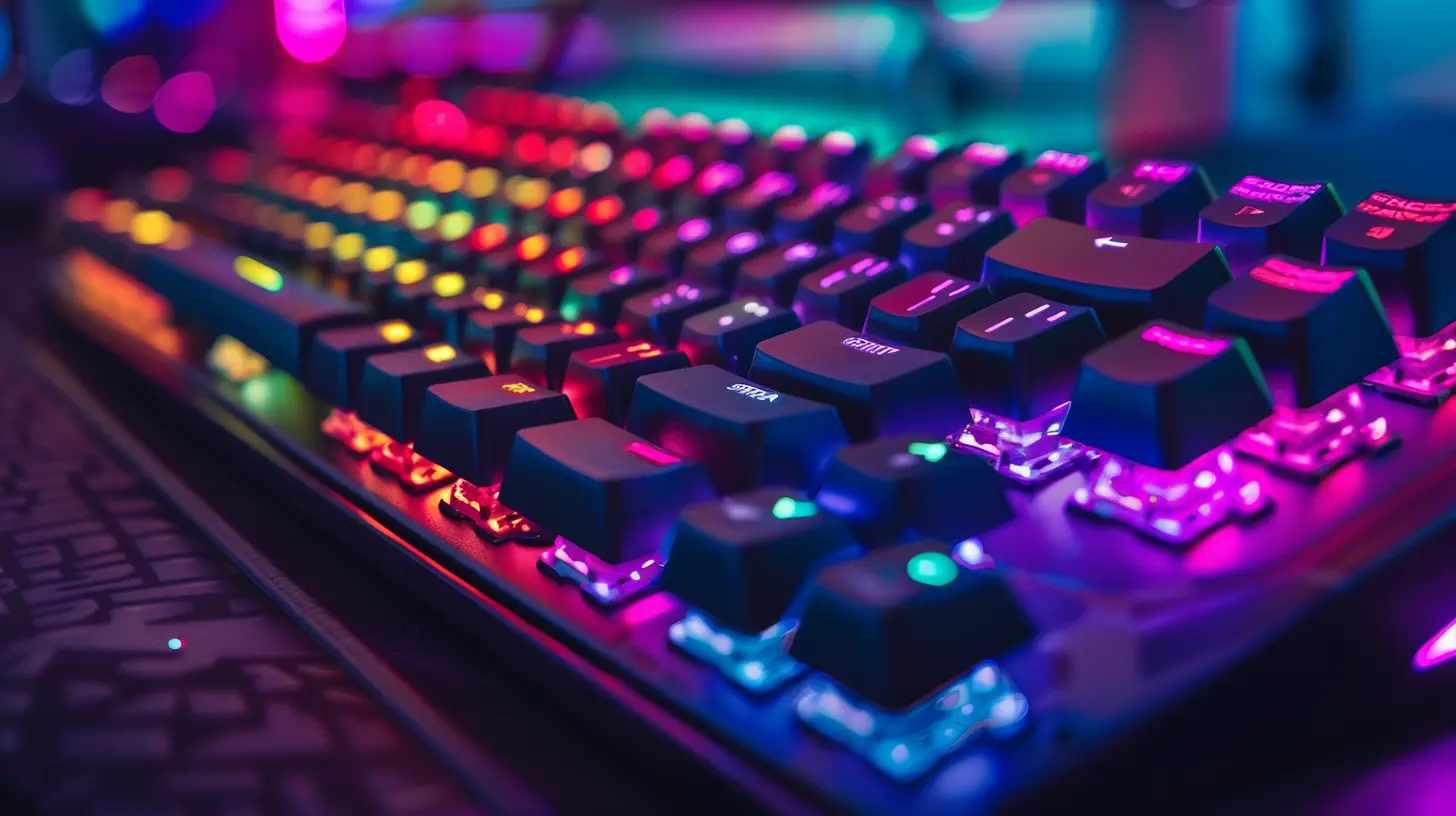
Pro Tips for Streamers Upgrading Their Keyboard
- Test Keyboards in Person (if possible): Even with glowing reviews, the feel is super subjective.- Pair With a Quality Mic Setup: If your keyboard is a little noisy, your mic settings can offset that.
- Use Software Wisely: Most top keyboards come with software for lighting, macros, and profiles—learn to use those features well.
- Think About Vibe Matching: Your keyboard is part of your personal stream brand—color schemes and lighting should fit your theme.
Final Thoughts
Streaming isn’t just about being entertaining anymore. It's about creating an experience where everything—from your gameplay to your gear—works together flawlessly. Whether you're a full-time Twitch partner or just getting your feet wet, choosing the right gaming keyboard can make your stream look, sound, and feel next-level.Your keyboard is your weapon. It’s your command center. It’s also the thing viewers see every time you do a desk cam, an unboxing, or a “What’s My Setup” Q&A. So make it count.
From the ultra-premium SteelSeries Apex Pro to the endlessly modifiable Keychron Q lineup, there's now a keyboard for every type of streamer—from the sweaty FPS gamer to the chill variety player who just wants a low-key, good-looking board.
Just pick your budget, figure out your must-haves, and pull the trigger. Your fingers (and your viewers) will thank you.
all images in this post were generated using AI tools
Category:
Gaming KeyboardsAuthor:

Whitman Adams
Discussion
rate this article
1 comments
Sabrina Blair
Great insights! These keyboards look awesome.
June 14, 2026 at 2:48 PM
Whitman Adams
Thanks for the feedback! I'm glad you liked the keyboards.